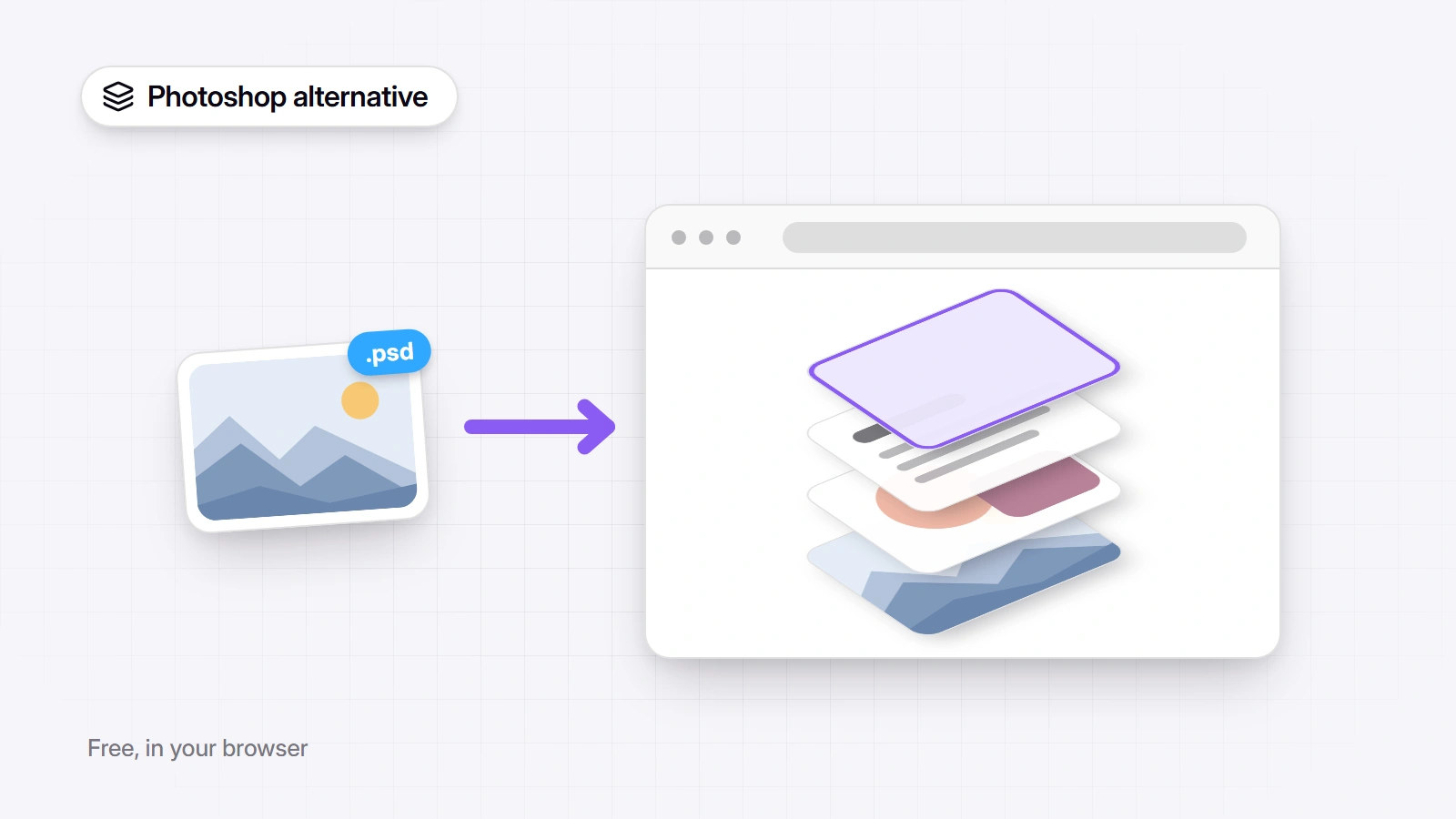
What can a free Photoshop alternative do with a PSD?
Minda Files opens a .psd with its layers and lets you change them. That covers the jobs that come with a file someone sent you: checking a design, hiding a layer, fixing a word on a text layer, adding a logo and exporting the result.
- Show, hide, rename, reorder, copy and delete layers.
- Move and scale a layer, and set its opacity and blend mode.
- Set brightness, contrast, saturation, hue or black and white as adjustment layers.
- Retype a text layer, or add a picture as a new layer.
- Paint on a new blank layer with Brush and Eraser, and write, draw or add shapes on top.
How do I open and edit a PSD in my browser?
- Open Edit Photoshop file, then drop the .psd file on the page or press Choose a file.
- Pick a layer in Layers to show or hide it, rename or move it, or set its opacity, blend mode and adjustments.
- Write, draw, add shapes or a picture on top with the mark-up tools.
- Download it as a Photoshop file with its layers, or as a PNG, JPEG or PDF.
Which PSD files open with their layers?
Layers open for a .psd saved in 8-bit RGB or grayscale color. Other files open as one flat picture, or not at all, and the message says how to save a file that opens.
| PSD file | What you get | Limit |
|---|---|---|
| .psd in 8-bit RGB or grayscale, with at least one layer | Every layer, to show, hide, move, blend and adjust | Up to 100 MB, within your plan's file size |
| .psb, or a CMYK, indexed, duotone or 16-bit file, or a .psd too big for layers | The flattened picture, to crop, turn, resize, mark up and download | Up to 40 megapixels |
| Lab, Multichannel or 32-bit file | Does not open | The message says how to save one that opens |
| A file saved without Maximize Compatibility | Does not open | It holds no flattened picture, so save it again with that option on |
What can the picture editor do with JPG and PNG files?
A picture with no layers opens in the picture editor. Crop it, turn it, resize it, and write or draw on it. It takes PNG, JPG, WebP, GIF and BMP and downloads in the format you need, so it also converts one picture type to another. The picture editor guide goes through every option.
Picture AI adds jobs that need a model: remove a background, erase, expand a picture, edit it by words or select its subject. It runs on a signed-in account's Minda AI credits and shows the price first. Most Picture AI jobs send the picture to the model, which is the one case where a picture leaves your browser. On a layered PSD it works on the flat picture, so that download has no layers.
How much does Photoshop cost?
Adobe sells Photoshop as a subscription. The table lists the plans on Adobe's page when it was read on October 22, 2026, in US dollars with the US site selected.
| Adobe plan | Price shown by Adobe | What Adobe lists |
|---|---|---|
| Photoshop | US$22.99/mo | Desktop, web and mobile with Express Premium. Annual plan, billed monthly. 7-day free trial |
| Photography plan | US$19.99/mo | Photoshop and Lightroom |
| Firefly Pro | US$19.99/mo | Photoshop on web and mobile |
| Creative Cloud Pro | US$69.99/mo | Regular price. New subscribers pay US$34.99/mo for the first 3 months |
What does a browser editor not do that Photoshop does?
Minda Files edits a PSD, but it is not Photoshop. Heavy retouching and print color work still belong in Photoshop, while opening, checking and lightly changing a PSD someone sent you needs only a browser.
- It has no lasso, clone stamp, healing brush or liquify. It does have a Magic Wand for selections, and Brush and Eraser for painting on a layer.
- A Lab, Multichannel or 32-bit file does not open, and a .psb, CMYK or 16-bit file opens as one flat picture, with no layers.
- Picture AI changes the flat picture of a layered PSD, so the download has no layers.
Is my PSD uploaded?
No. The editor runs in your browser and the file is not sent to a server. Two parts send something on purpose, both to Minda AI: most Picture AI jobs send the picture they work on, and Ask AI sends what you ask and the text of the file it needs.
Limits
- It is not a full Photoshop replacement: there is no lasso, clone stamp, healing brush or liquify.
- Only a .psd in 8-bit RGB or grayscale color opens with its layers. Other files open as one flat picture, or not at all.
- Files open up to 10 MB signed out and 20 MB signed in on the free plan. The Files plan and Pro open up to 256 MB.
- Picture AI needs a signed-in account and its Minda AI credits, and on a layered PSD it flattens the download.
Questions
Is there a free Photoshop alternative that opens PSD files?
Yes. Minda Files opens PSD files in your browser with their layers, free and with no account. You can show, hide, move and blend layers, write on the file and download a PSD, PNG, JPG or PDF.
Does the downloaded PSD keep my layers?
Yes. Download as Photoshop file writes every layer as Layers shows it, with your marks as a layer named Minda marks on top. After a crop, turn or resize, the picture is written as one layer.
Why does my PSD open without its layers?
Layers open only for a .psd in 8-bit RGB or grayscale color. A .psb, CMYK or 16-bit file opens as its flattened picture, which you can still mark up and download.
Can I open an Illustrator file the same way?
Yes, an .ai file opens in Edit Illustrator file as the PDF it carries. You can write on it, sign it and show or hide its layers, but you cannot edit its paths.