Browse guides
Guides
Guides for every Minda Files tool
Each guide covers one Minda Files tool in full: every option, a worked example, what goes wrong and how to fix it, the limits, and whether your file leaves your computer. For a short answer to a question people search, read the blog.
53 guidesFree, in your browserLast updated
PDF pages
12 guides
 Guide
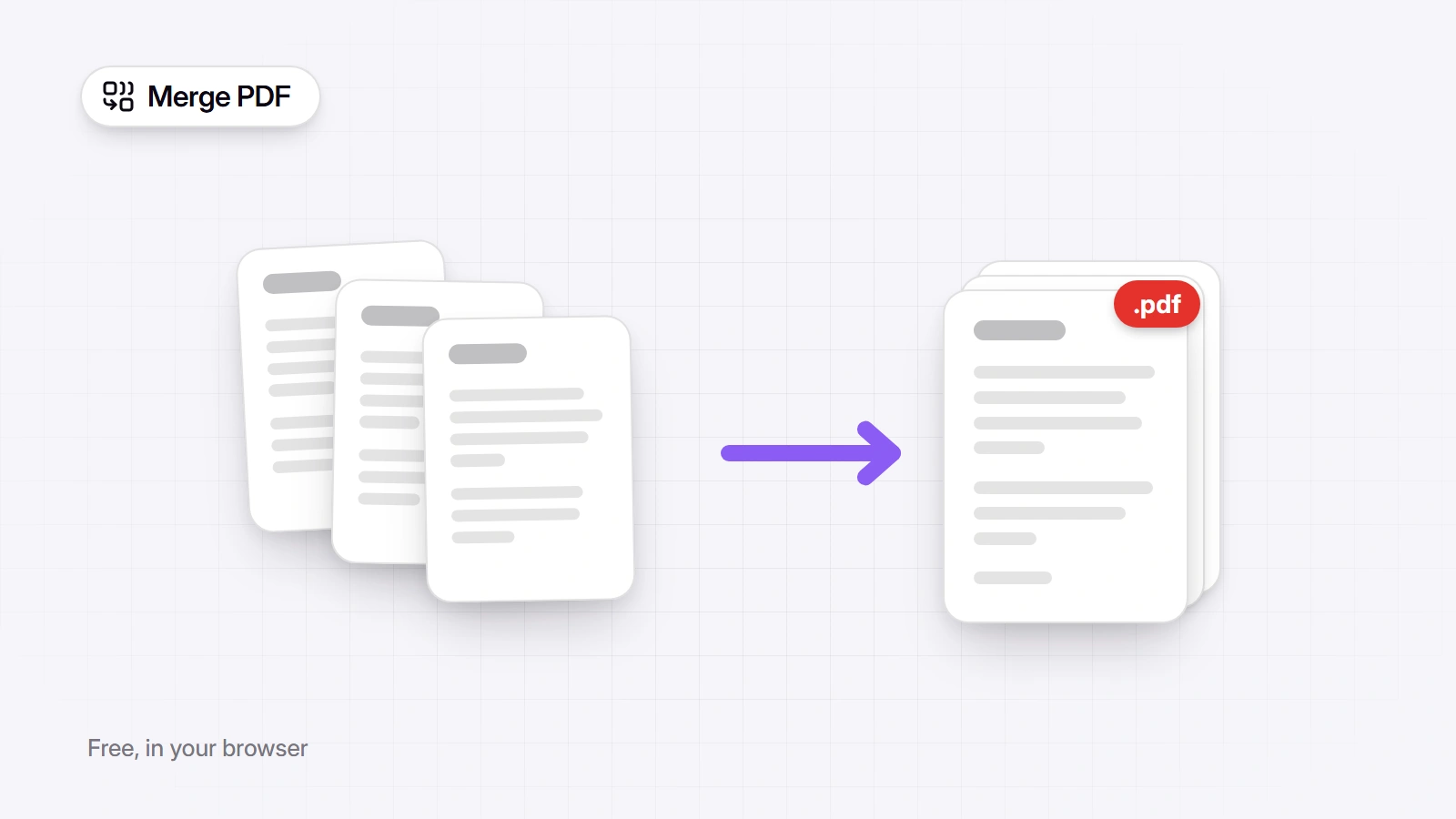
How to use Merge PDF in Minda Files
Every control in Merge PDF: file order, what the merged PDF keeps, the 50-file limit and the errors you may meet. Free, and nothing is uploaded.
Read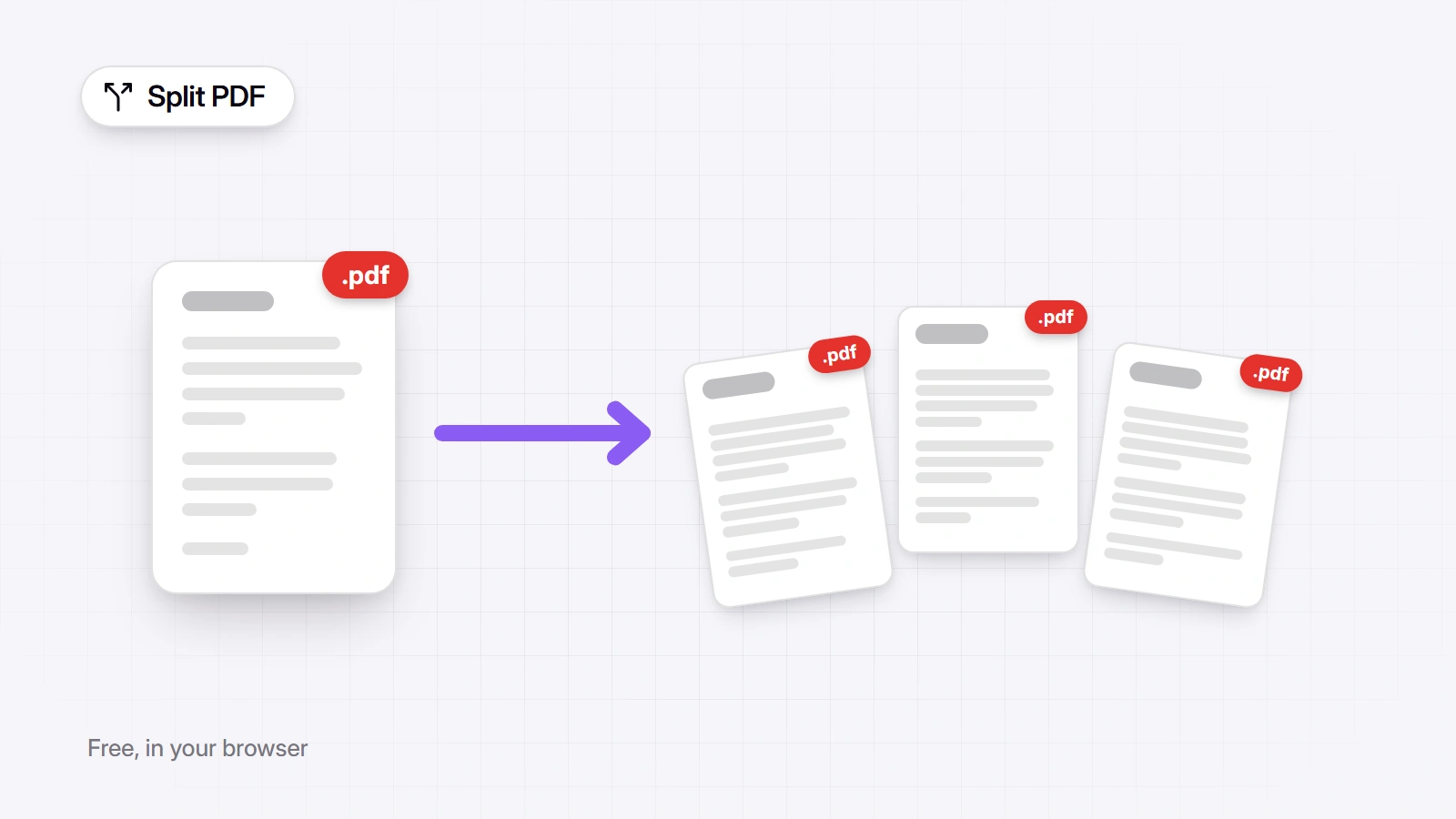 Guide
How to use Split PDF in Minda Files
Split PDF in Minda Files: page ranges, every N pages or picked pages, how the files are named, the errors you may see and the limits. Free.
Read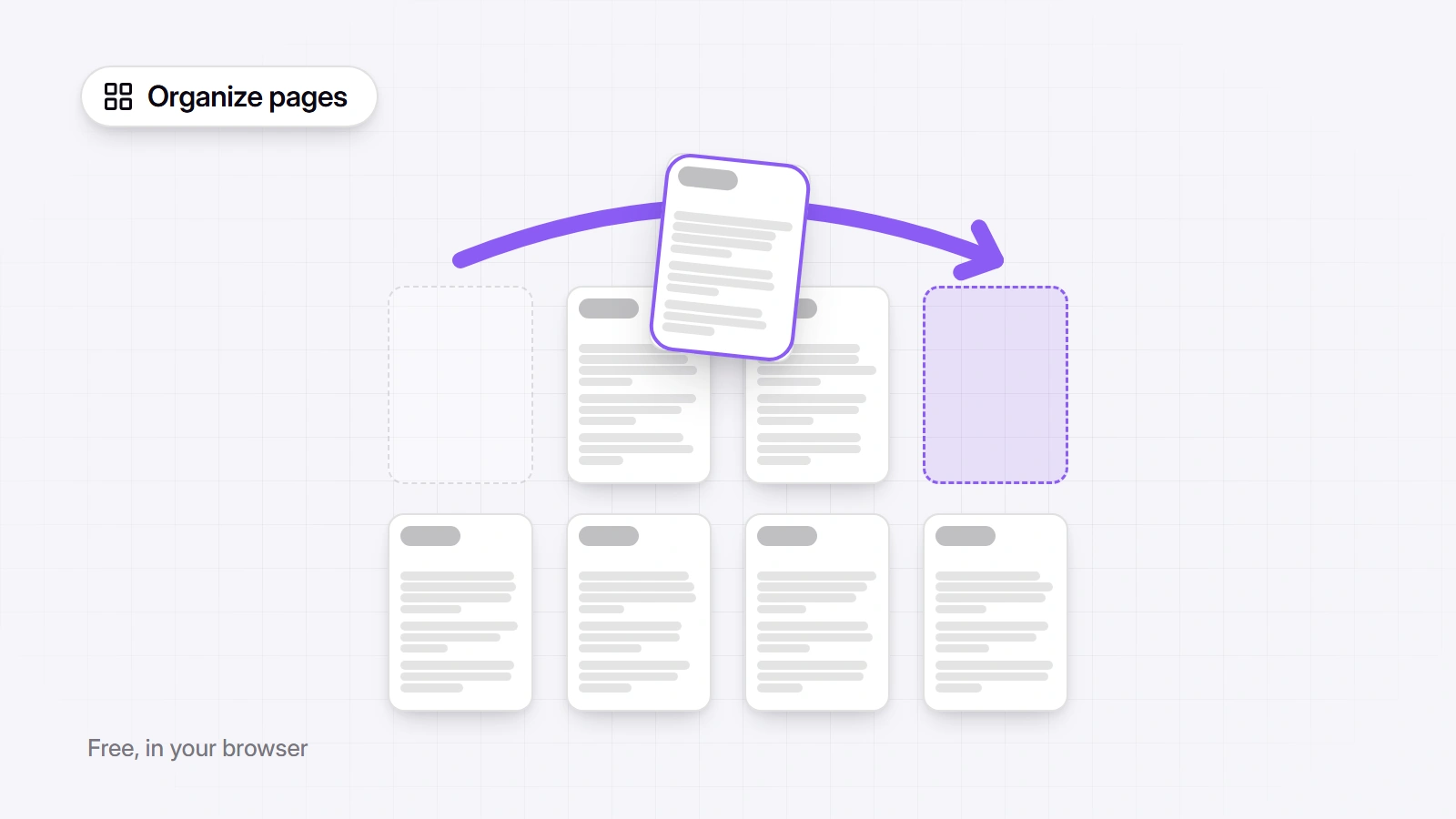 Guide
How to use Organize PDF pages in Minda Files
Organize PDF pages in Minda Files: the page board, the typed order, turns that add up and the errors you may see. Free, and nothing is uploaded.
Read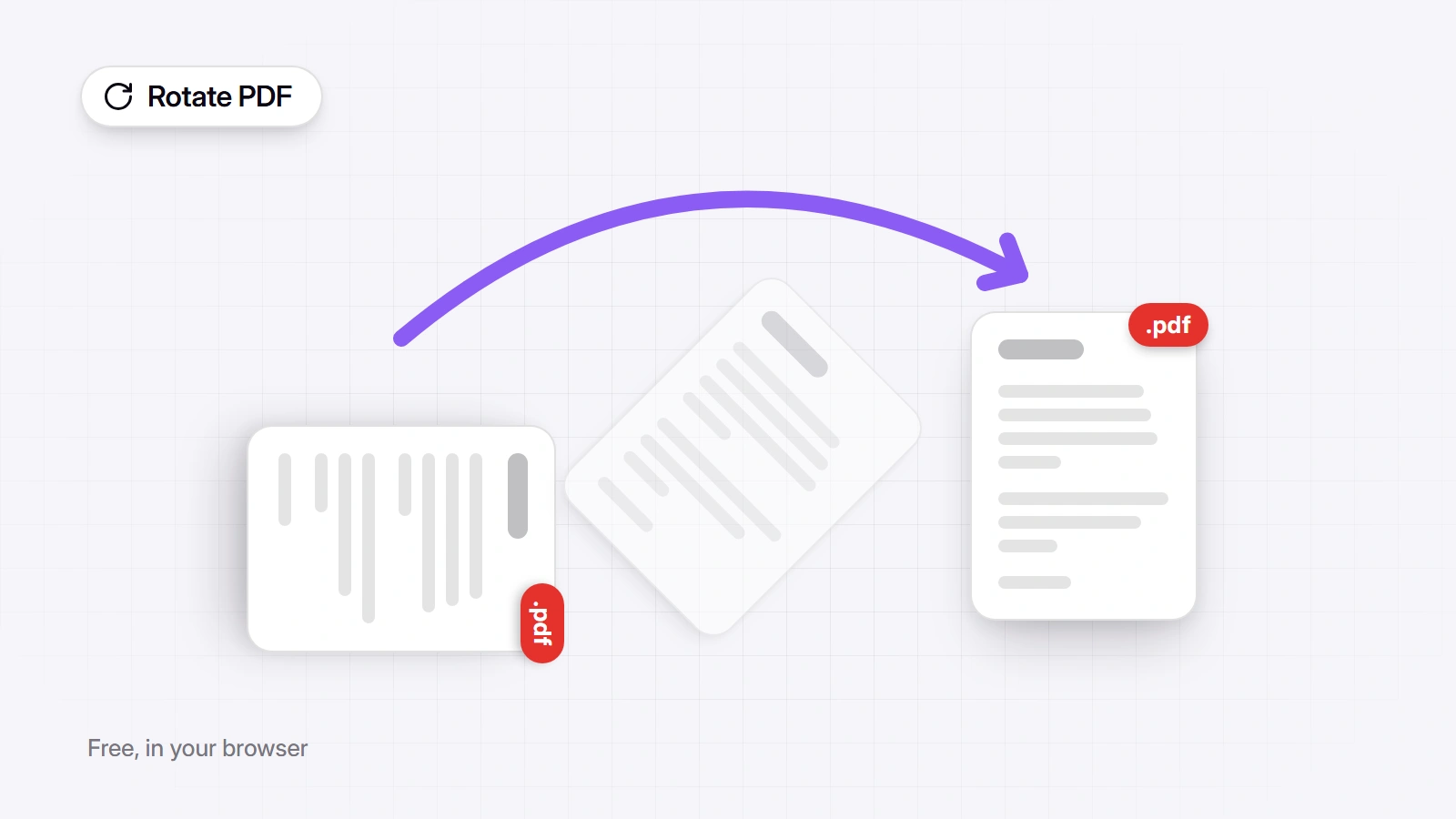 Guide
How to use Rotate PDF in Minda Files
Rotate PDF in Minda Files: turn every page or just some, choose how far and save the turn into the file. Free, and nothing is uploaded.
Read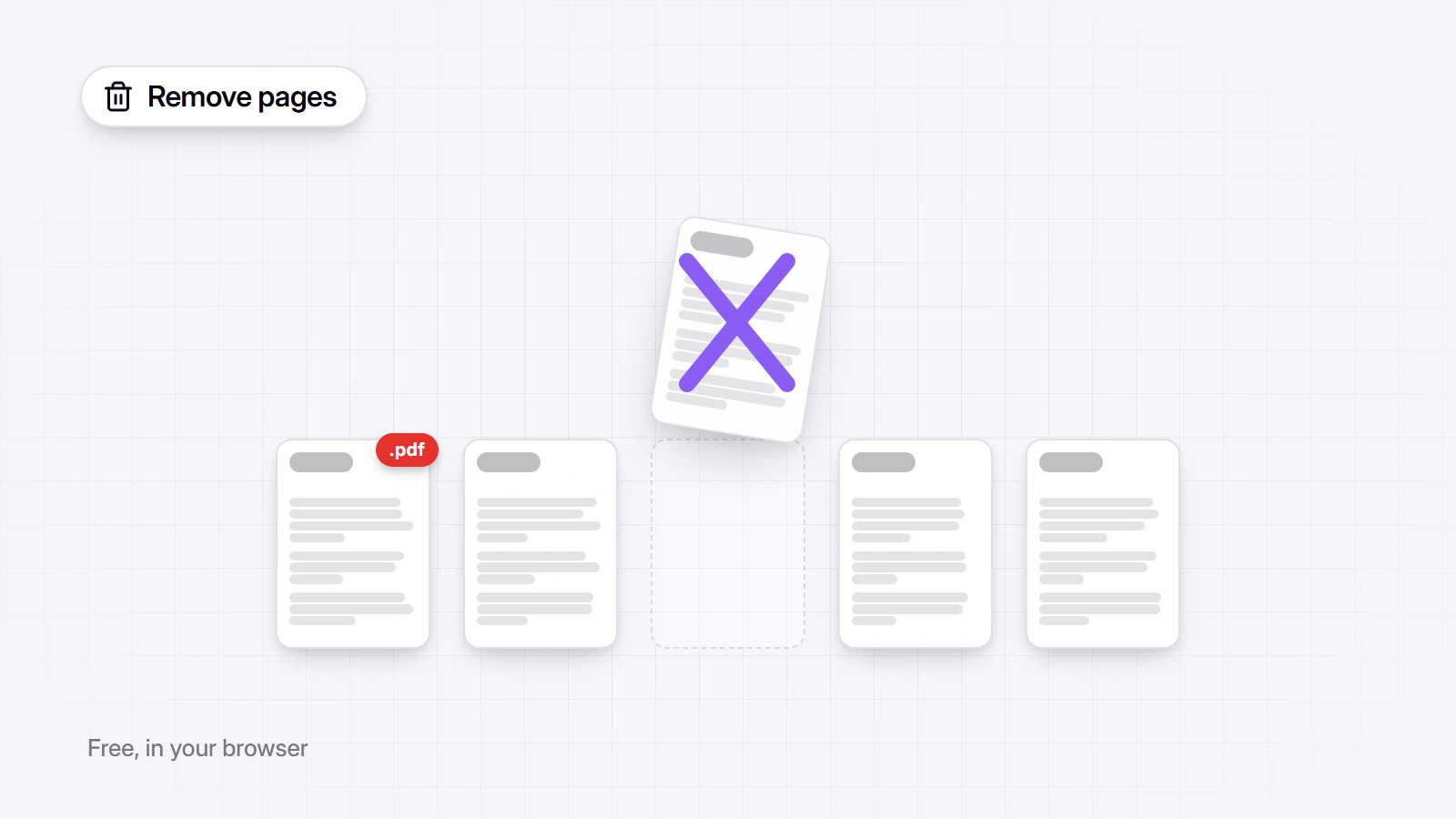 Guide
How to use Remove pages from PDF in Minda Files
Remove pages from a PDF in Minda Files: press the X on the board or type the pages to keep, then download the rest. Free, and nothing is uploaded.
Read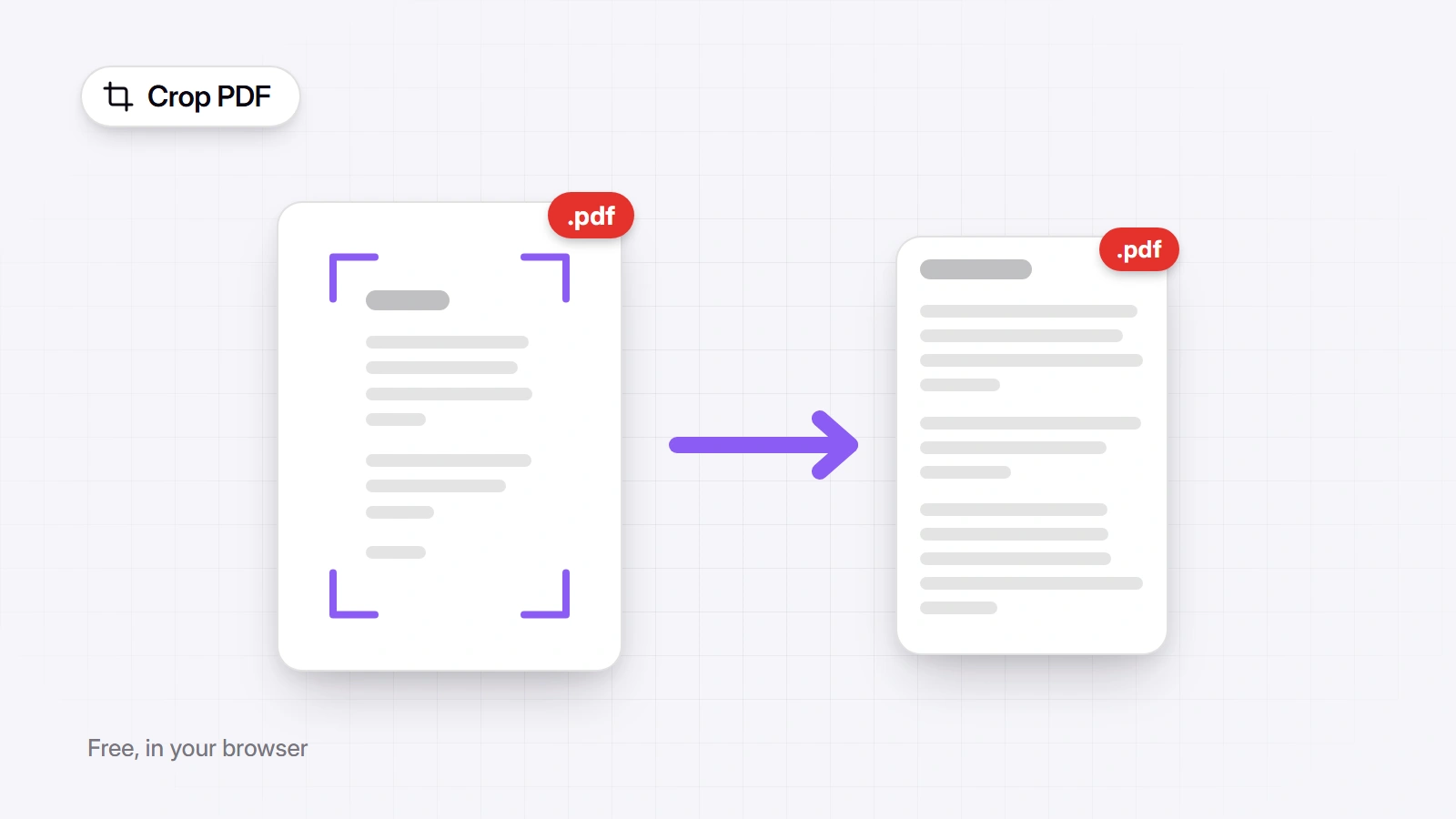 Guide
How to crop a PDF with Minda Files
Crop PDF explained: Auto or margins in mm or inches, the pages to crop, trimming the page size, a worked example, what stays hidden, and fixes. Free.
Read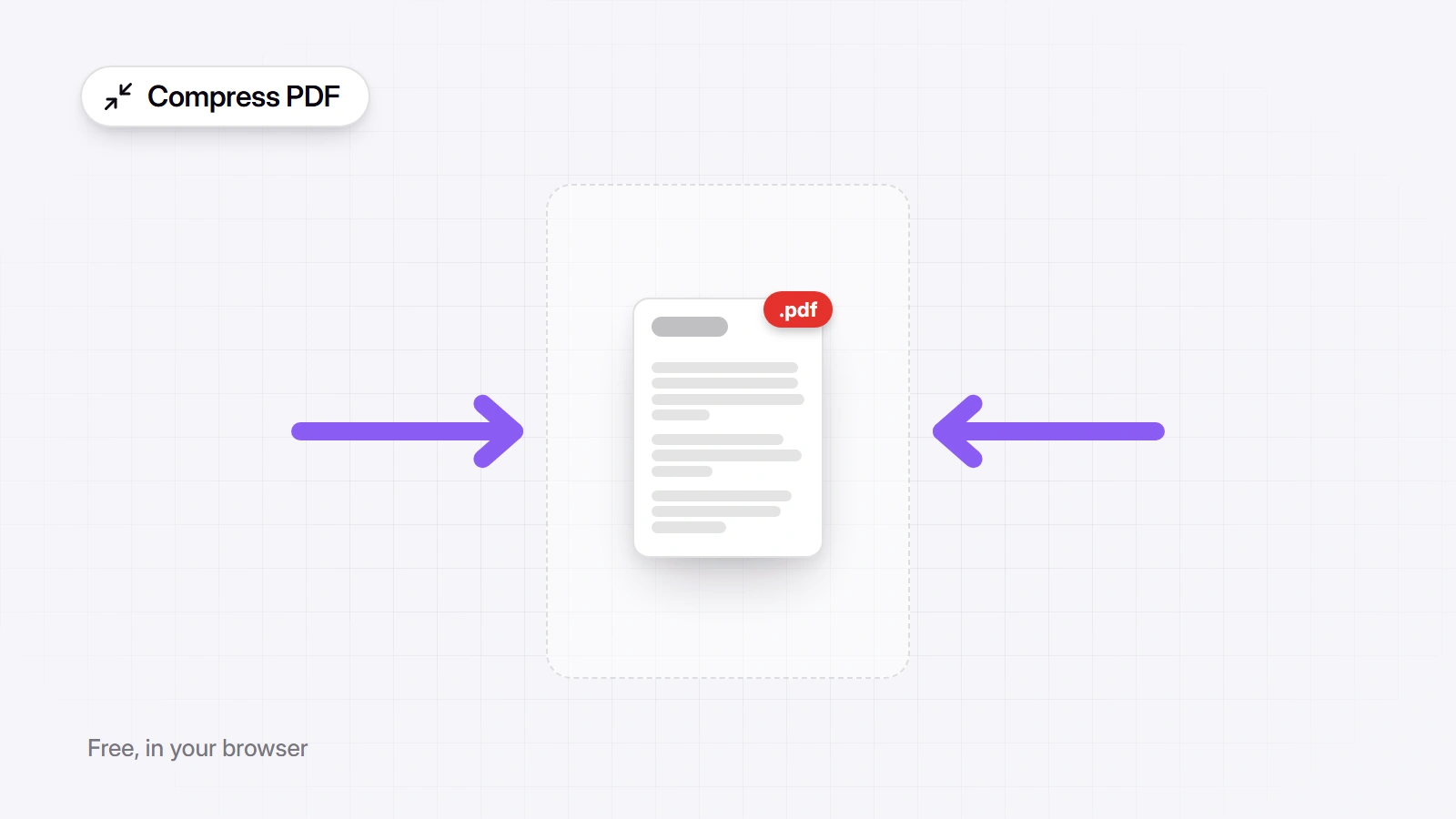 Guide
How to use Compress PDF in Minda Files
Compress PDF in Minda Files: what Less, Recommended and Most change, why some PDFs barely shrink and how to read the result. Free, nothing uploaded.
Read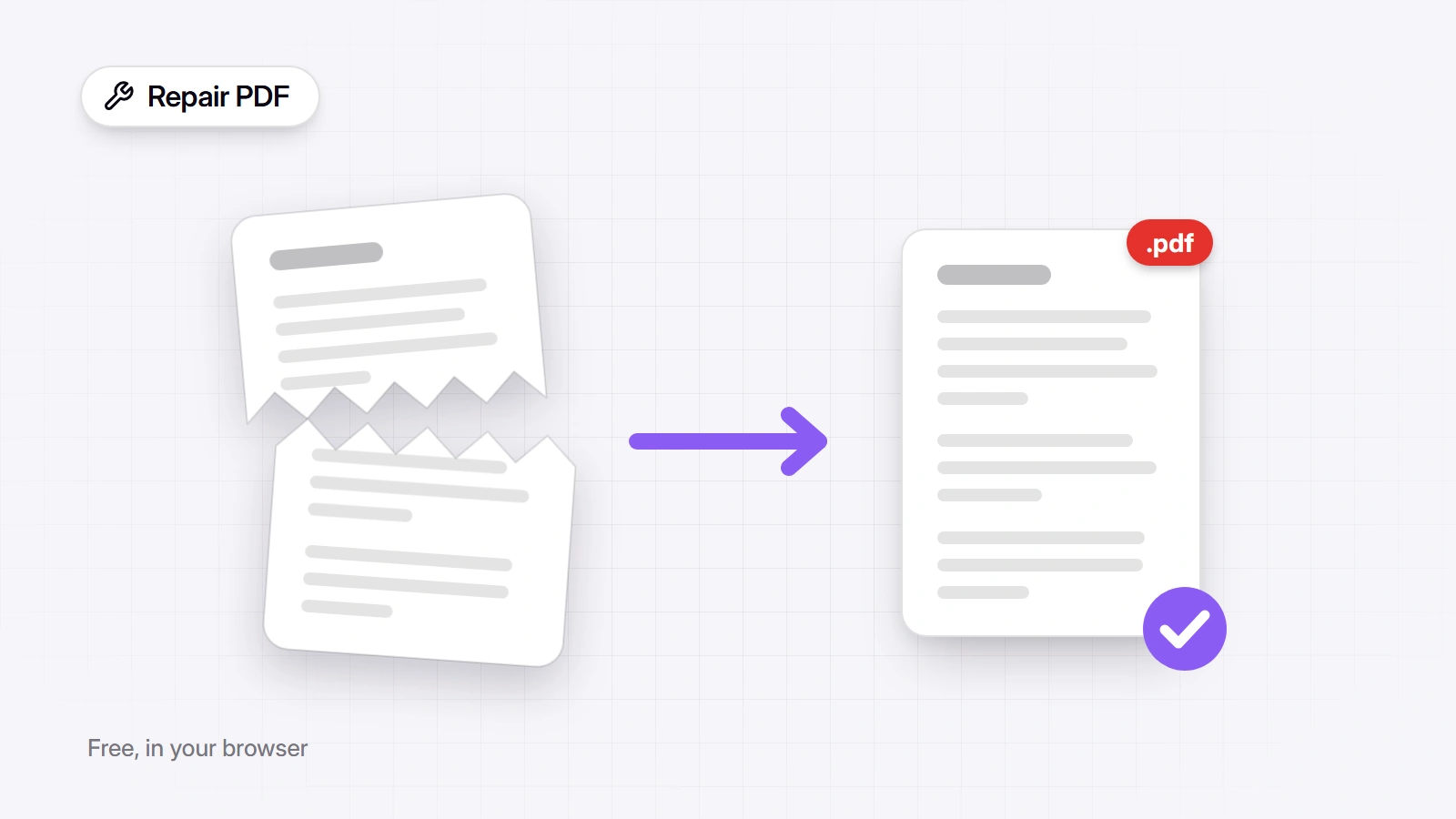 Guide
How to repair a damaged PDF with Minda Files
Repair PDF explained: what damage it mends, what it cannot bring back, how to read its note, a worked example, messages and fixes. Free, in your browser.
Read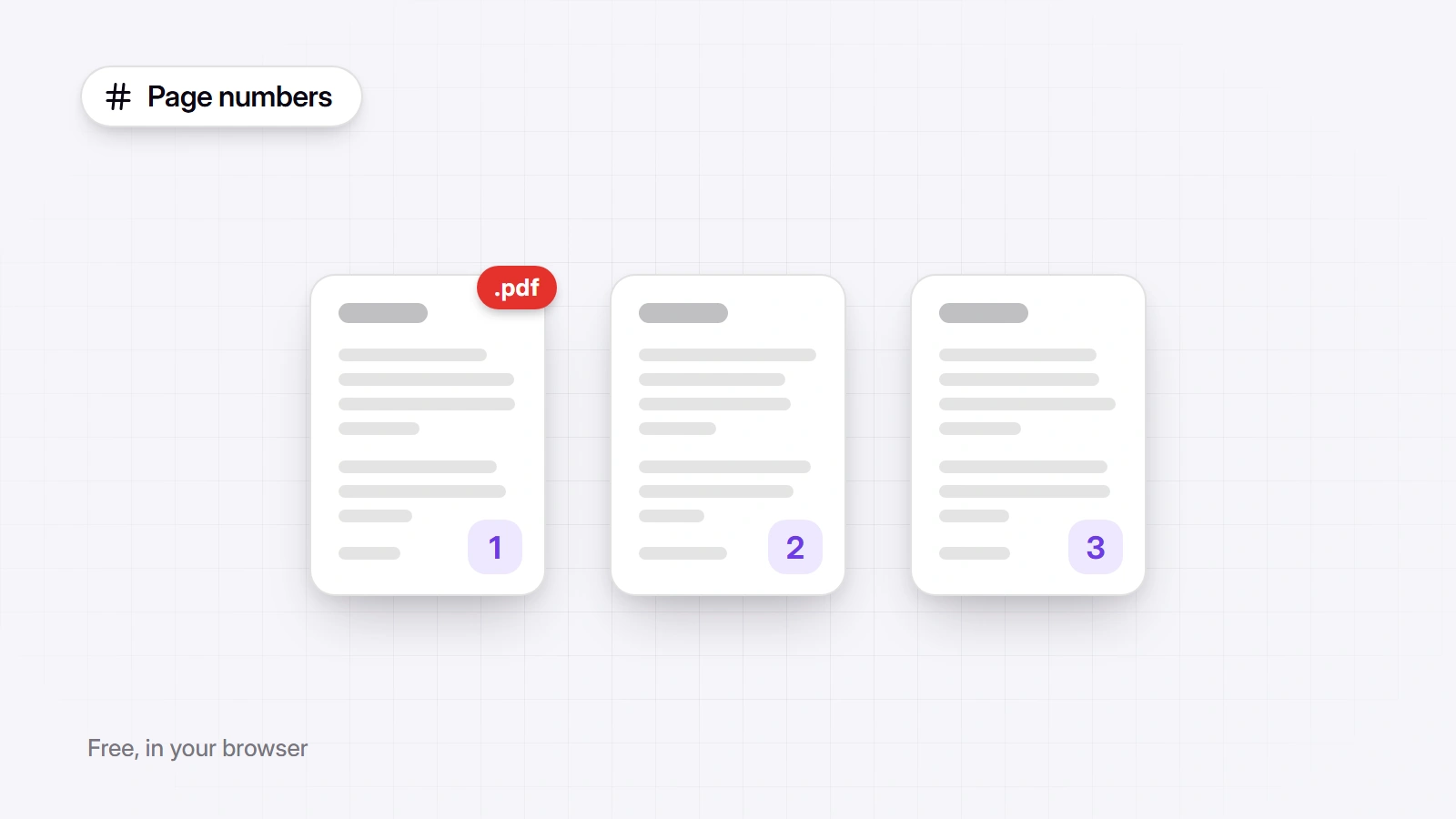 Guide
How to use Add page numbers to PDF in Minda Files
Add page numbers to a PDF in Minda Files: place, format, first number, Bates prefixes and digits, with an example. Free, and nothing is uploaded.
Read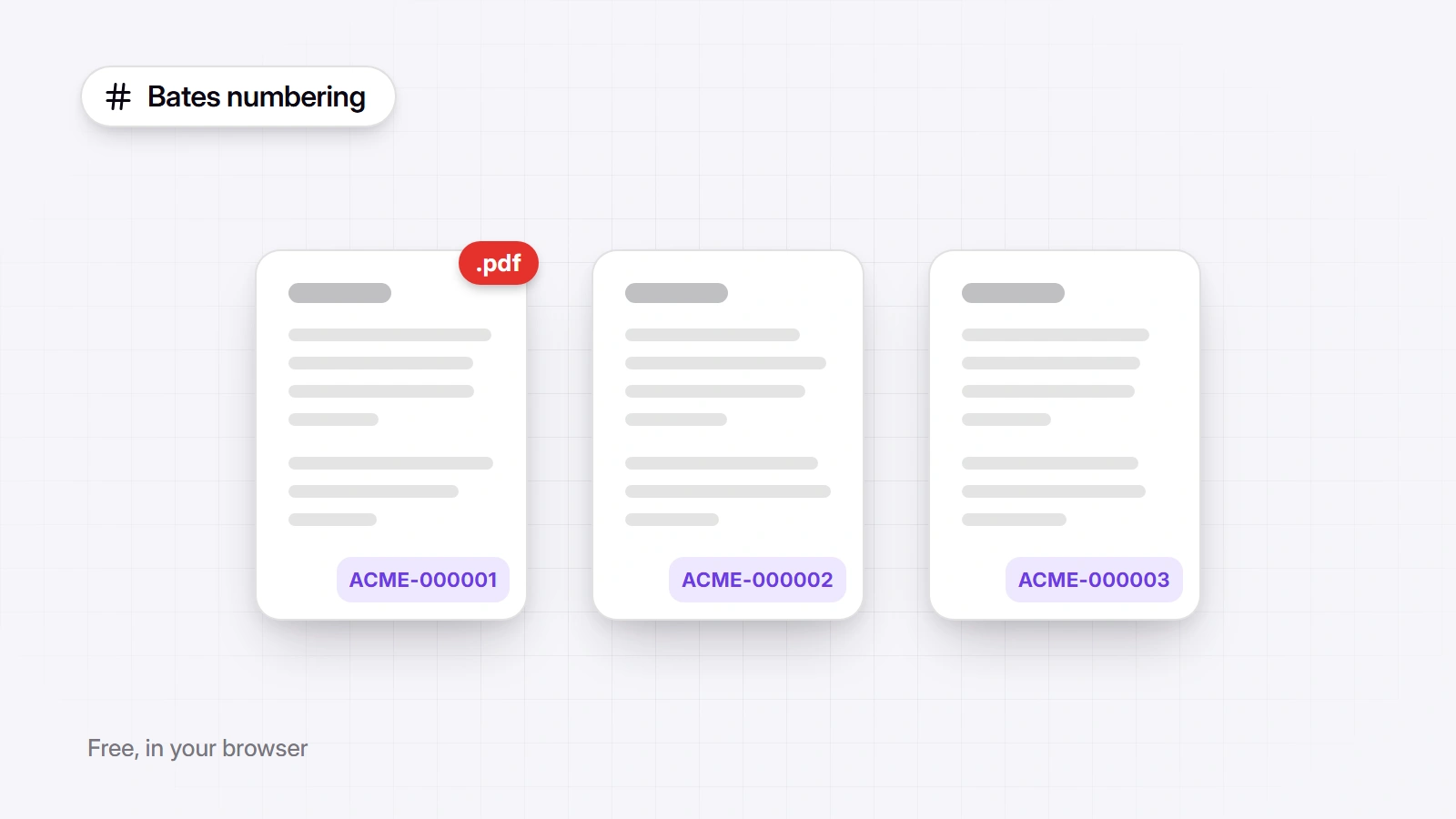 Guide
How to use Bates numbering for PDF in Minda Files
Add Bates numbers to a PDF in Minda Files: a code, digits filled with zeros, a first number and a corner, with an example. Free, and nothing is uploaded.
Read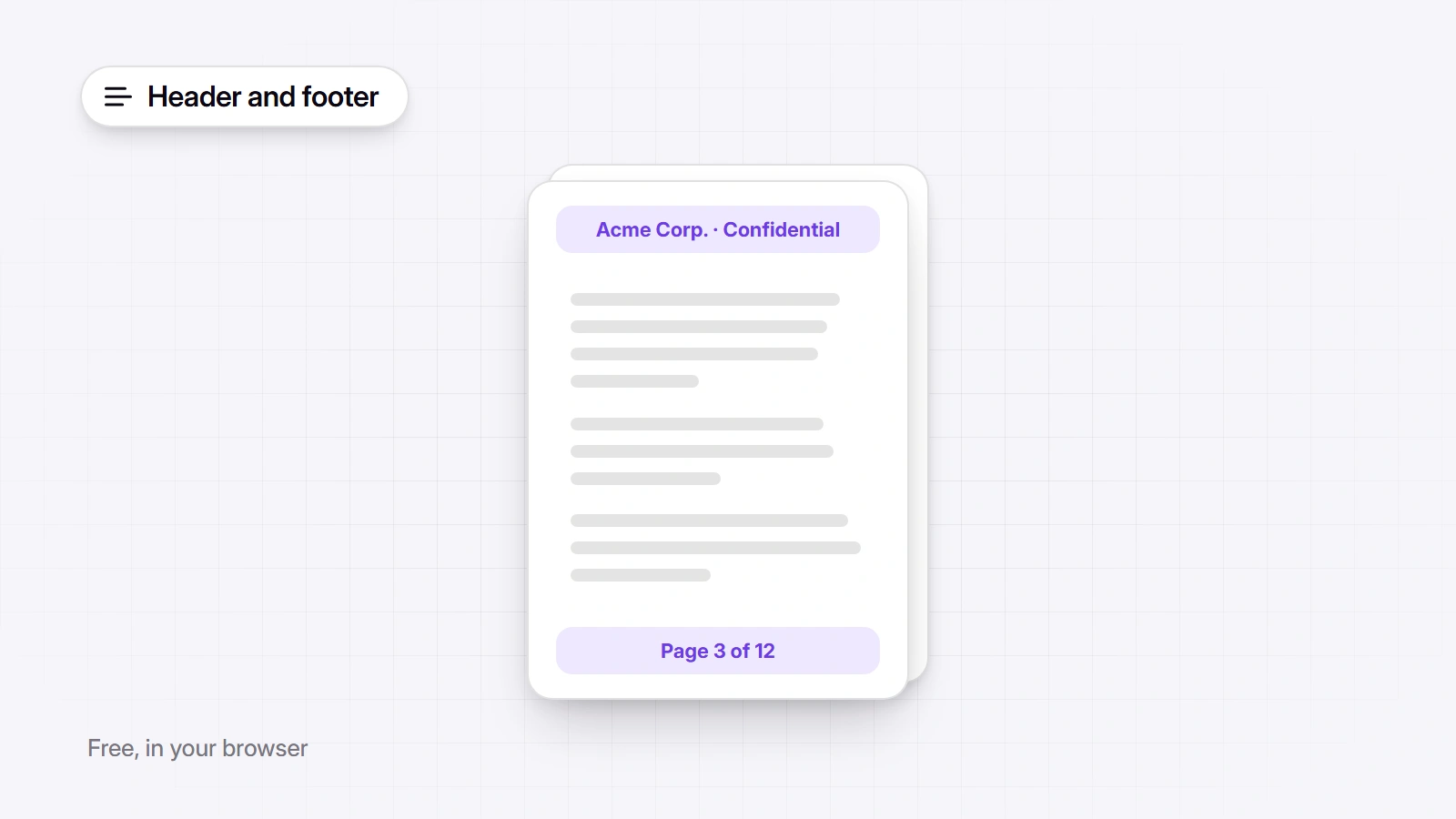 Guide
How to add a header and footer to a PDF in Minda Files
Add a header or footer to a PDF in Minda Files: your words in one of six places, with or without the page number, with an example. Free, nothing uploaded.
Read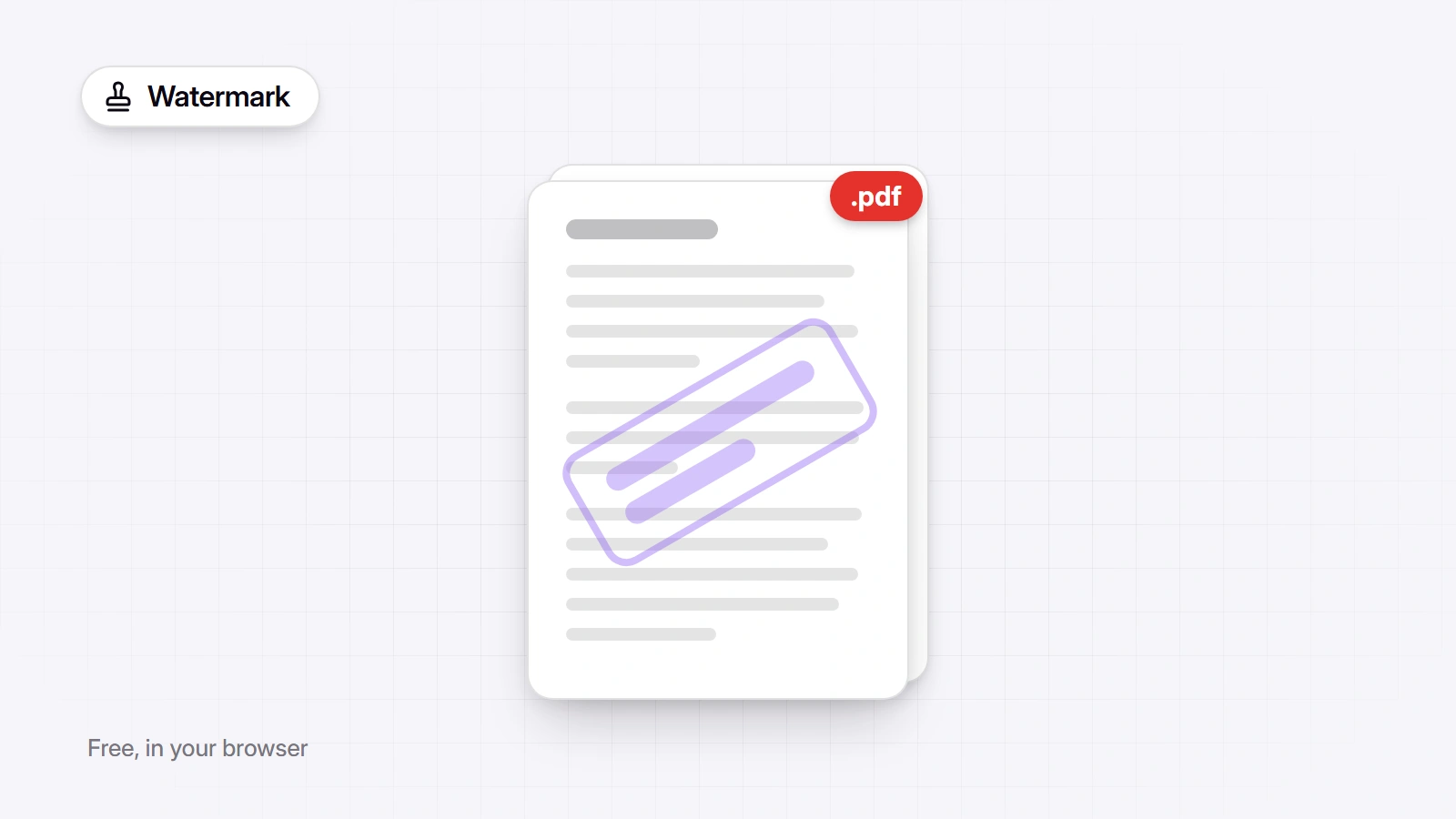 Guide
How to use Watermark PDF in Minda Files
Watermark PDF in Minda Files: the words, strength, angle and size explained, with an example and the limits. Free, in your browser, nothing uploaded.
Read
Convert
27 guides
 Guide
How to use PDF to Word in Minda Files
Every PDF to Word choice explained: Word, ODT, RTF, Markdown or text, how headings, lists and pictures are kept, an example and the limits.
Read Guide
How to use PDF to Markdown in Minda Files
Every PDF to Markdown detail explained: how headings and lists are marked, why backslashes appear, a worked example, limits, and privacy.
Read Guide
How to use PDF to Text in Minda Files
Every PDF to Text detail explained: what a .txt file keeps and drops, why a paragraph is one line, a worked example, limits, and privacy.
Read Guide
How to use PDF to HTML in Minda Files
Every PDF to HTML detail explained: the headings and lists it writes, why the page runs no script and loads nothing, a worked example, limits, and privacy.
Read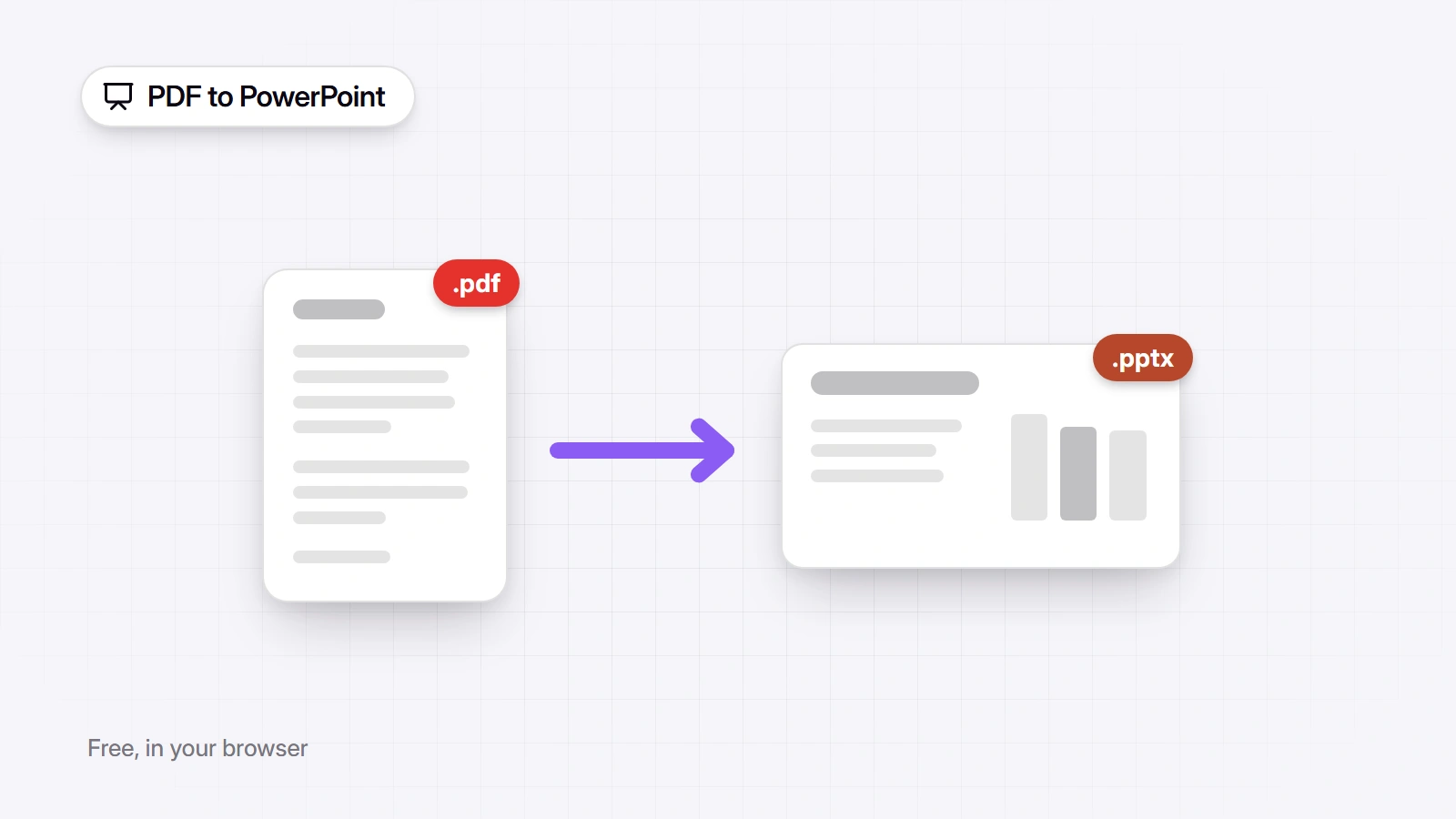 Guide
How to use PDF to PowerPoint in Minda Files
Every PDF to PowerPoint option explained: editable text or pictures, Read picture pages with Minda AI, a worked example, limits, and what is sent where.
Read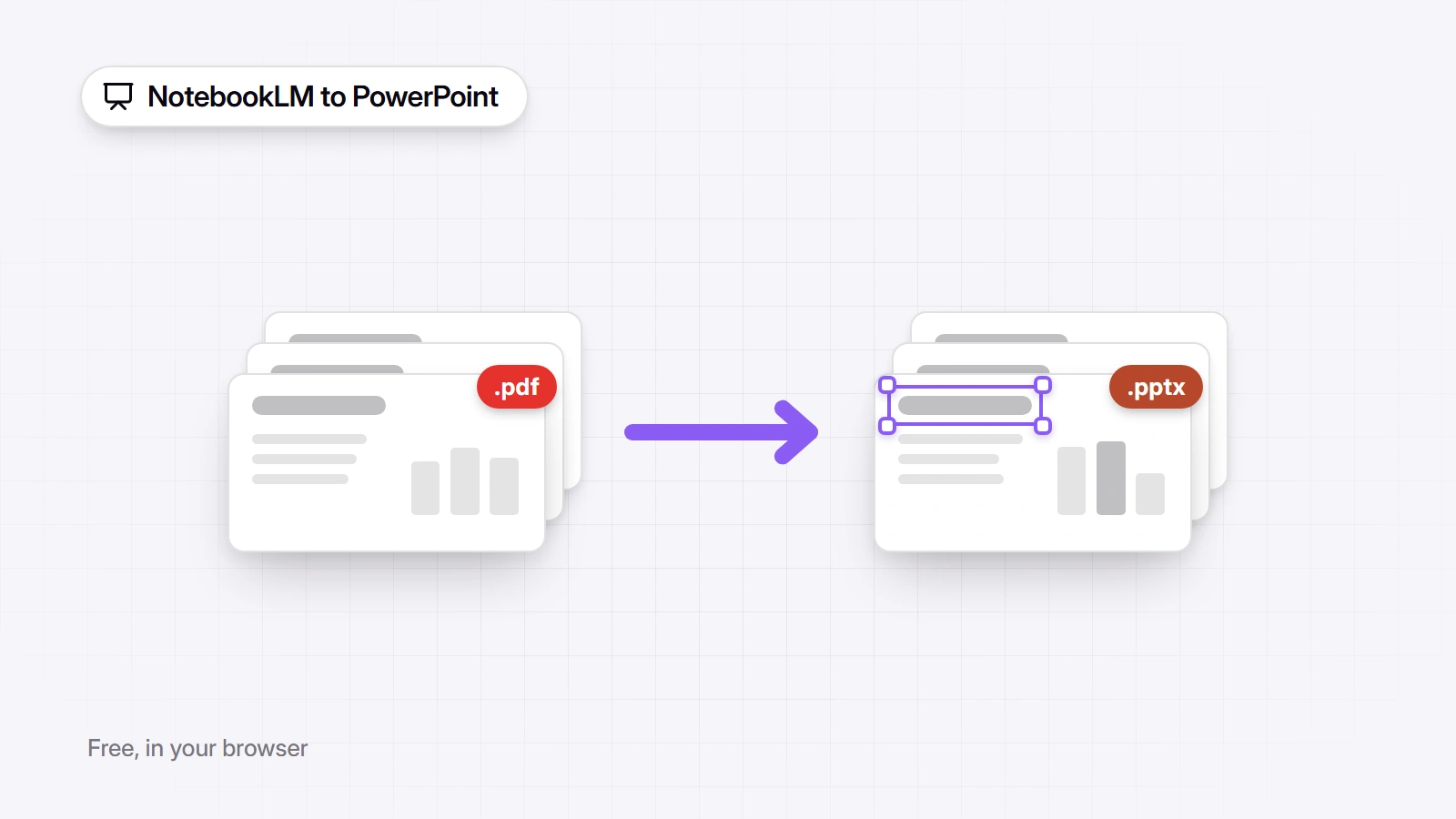 Guide
How to use NotebookLM to PowerPoint in Minda Files
Turn a NotebookLM or Gemini Notebook deck into an editable PowerPoint: the PDF export, each option, a worked example, limits, and what Minda AI sees.
Read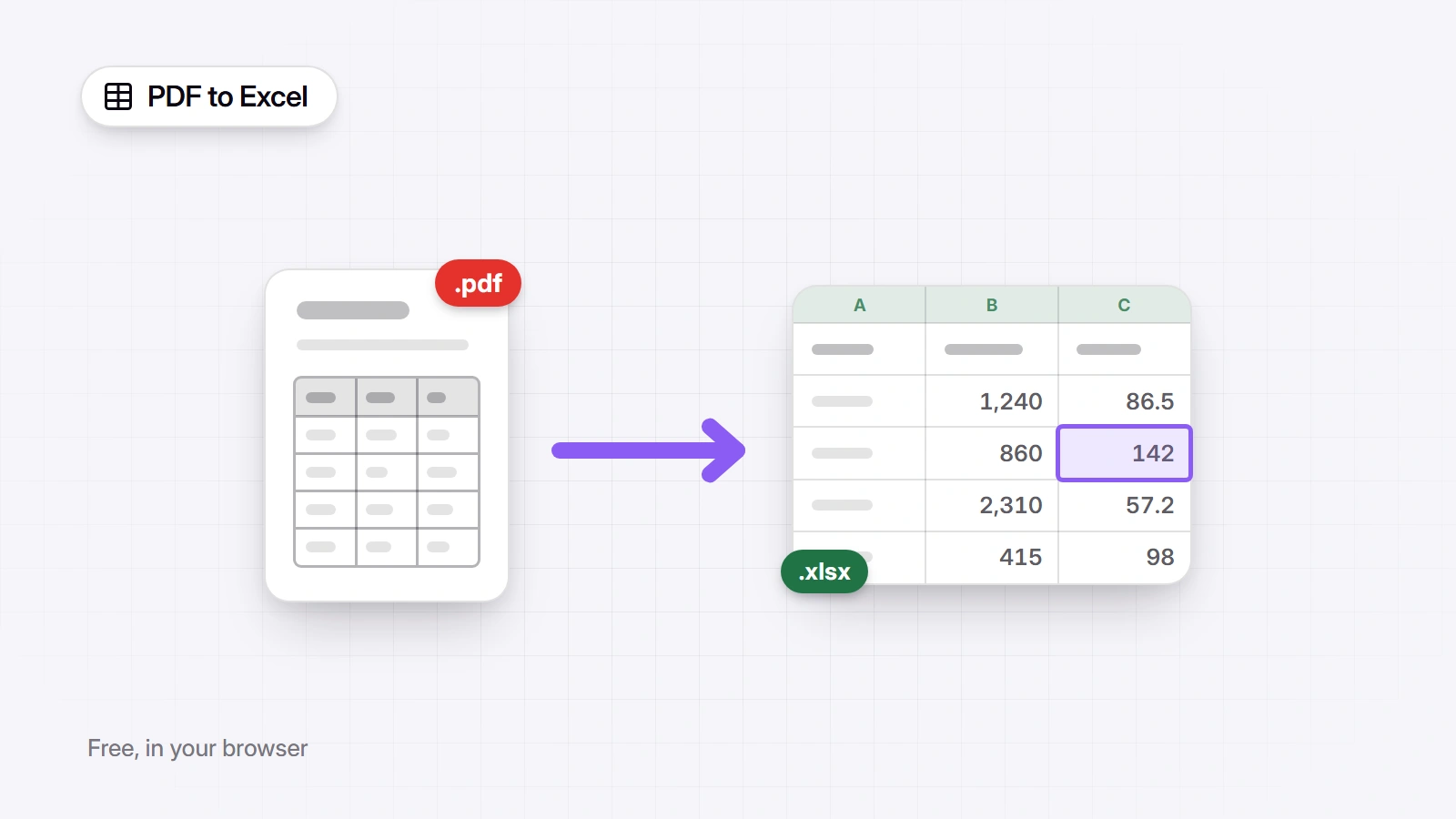 Guide
How to use PDF to Excel in Minda Files
Every PDF to Excel choice explained: how tables are found, which cells become numbers and dates, a worked invoice, limits, and privacy.
Read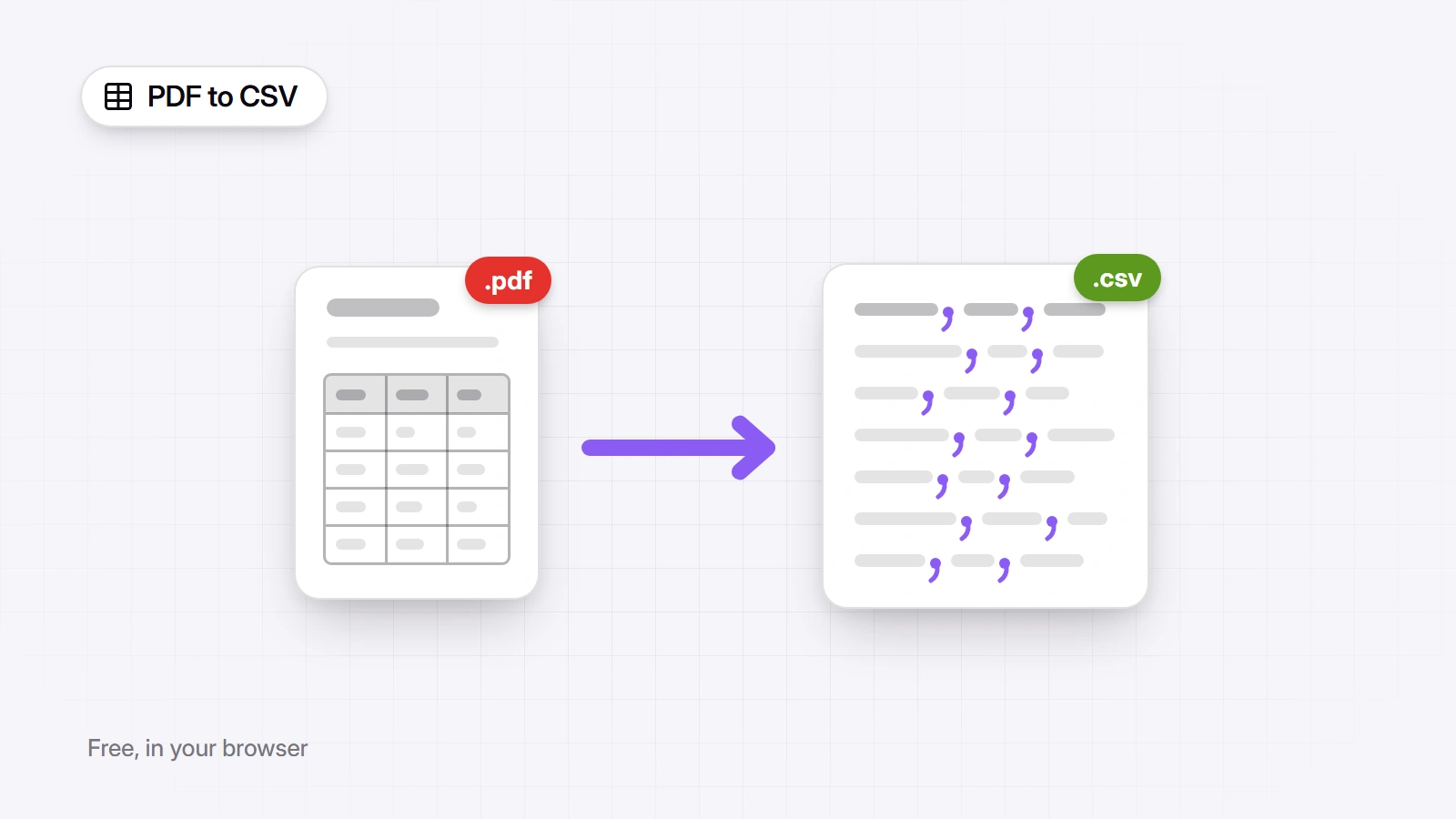 Guide
How to use PDF to CSV in Minda Files
Every PDF to CSV detail explained: a file for each table, quoting, UTF-8 with a byte-order mark for Excel, a worked price list, limits, and privacy.
Read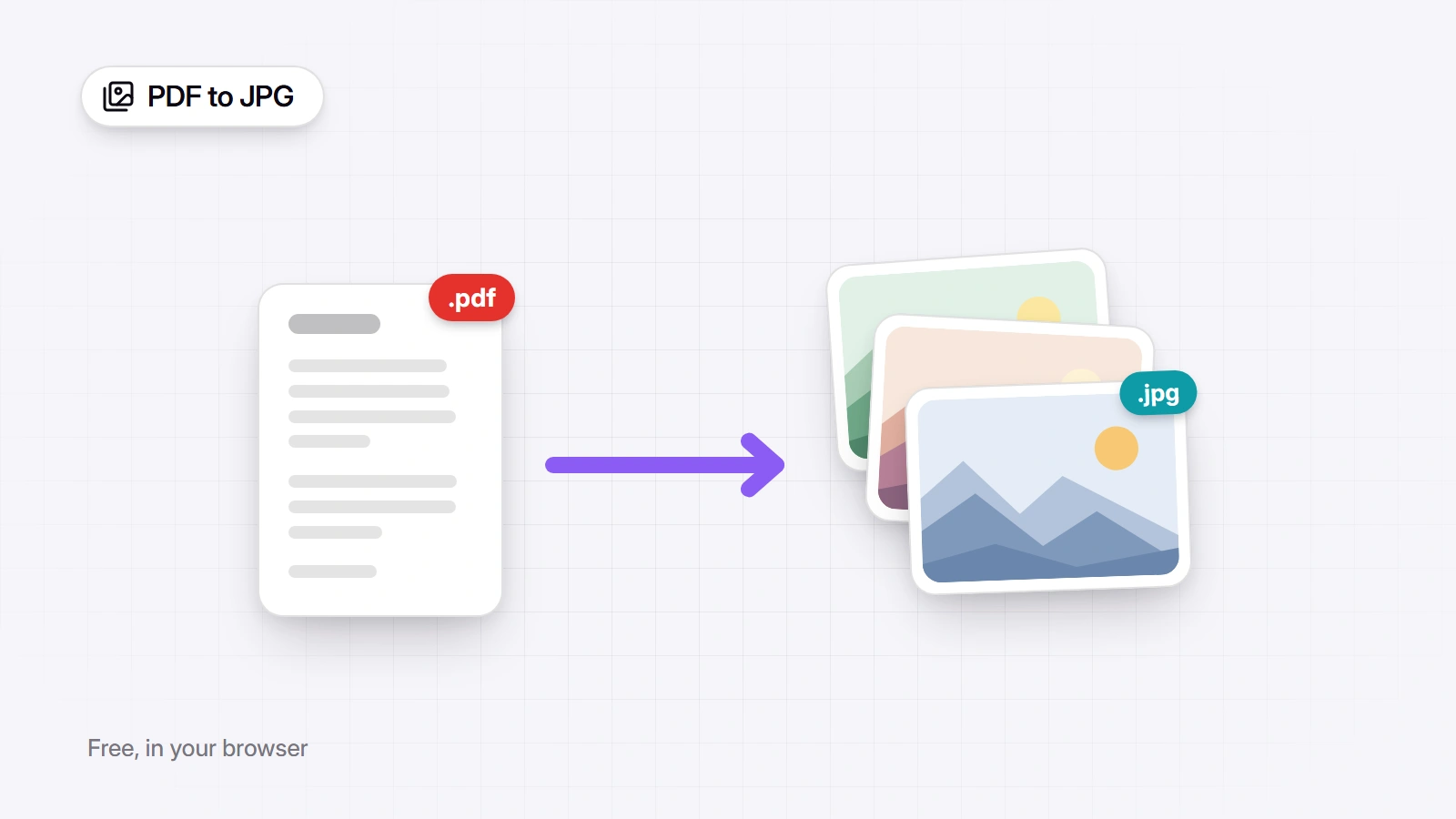 Guide
How to use PDF to JPG in Minda Files
Every PDF to JPG option explained: JPG or PNG, 72, 150 or 300 dpi, how pictures are named and zipped, a worked example, limits, and privacy.
Read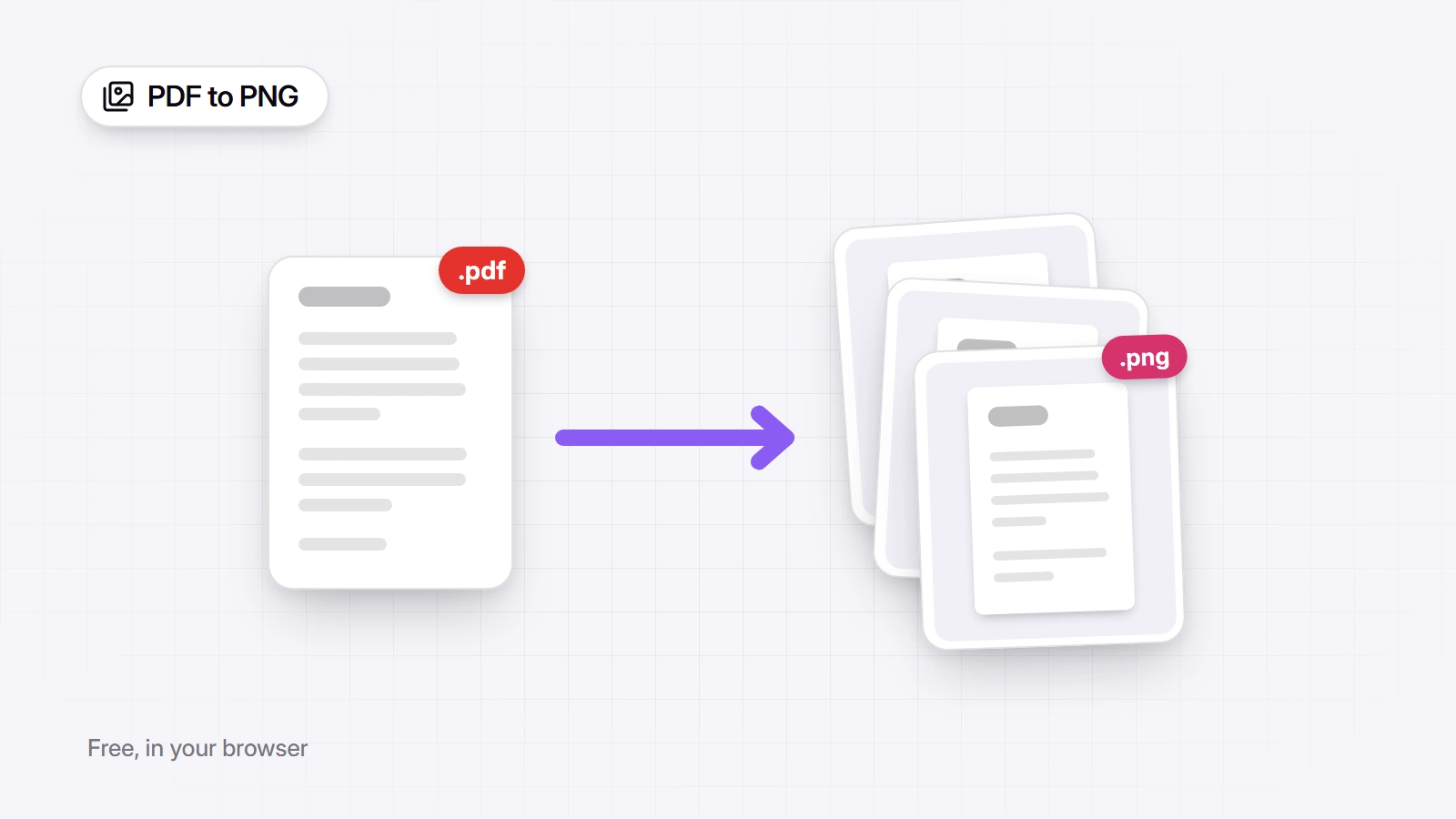 Guide
How to use PDF to PNG in Minda Files
Every PDF to PNG choice explained: why PNG keeps small type sharp, 72, 150 or 300 dpi, the white background, a worked slide example, limits, and privacy.
Read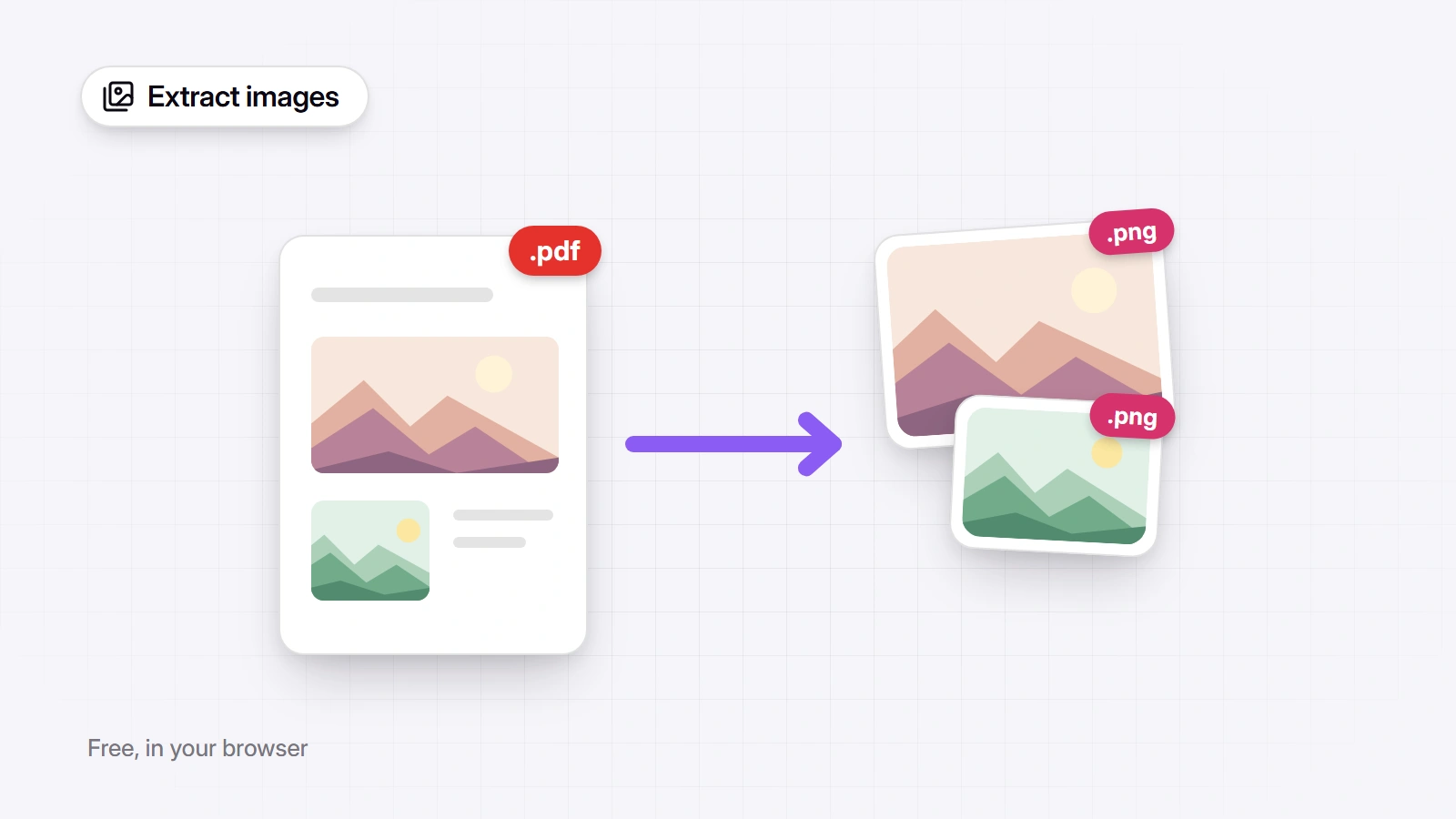 Guide
How to extract images from a PDF with Minda Files
Extract images explained: PNG or JPG, full-page pictures, how files are named, a worked example, what is not a picture, limits and fixes. Free.
Read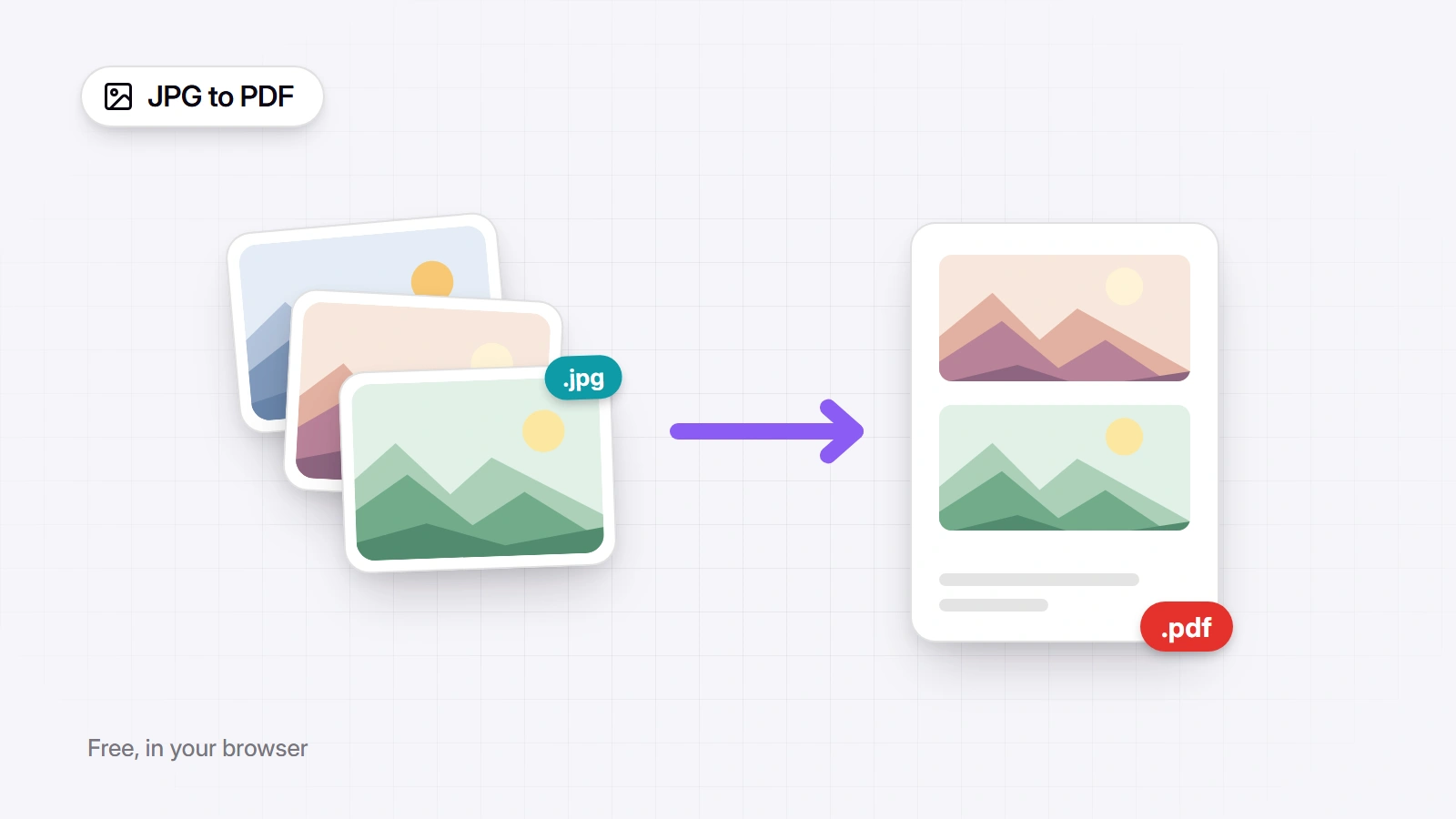 Guide
How to use JPG to PDF in Minda Files
Every JPG to PDF option explained: picture order, Letter, A4 or picture size, how each picture is placed, a worked example, limits, and privacy.
Read Guide
How to use PNG to PDF in Minda Files
Every PNG to PDF choice explained: transparent areas turning white, Letter, A4 or picture size, how a screenshot sits on the page, and a worked example.
Read Guide
How to use Word to PDF in Minda Files
Every Word to PDF option explained: Document size, A4 or Letter, one PDF or many, how pages are laid out, a worked example, limits, and privacy.
Read Guide
How to use PowerPoint to PDF in Minda Files
Every PowerPoint to PDF option explained: Slide size, A4 or Letter, what hidden slides and notes do, a worked example, limits, and privacy.
Read Guide
How to use Excel to PDF in Minda Files
Every Excel to PDF option explained: A4 or Letter, Auto, Portrait or Landscape, how wide sheets fit, a worked example, limits, and privacy.
Read Guide
How to use HTML to PDF in Minda Files
Every HTML to PDF option explained: A4 or Letter, what scripts and web pictures do, EPUB e-books, a worked example, limits, and privacy.
Read Guide
How to use Markdown to PDF in Minda Files
Every Markdown to PDF option explained: A4 or Letter, one PDF or many, headings, tables and code blocks, a worked example, limits, and privacy.
Read Guide
How to use Text to PDF in Minda Files
Every Text to PDF option explained: A4 or Letter, one PDF or many, fixed-width lines, text encodings, a worked example, limits, and privacy.
Read Guide
How to use Convert Office files in Minda Files
How Convert Office files works: Excel to CSV, CSV to Excel, Word to ODT or RTF, PowerPoint to ODP, what each keeps and drops, a worked example, and limits.
Read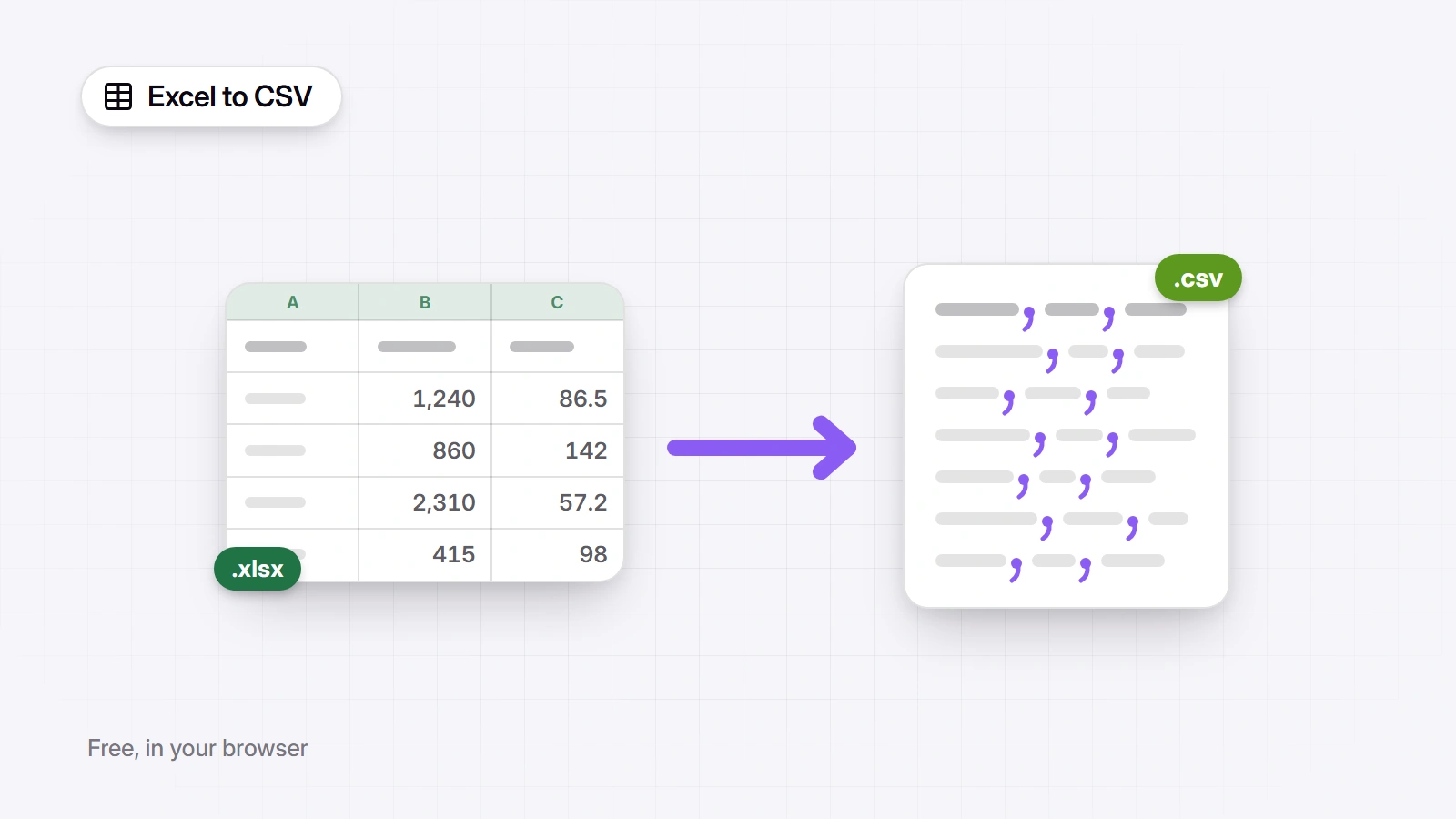 Guide
How to use Excel to CSV in Minda Files
What Excel to CSV writes: cells as they show, UTF-8, one file for each visible sheet, how quotes work, a worked example, limits, and privacy.
Read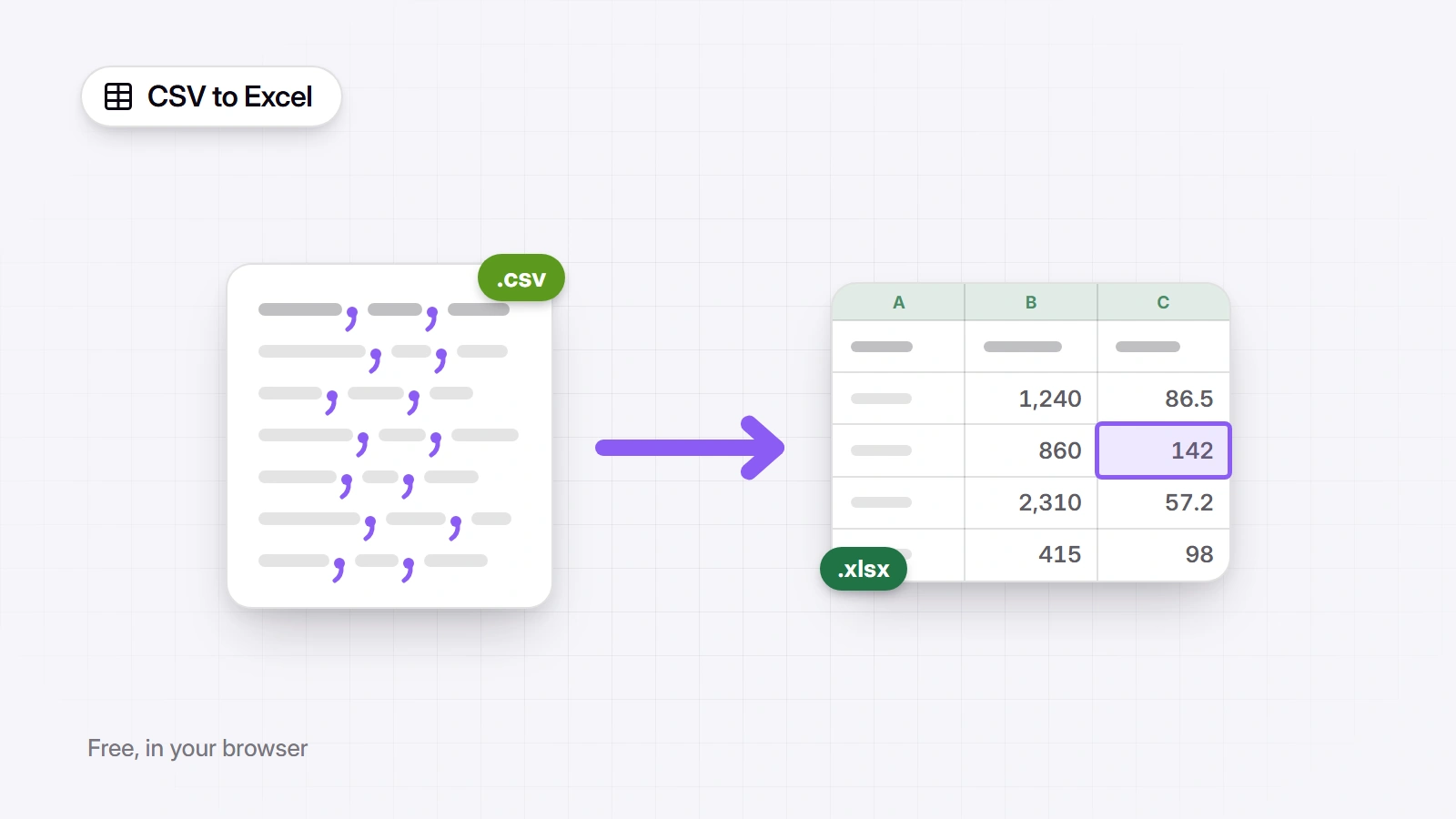 Guide
How to use CSV to Excel in Minda Files
How CSV to Excel reads a file: the separator, UTF-8, which values become numbers, leading zeros and dates, a worked example, limits, and privacy.
Read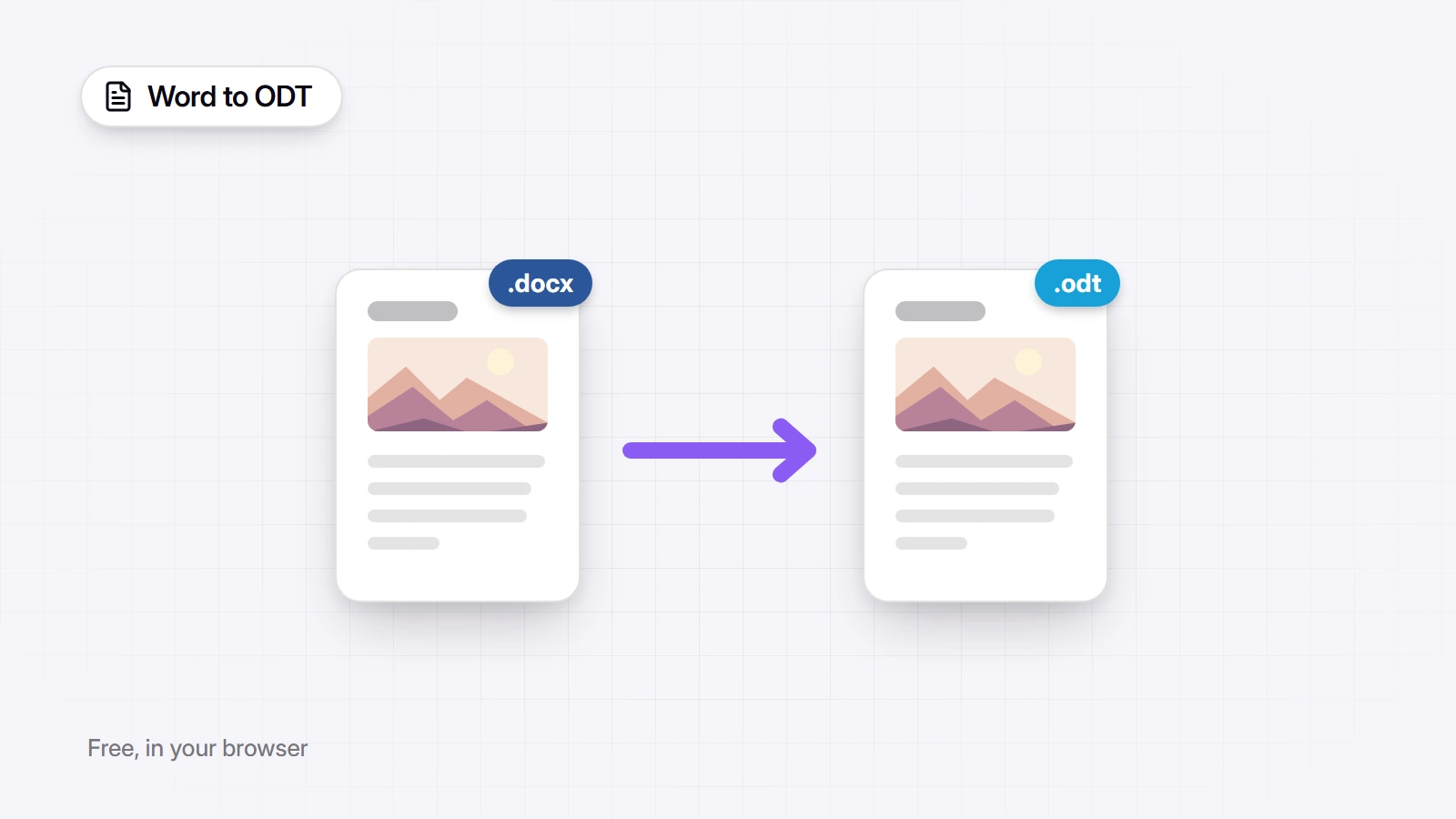 Guide
How to use Word to ODT in Minda Files
What Word to ODT keeps for LibreOffice: styles, headings, lists, tables and pictures, what it leaves out, a worked example, limits, and privacy.
Read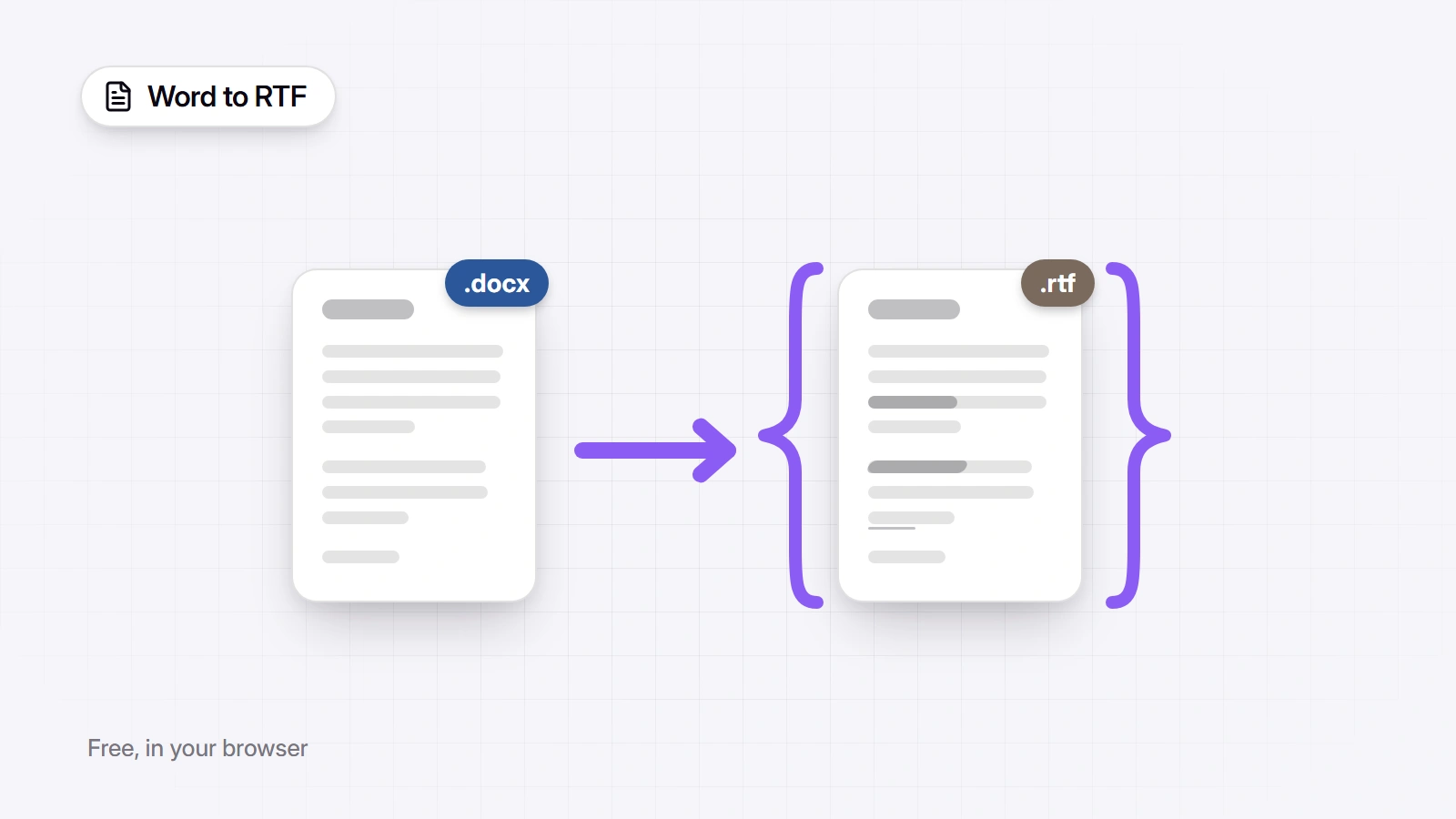 Guide
How to use Word to RTF in Minda Files
What Word to RTF keeps for old programs, WordPad and TextEdit: fonts, headings, tables, pictures, typed lists, a worked example, limits, and privacy.
Read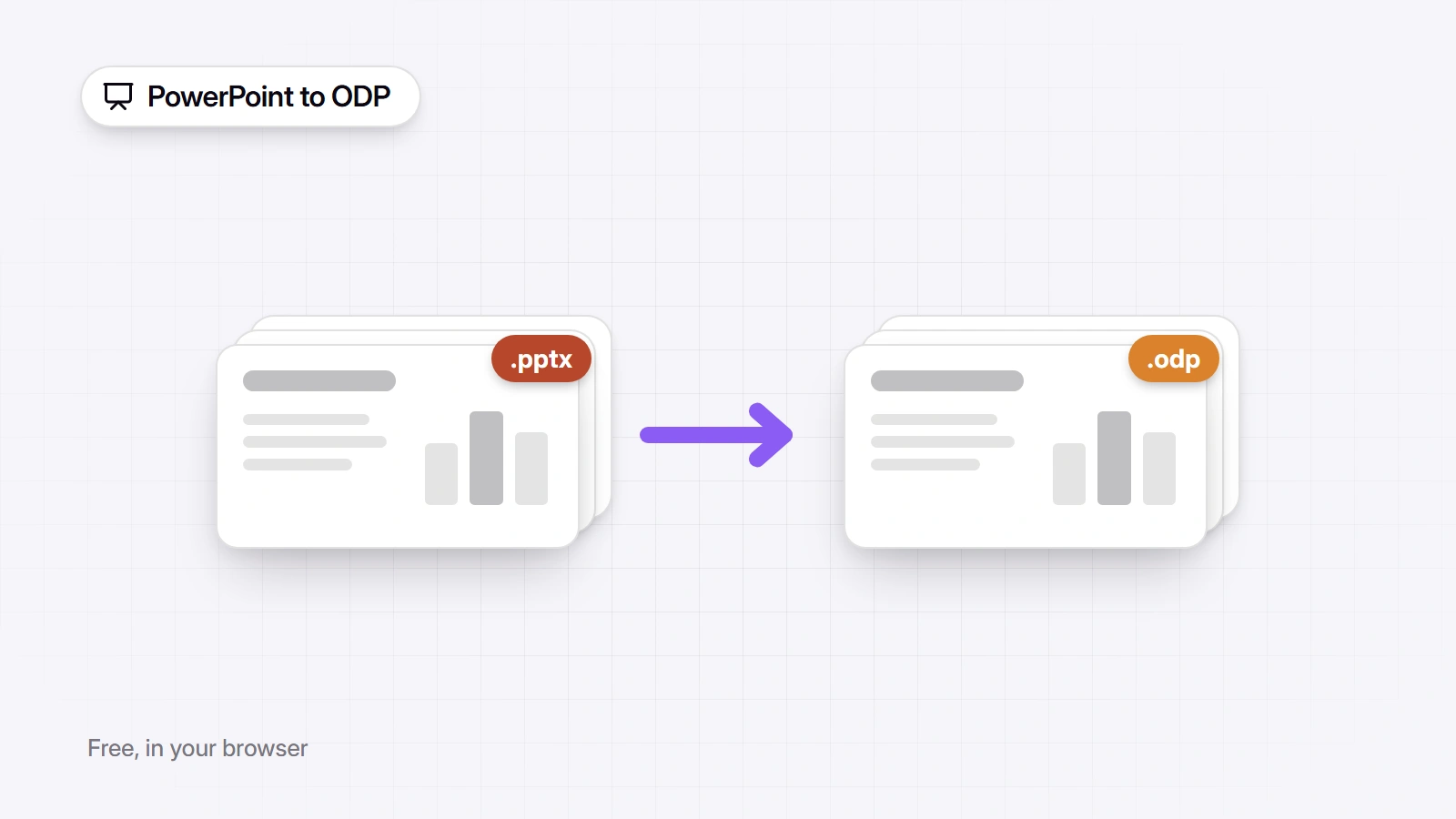 Guide
How to use PowerPoint to ODP in Minda Files
What PowerPoint to ODP keeps for LibreOffice Impress: slide size, text, tables, pictures, notes and hidden slides, what is lost, and a worked example.
Read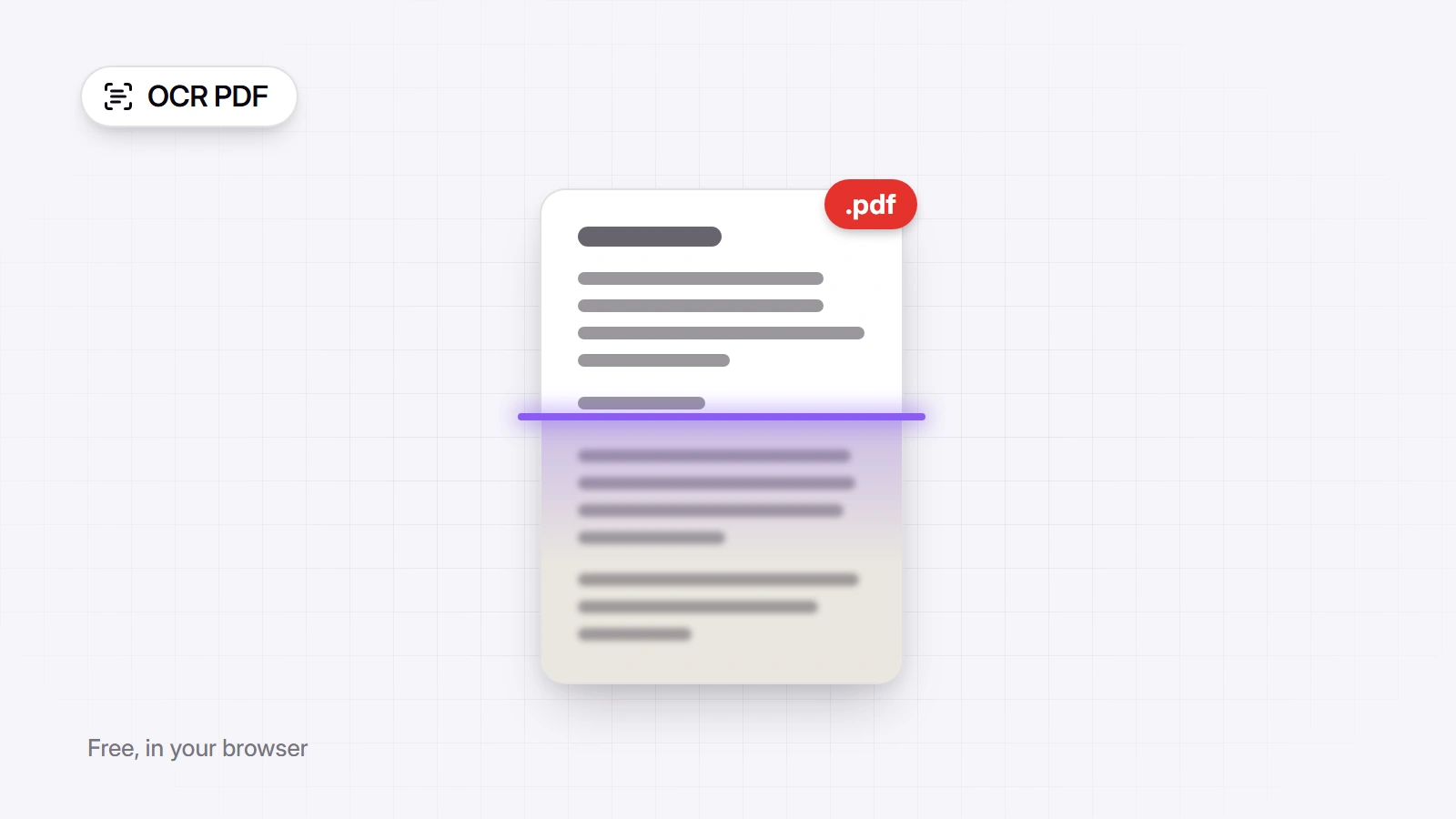 Guide
How to use OCR PDF in Minda Files
How to make a PDF searchable, or edit a scanned PDF: every OCR PDF option, the 20 languages, a worked example, limits, and why no page is uploaded.
Read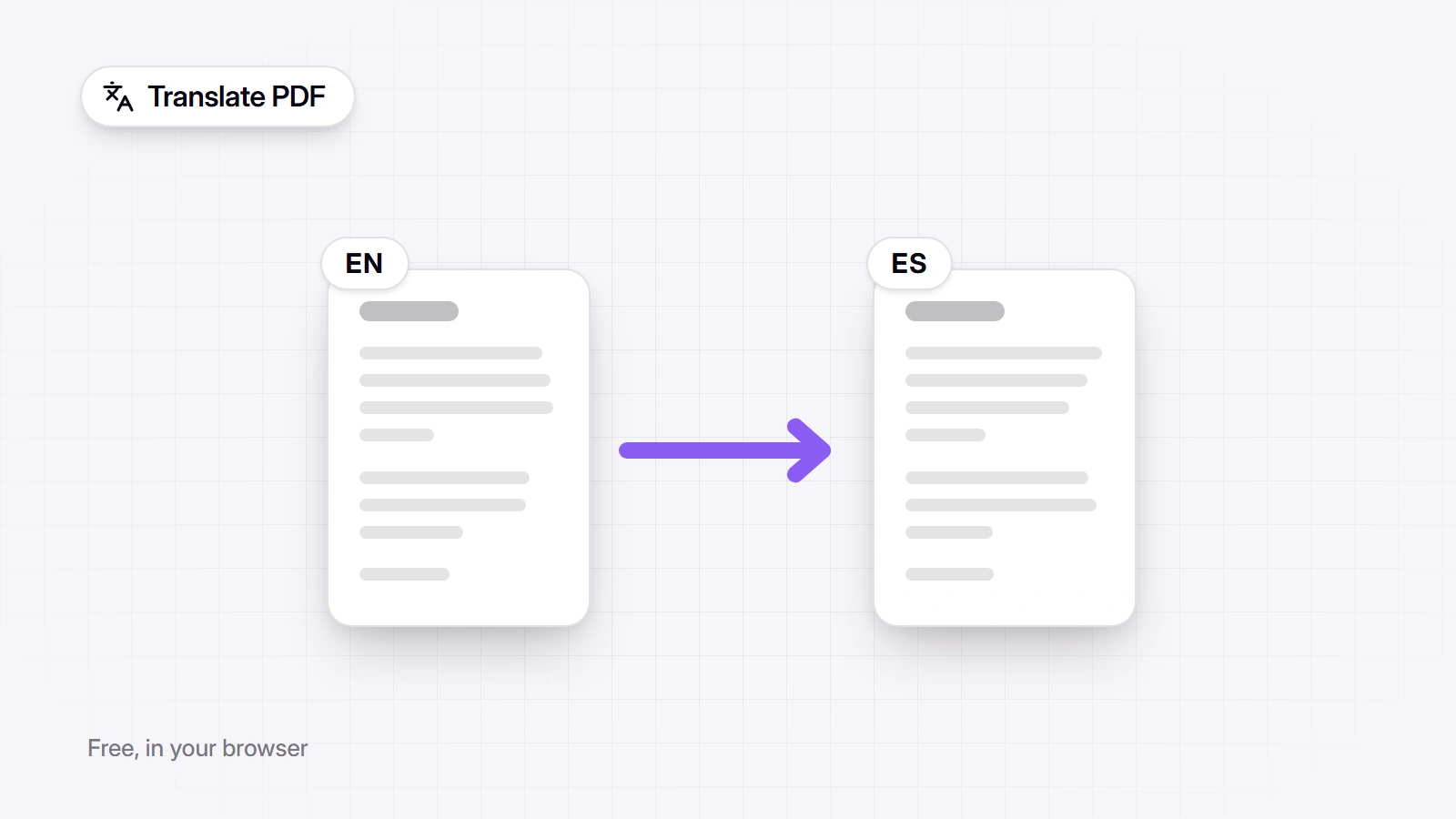 Guide
How to use Translate PDF in Minda Files
Every Translate PDF option explained: 37 languages, Layout kept, Side by side or Word, a worked example, limits, and exactly which words go to Minda AI.
Read
Edit and sign
10 guides
 Guide
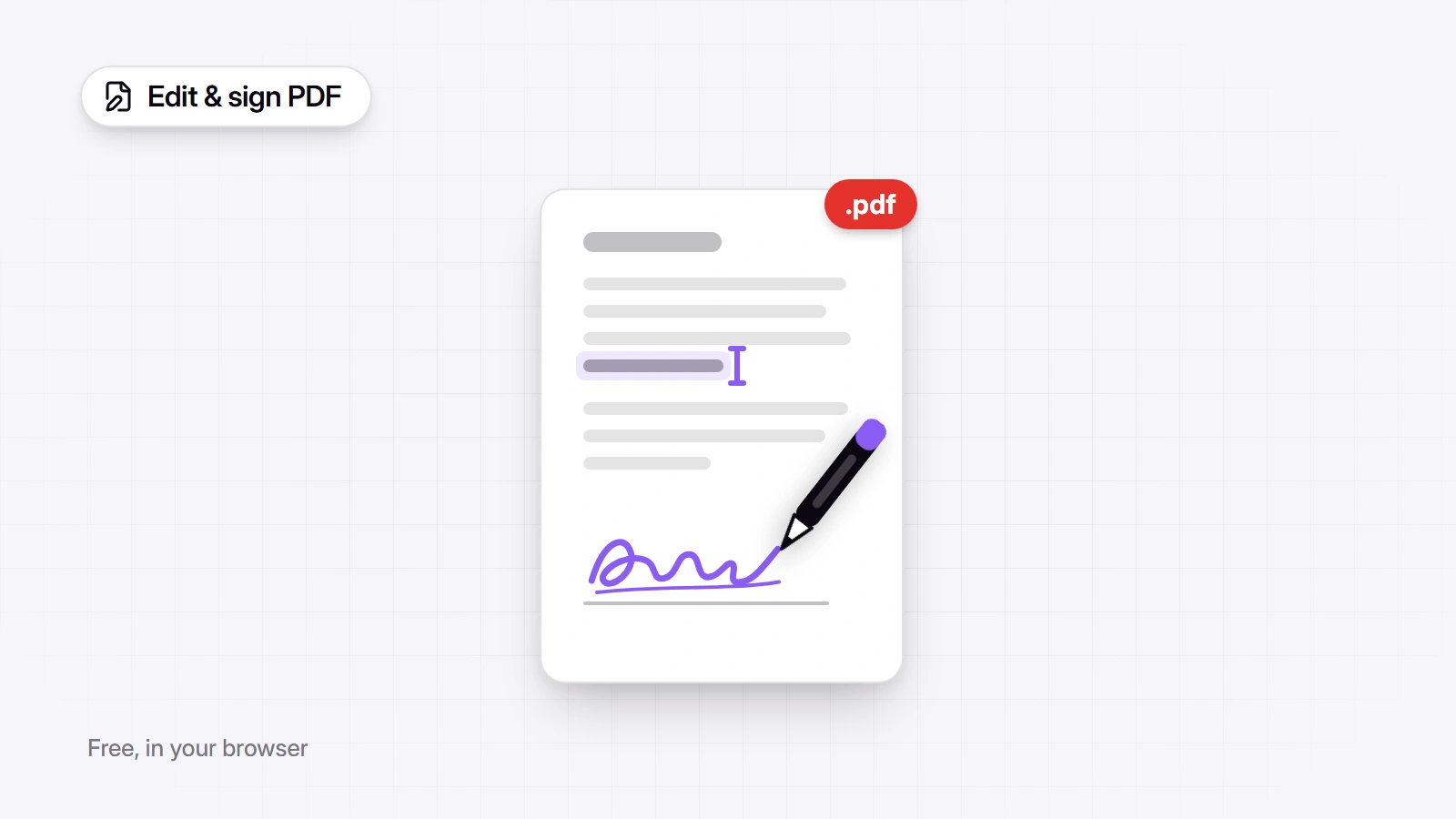
How to use Edit PDF in Minda Files
Every tool in the Minda Files PDF editor explained: write, highlight, draw, fill in forms, manage pages and layers, then download. Free, in your browser.
Read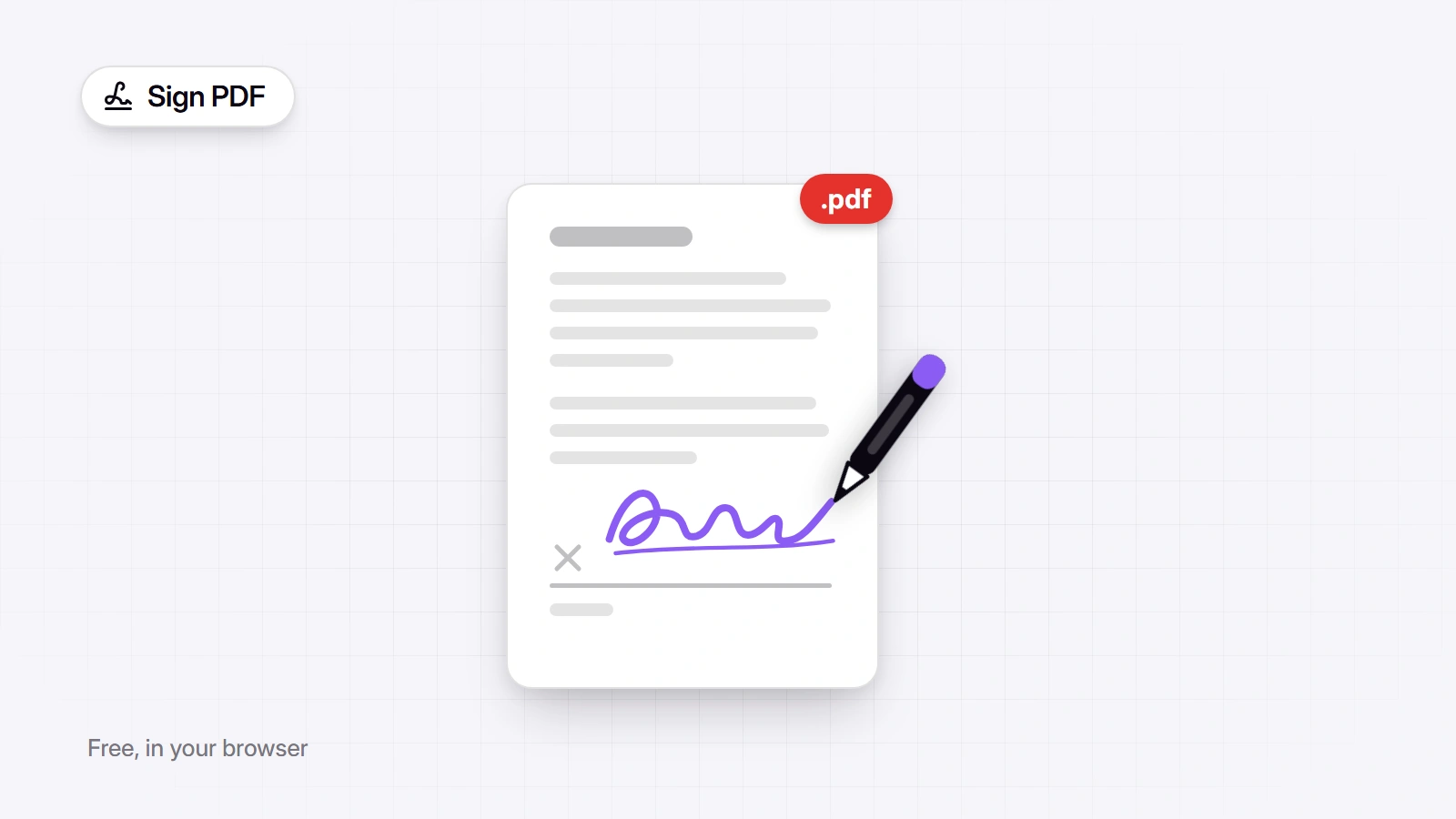 Guide
How to use Sign PDF in Minda Files
Every Sign PDF option explained: draw, type or upload a signature, add initials, dates and ticks, reuse them and download. Free, in your browser.
Read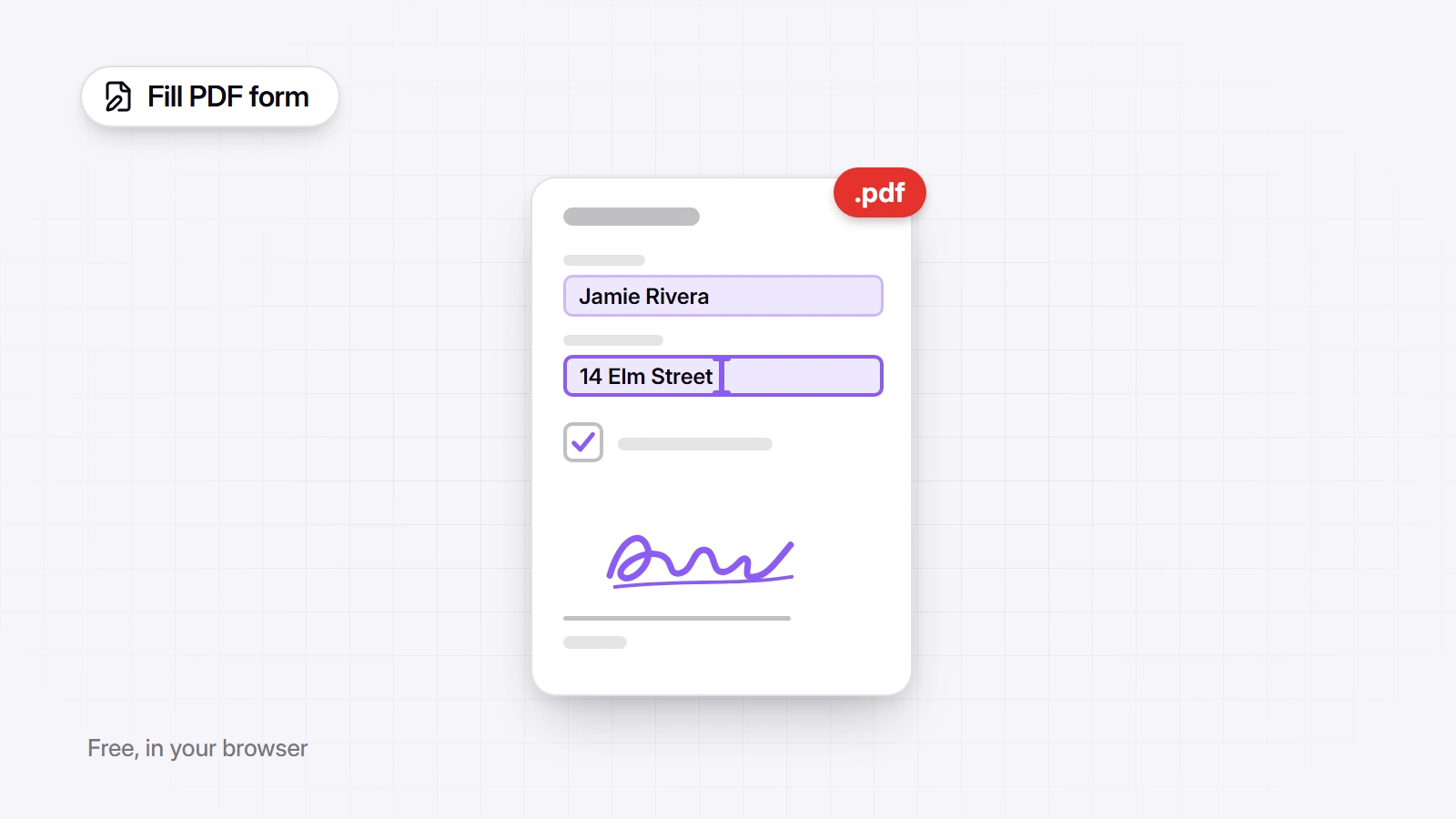 Guide
How to fill in a PDF form in Minda Files
Fill in a PDF form in Minda Files: type in its fields, tick boxes, pick from lists and sign, and what to do when it has no fields. Free, nothing uploaded.
Read Guide
How to chat with a PDF in Minda Files
Chat with a PDF in Minda Files: drop it, ask a question in plain words and read the answer. What Ask AI reads, what is sent, and what a scan needs.
Read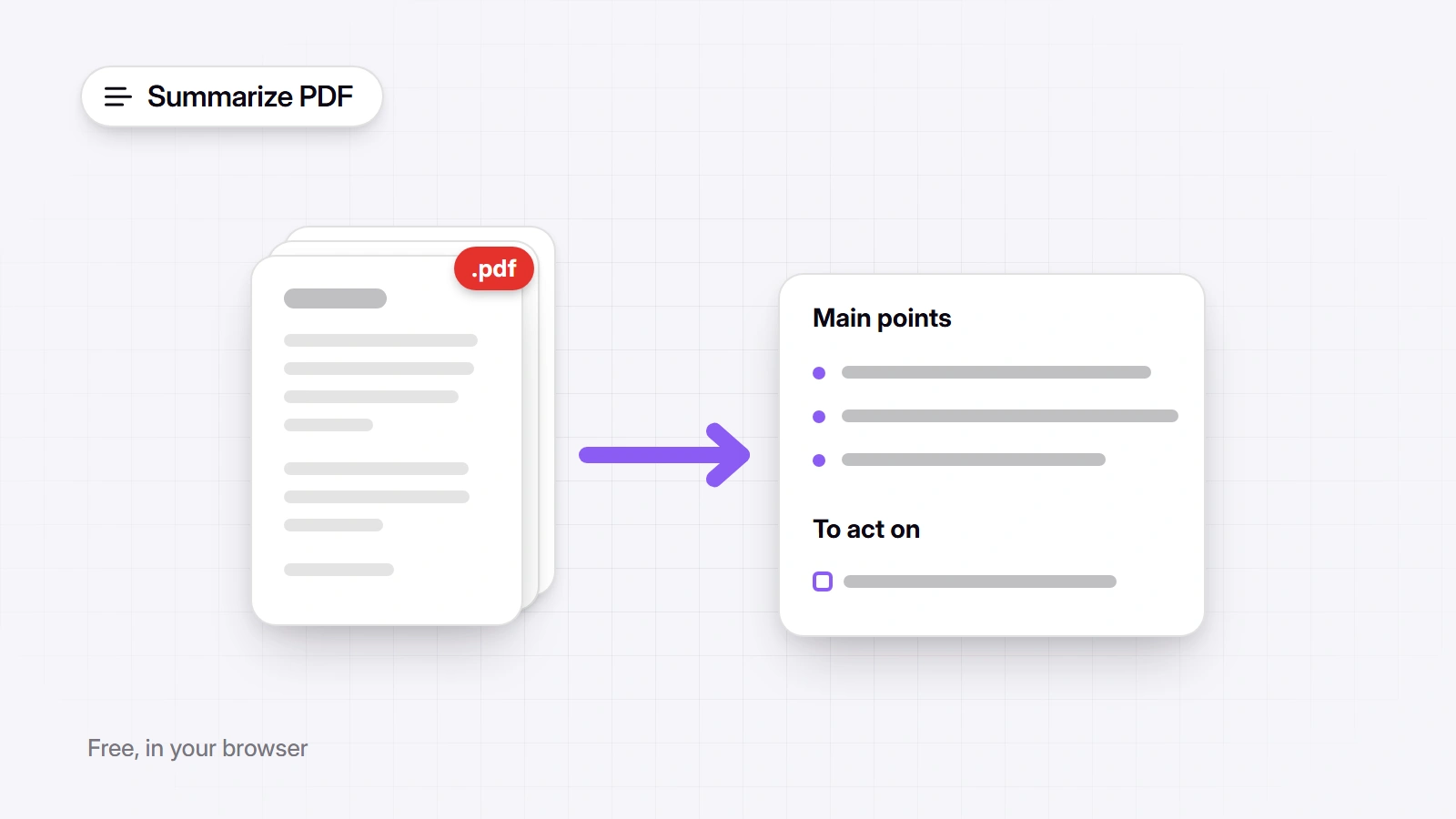 Guide
How to summarize a PDF in Minda Files
Summarize a PDF in Minda Files: drop it and Ask AI gives the main points, then anything to act on. How to shorten it, what is sent, and what a scan needs.
Read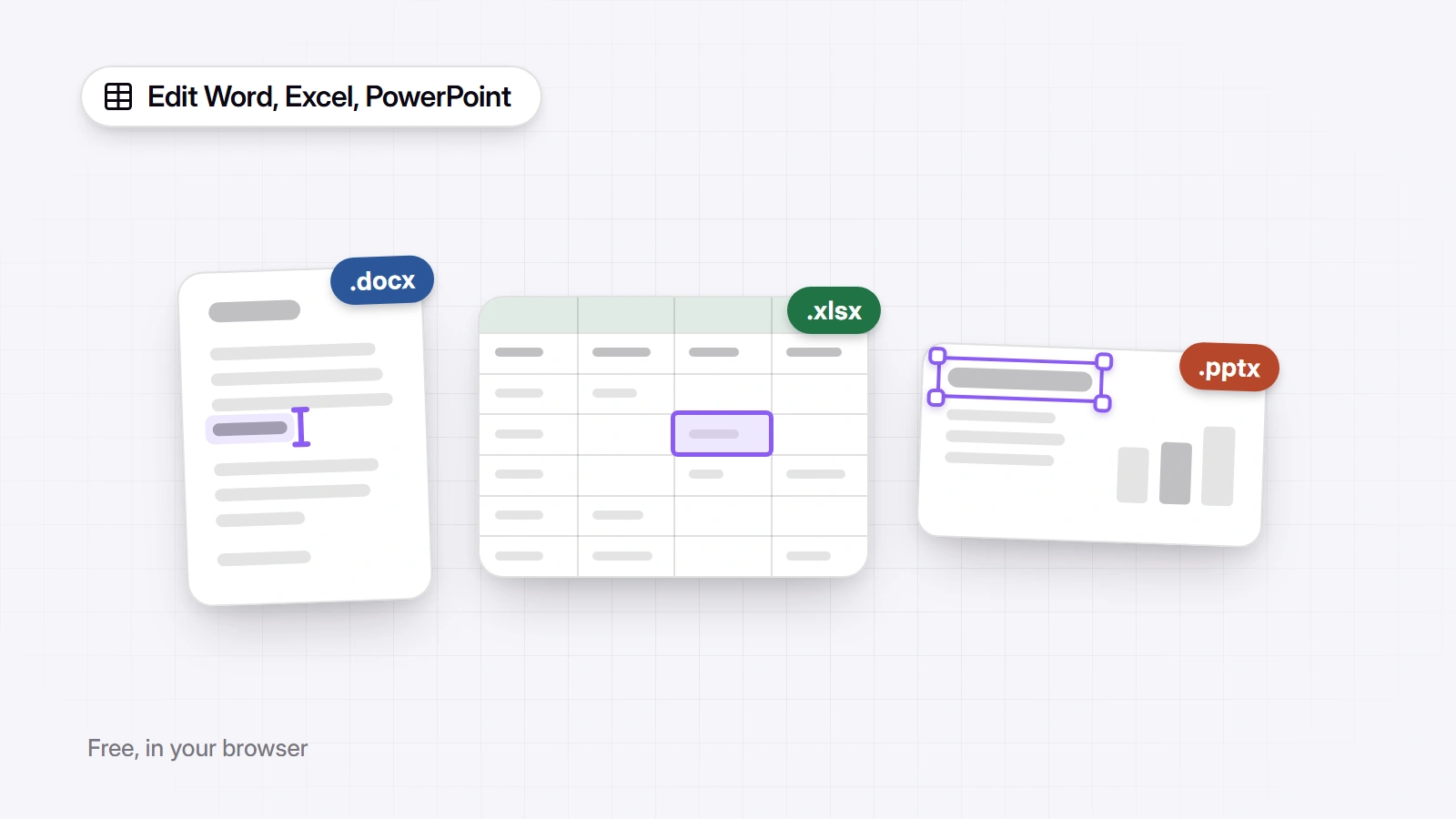 Guide
How to use Edit Word, Excel and PowerPoint in Minda Files
Every control of the Minda Files Word, Excel and PowerPoint editors explained, with the formats you can download. Free, in your browser.
Read Guide
How to use Edit a picture in Minda Files
Every control of the Minda Files picture editor explained: crop, turn, resize, write on a picture, Picture AI and the formats you can download. Free.
Read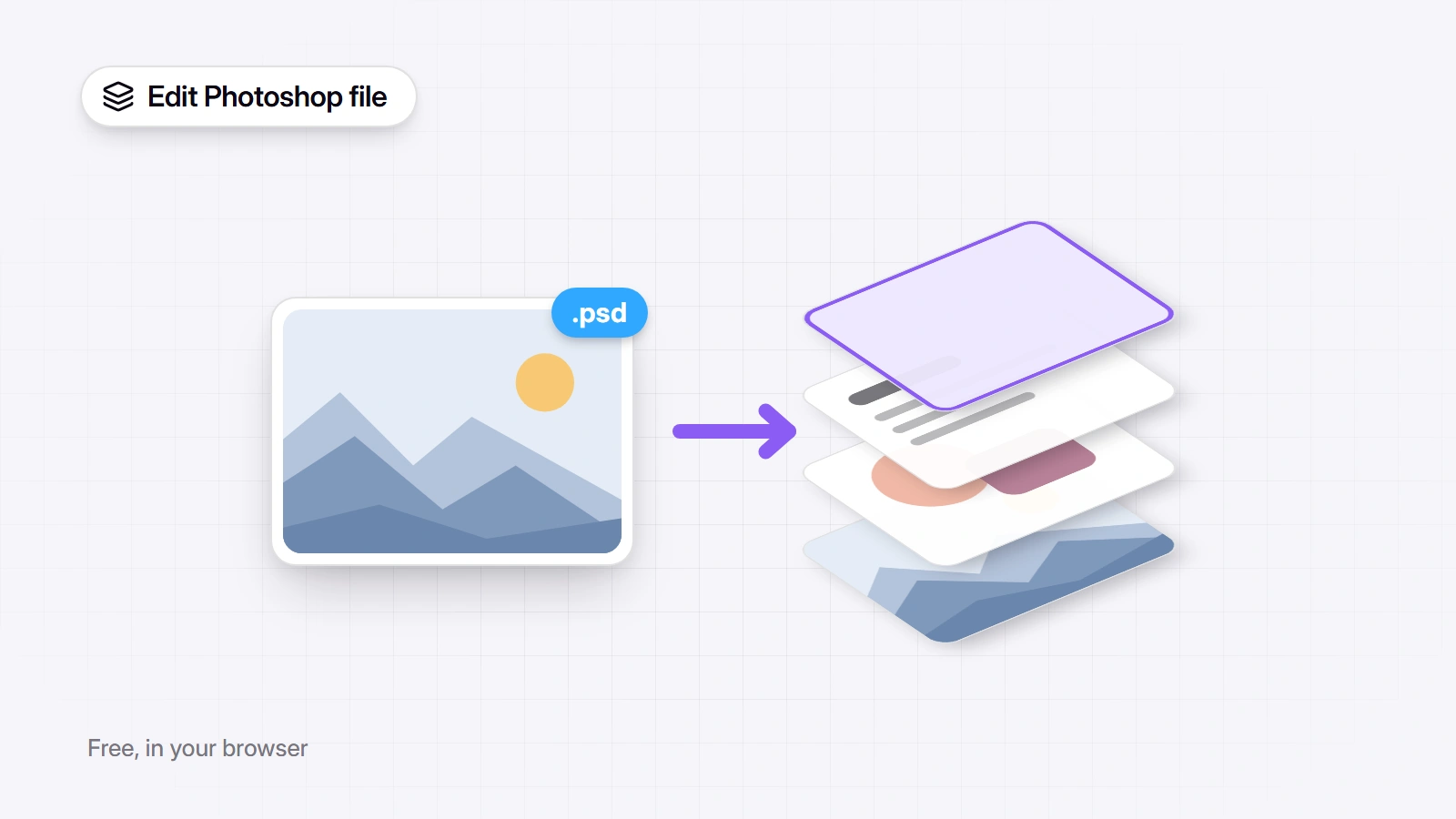 Guide
How to use Edit Photoshop file in Minda Files
How to open a PSD file without Photoshop in Minda Files: which files open with layers, every layer control, marks and the formats you can download.
Read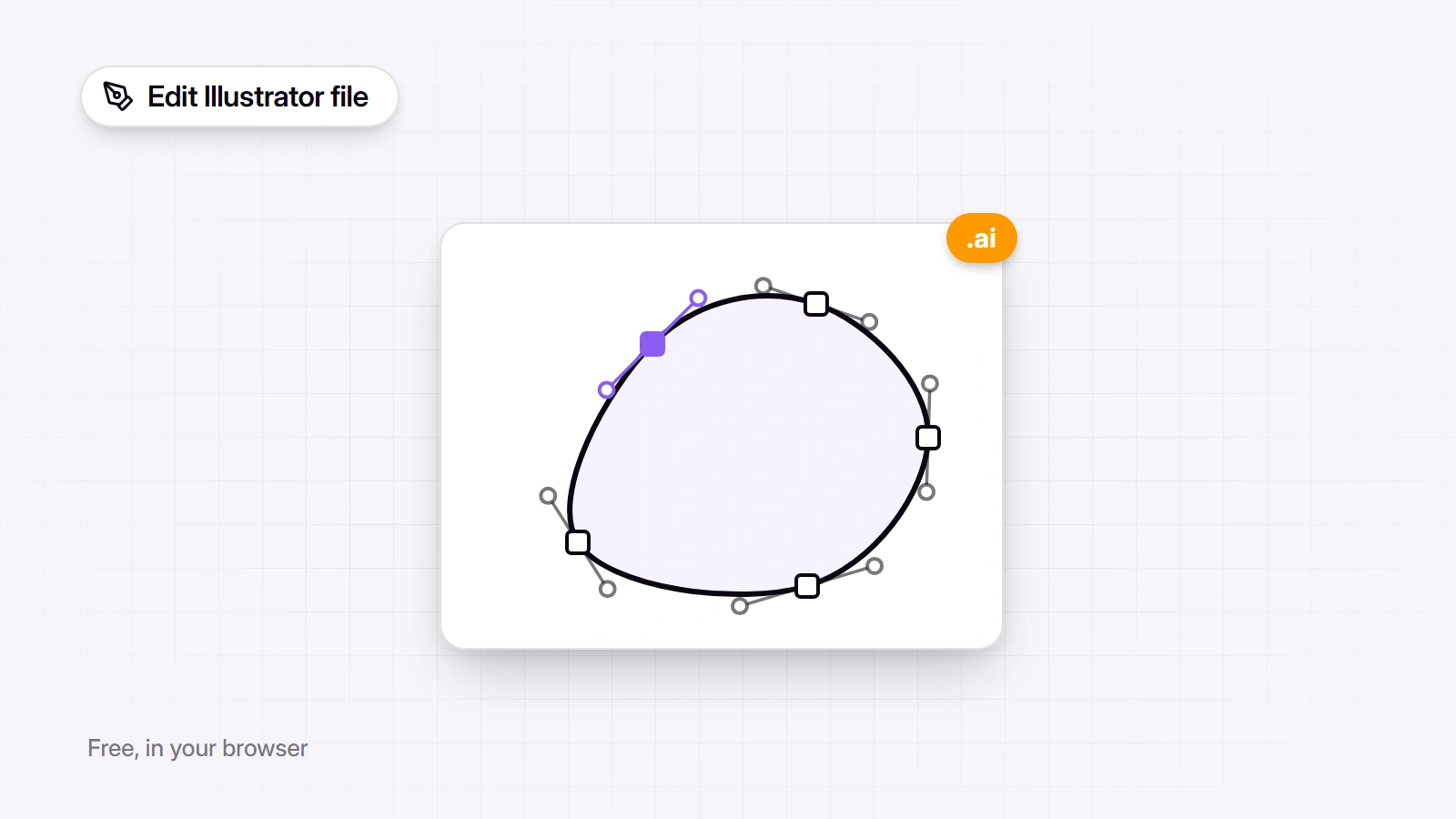 Guide
How to use Edit Illustrator file in Minda Files
How to open an AI file without Illustrator in Minda Files: which files open, the tools, artboards and layers, and the formats you can download. Free.
Read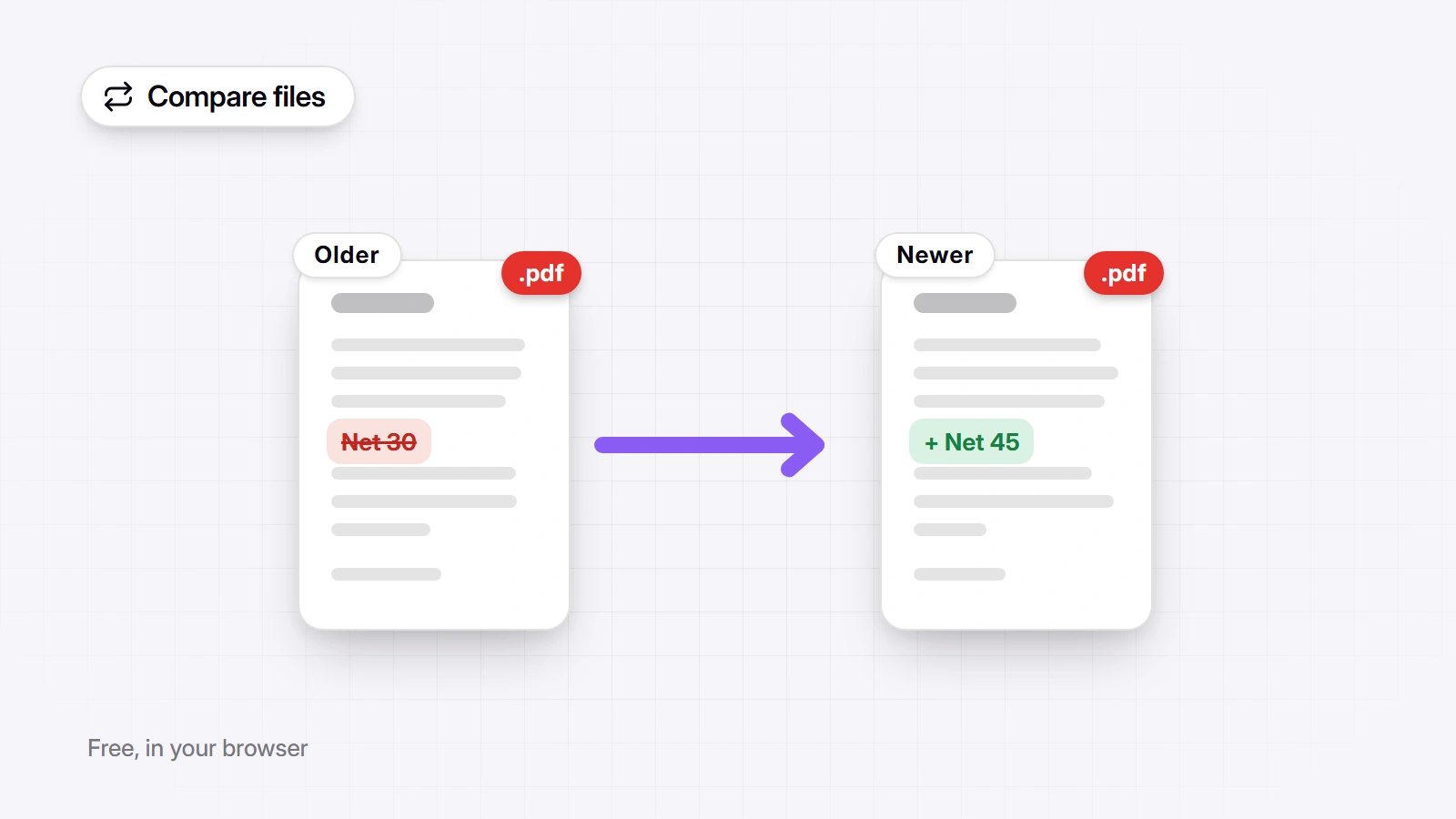 Guide
How to compare two PDF files in Minda Files
Compare two versions of a PDF in Minda Files: every word added, removed or moved, page by page, with a report and a marked PDF. Free, nothing uploaded.
Read
Security
4 guides
 Guide
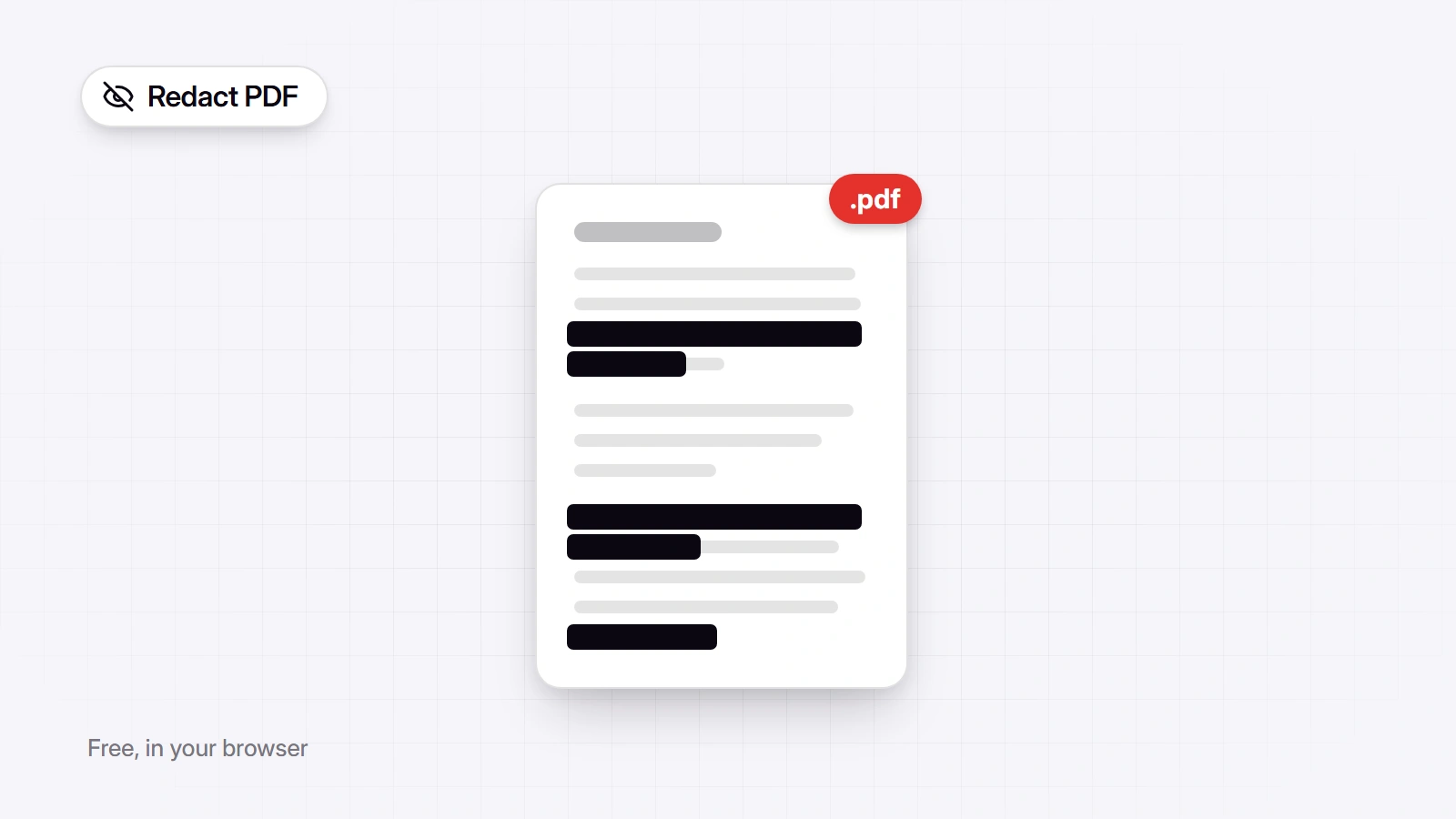
How to use Redact PDF in Minda Files
Every Redact PDF option explained: words, email, phone and card patterns, what for good means, a worked example, limits and fixes.
Read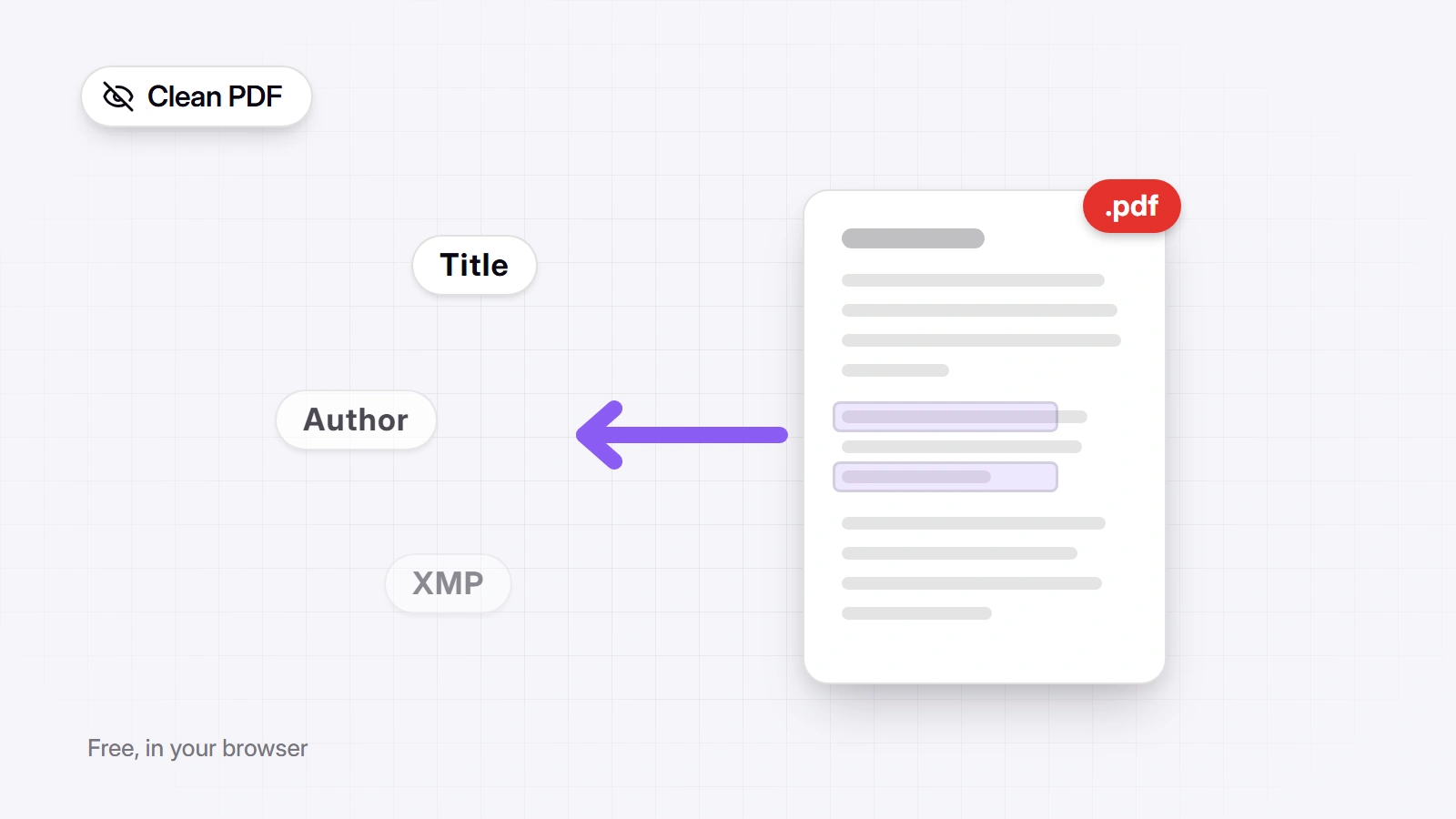 Guide
How to use Clean PDF in Minda Files
Clean PDF explained: what Remove metadata and Flatten take out, what stays, a worked example, signed files, limits and fixes. Free, in your browser.
Read Guide
How to use Protect PDF in Minda Files
Every Protect PDF option explained: the password rules, the Printing only switch, AES-256, a worked example, limits and fixes. Free, in your browser.
Read Guide
How to use Unlock PDF in Minda Files
Every Unlock PDF option explained: open passwords, owner passwords and restrictions, a worked example, limits and fixes. Free, in your browser.
Read
Minda Files · Minda · Free file tools that run in your browser.