Which parts of a form can I fill in?
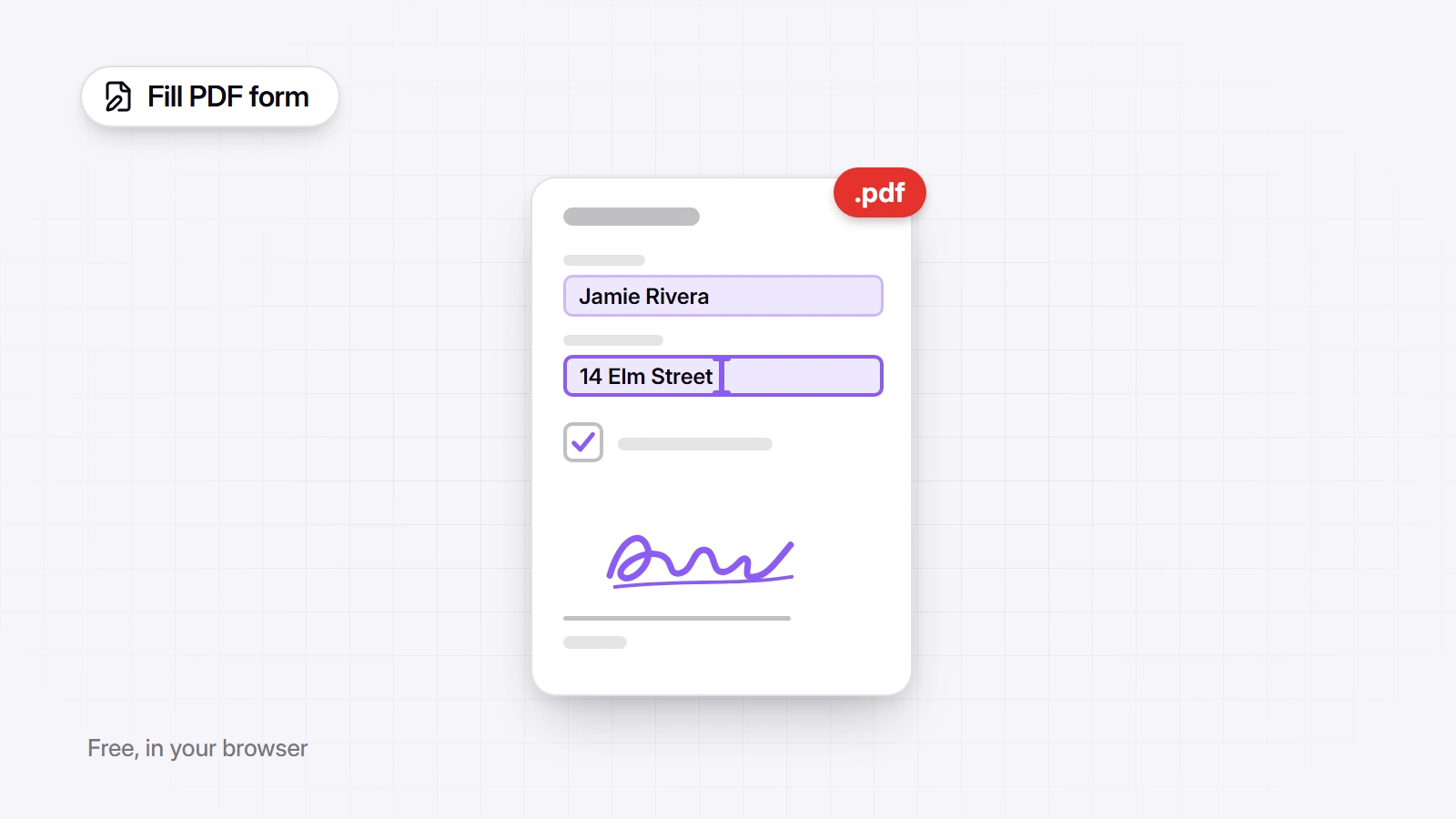
The Fill PDF form page opens your PDF in the same editor as Edit & sign PDF. Every field the PDF itself has shows as a box on the page, and you answer it where it stands.
| Part of the form | What you do | Good to know |
|---|---|---|
| Text box | Click it and type | A box taller than one line takes several lines |
| Check box | Click to tick it, click again to clear it | Each box is its own field |
| Drop-down list | Open it and pick one answer | The dash at the top of the list clears it |
| Radio button, or a list that takes several answers | Not offered as a field | Put a Check Mark over the choice, or write it with Type Tool |
A worked example
tenant-application.pdf is a two-page form with name and address boxes, a Pets check box, a Move-in month list, and a place for your signature on page 2.
- Drop tenant-application.pdf on the Fill PDF form page.
- Click the Name box on page 1 and type your name, then do the same for the address.
- Click the Pets check box to tick it. Open the Move-in month list and pick
March. - Scroll to page 2 and press Signature. Draw or type your signature, press Use it, then click the signature line.
- Press Download signed copy. The PDF you get has your answers in its fields and your signature on page 2.
What if the form has no fields to click?
A scan, or a form saved flat, is only a picture of a form, so there is nothing to click. Type over it instead.
- Type Tool in the toolbar: click where the answer goes and type. Drag the text to move it.
- Check Mark and Cross drop a tick or a cross where you click, on a box or beside a choice.
- Date drops today’s date as text.
- A scan has no words to select. Typing over it works as it is. Run OCR PDF first only if you also want to search the form.
How do I sign the form?
Press Signature, then draw it, type it or upload a picture of it, and click where it goes. How to use Sign PDF covers the three ways and how to keep a signature for next time.
The signature goes on the page as a picture. It is not a certificate-based digital signature.
Why did it not work?
- No field shows. The form is flat or scanned. Use Type Tool, Check Mark and Cross as above.
- A radio button does not react. Radio buttons are not offered as fields. Put a Check Mark over your choice.
- The line says the file needs its password to open. Take it off with Unlock PDF, then drop the unlocked copy.
- The form opened but says it cannot be changed. A form that opens with no password but forbids editing can still be filled in here. The PDF you download has no lock.
- A message that starts “This file is”. The size is over your limit. The limits below give the sizes.
What is the size limit?
The file size you can open depends on your account: 10 MB signed out, 20 MB signed in on the free plan, 256 MB on the Files plan and Pro.
Is my file uploaded?
No. The form and your answers stay in your browser, and the filled PDF is written on your computer. Only Ask AI sends anything, and only if you use it: your question and the file text it needs go to Minda AI.
Limits
- Only text boxes, check boxes and drop-down lists are offered as fields. A radio button needs a Check Mark placed over it.
- A scan or a flat form has no fields, so it is typed over with Type Tool.
- A signature is a picture on the page, not a certificate-based digital signature.
- A PDF that needs a password to open is refused until you take the password off.
Questions
How do I fill in a PDF form for free?
Drop the form on the Fill PDF form page, click each field and type, tick the boxes, sign it with Signature and press Download signed copy. It runs in your browser and needs no account.
How do I type on a PDF that is not fillable?
Choose Type Tool in the toolbar, click where the answer goes and type. Use Check Mark to tick a box and Signature to sign. A scanned form works the same way.
Can I fill in a form that is locked against changes?
If it opens with no password but forbids editing, yes. It opens, you fill it in, and the PDF you download has no lock. A form that asks for a password to open needs Unlock PDF first.
Is the signature on a filled form a digital signature?
No. It is your signature as a picture on the page, the way a pen signature looks on paper. It adds no certificate to the file.