What is a Bates number?
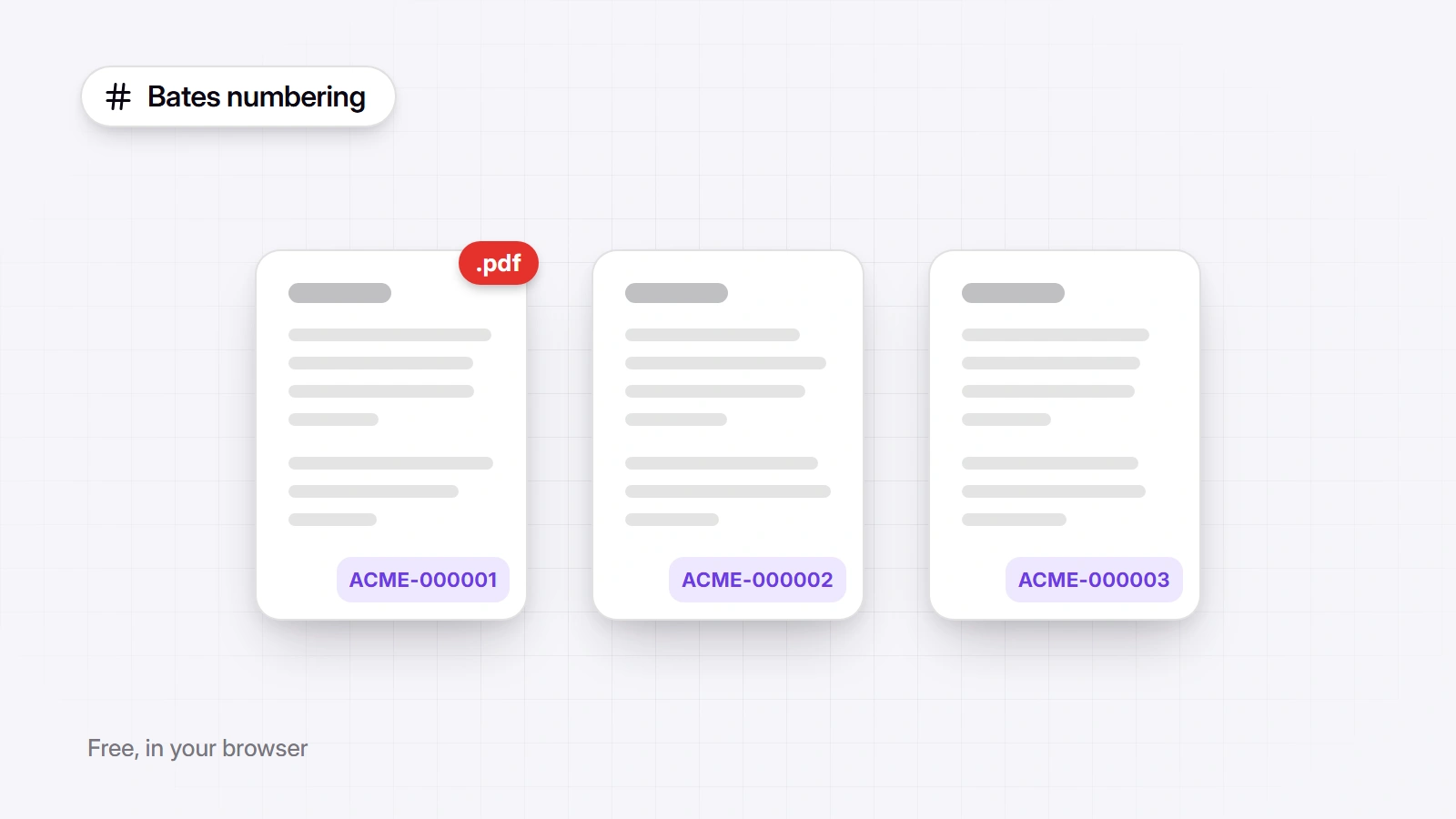
A Bates number is a running number stamped on every page of a set of documents, so that each page can be cited and found again. It often starts with a code, such as a case or company name, and has zeros in front, such as ACME-000001. Legal work and records management use them.
Minda Files builds the number from three settings on the page numbers tool: the words before it, how many digits it has, and the number it starts at.
Which settings make a Bates number?
The Bates numbering page opens the page numbers tool with Digits at 6 and the number set in the bottom right corner, the place Bates numbers usually go. You change what your set needs.
| Option | What to set | Example |
|---|---|---|
| Before the number | Your code, up to 40 characters | ACME- |
| Digits | How long each number is at least, from 1 to 10, with zeros in front | 6 |
| First number | The number on the first page, from 0 to 99,999, with the rest counting up from it | 1 |
| After the number | Words after it, up to 40 characters, such as a confidentiality marking | CONFIDENTIAL |
| Where | One of six places: the left, the middle or the right of the top or the bottom edge | Bottom right |
A worked example
exhibit-b.pdf has 12 pages and joins a case file whose earlier documents ran up to ACME-000250.
- Drop exhibit-b.pdf on the Bates numbering page.
- Type
ACME-in Before the number. Leave Digits at 6. - Set First number to 251, the number after the last one used.
- The line beside the button names the first and the last number, ACME-000251 and ACME-000262. Press Add page numbers.
- The result card says “Numbered 12 pages, from 251.” Download exhibit-b (numbered).pdf.
How do I number a whole set of files?
Bates numbering numbers each PDF on its own: drop several in one run and each starts again at the First number. There are two ways to run one number through several files.
- Merge first. Join the files in order with Merge PDF, then number the merged PDF. The numbers run through every page.
- Number each file and carry on. Set First number on each file to one past the last number of the file before. After a 12-page file that started at 1, the next one starts at 13.
How does the number sit on the page?
The number sits 28 points, about 0.4 inch, in from the edge you chose. It is laid over the page, so if a footer or a stamp already stands there, the number goes on top of it. Pick another place for those pages.
The number is drawn as a small picture. It is not text you can select or search, and the page underneath is not changed.
Why did it not work?
- The numbers cover something printed on the page. Move them with Where, for example from the bottom right to the top right.
- The number has no zeros in front. Digits starts at 1. Set it to 6 to make 000001.
- The words before the number are refused. Before the number takes up to 40 characters. Shorten the code.
- The cover has a number too. Every page is numbered, and there is no setting to skip pages. Split the cover off with Split PDF, number the rest, and join the two files again.
- The line says the file needs its password to open. Take it off with Unlock PDF, then number the unlocked copy.
What are the size and page limits?
Bates numbering takes up to 50 PDFs in one run, up to 2,000 pages a PDF. The file size you can open depends on your account: 10 MB signed out, 20 MB signed in on the free plan, 256 MB on the Files plan and Pro.
Is my file uploaded?
No. Your browser draws each number and writes it into the new PDF on your computer, so the file never goes to a server. Only Ask AI sends anything, and only if you use it: your question and the file text it needs go to Minda AI.
Limits
- Every page is numbered. There is no setting to skip a cover or to number only some pages.
- Each PDF in a run starts again at the First number. One number through a set of files needs a merge first, or a run for each file with its own First number.
- The size and color of the number are fixed. It is black and follows the page size.
- The number is a picture over the page. It adds numbers and does not remove numbers already printed.
Questions
How do I make Bates numbers like ACME-000001?
Type ACME- in Before the number and set Digits to 6, then press Add page numbers. The first page reads ACME-000001 and the rest count up from it. Change First number to start somewhere else.
Can Bates numbers start at a number other than 1?
Yes. Set First number to any number from 0 to 99,999. With ACME- and 6 digits, a First number of 251 makes the first page read ACME-000251.
Can I add CONFIDENTIAL next to the Bates number?
Yes. Type a space and CONFIDENTIAL in After the number. The pages then read ACME-000001 CONFIDENTIAL. Each of the two boxes takes up to 40 characters.
Can I number several PDFs as one set?
Yes. Merge them into one PDF first and number the merged file, or number each file and set its First number to one past the last number of the file before.