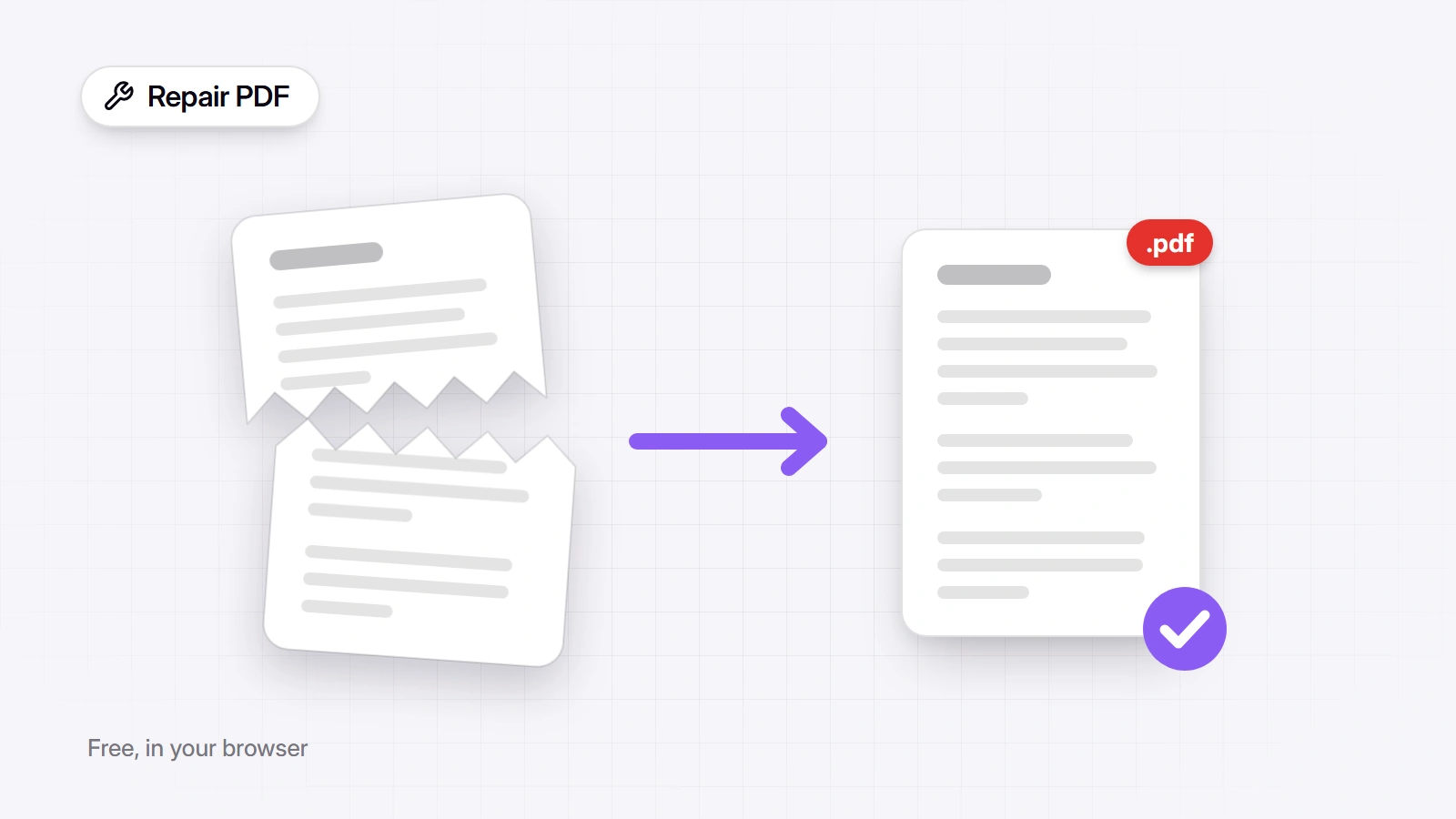
Why does a PDF stop opening?
A PDF is a set of numbered parts: pages, fonts, pictures and the words drawn on each page. At its end sits an index that tells a reader where each part starts, and a pointer to that index.
When a download stops early, a mail program adds bytes in front, or a program writes the index wrong, the parts are often all still there. The reader just cannot find them, so it says the file is damaged.
What does Repair PDF mend?
- Stray bytes before the start, such as a mail header saved in front of the file. They are cut off.
- A damaged, cut short or missing index. Repair PDF reads the whole file, finds every numbered part, and writes a new index.
- A wrong pointer to the index. The new copy points at its new index.
- Parts packed together, as newer PDFs store them. They are found inside their packs and written out again.
- A lost page list. When the list of pages cannot be read, the pages found are put back in the order the file stores them.
What can it not bring back?
Repair PDF works with the bytes the file still holds. A page, picture or font whose bytes were cut off or written over is gone, and nothing can make it up again.
A file cut short keeps the parts before the cut. When a part is cut through its middle, the note counts it as a part that could not be read. A page may then show without its pictures or with plain letters.
How do I read the note after a repair?
The note under the result says what was mended, in this order.
- Cut stray bytes: how many bytes stood in front of the start of the PDF.
- Rebuilt its index: how many parts were found and written into the new copy.
- Its page list was lost: the pages were put back in the order the file stores them, so check that order.
- Could not be read: parts that were cut through or written over, left out.
- The copy has: how many pages the repaired copy has. Look them over.
A worked example with statement.pdf
Take statement.pdf, a bank statement whose download stopped near its end, so your PDF program says it is damaged.
- Open Repair PDF and drop
statement.pdfon it. Repair PDF takes the file even when it cannot be read. - Press Repair PDF. The page says Your file is ready.
- Read the note, such as Rebuilt its index from the parts the file holds, and how many pages the copy has.
- Press Download and open
statement (repaired).pdf. - Look over each page. When one is missing, ask the bank for a new copy of that statement.
Why did it not work?
| What you see | Why | What to do |
|---|---|---|
| This file is not a PDF: it has no PDF header. | The file does not hold a PDF at all, or only its end is left. | Check that you chose the right file. |
| Minda Files found nothing to rebuild in this PDF. | The file holds no numbered parts. | Ask whoever sent it for a new copy. |
| Minda Files found no pages in this PDF to rebuild. | The parts that remain hold no page. | Ask whoever sent it for a new copy. |
| This PDF is locked. | Repairing a locked PDF would take its lock off. | Take the lock off with Unlock PDF, then repair that copy. |
| The rebuilt copy still does not open. | The parts found do not make a PDF a reader can show. | Try another PDF program, or ask for a new copy. |
What are the limits?
Repair PDF takes one PDF or several at once, each repaired on its own. File size depends on your account: 10 MB signed out, 20 MB signed in on the free plan, and 256 MB on the Files plan and Pro.
It runs in your browser and nothing is uploaded. No account is needed, and your original file is not changed.
Limits
- A part whose bytes were cut off or written over cannot come back.
- When the page list is lost, the pages come back in the order the file stores them, which may not be the order you read them in.
- A locked PDF is not repaired. Take its lock off with Unlock PDF first.
Questions
How do I fix a PDF that will not open?
Drop it on Repair PDF and press Repair PDF. When the damage is in the index that tells a reader where each part is, the copy you download opens again.
Can every damaged PDF be repaired?
No. Repair PDF rebuilds what the file still holds. A page whose bytes were cut off or written over is lost, and the note says how many pages the copy has.
Is a damaged PDF uploaded to be repaired?
No. The file is read and rebuilt in your browser, and nothing is sent.
Does Repair PDF change my original file?
No. You download a new copy named after the original, with repaired at the end of its name.