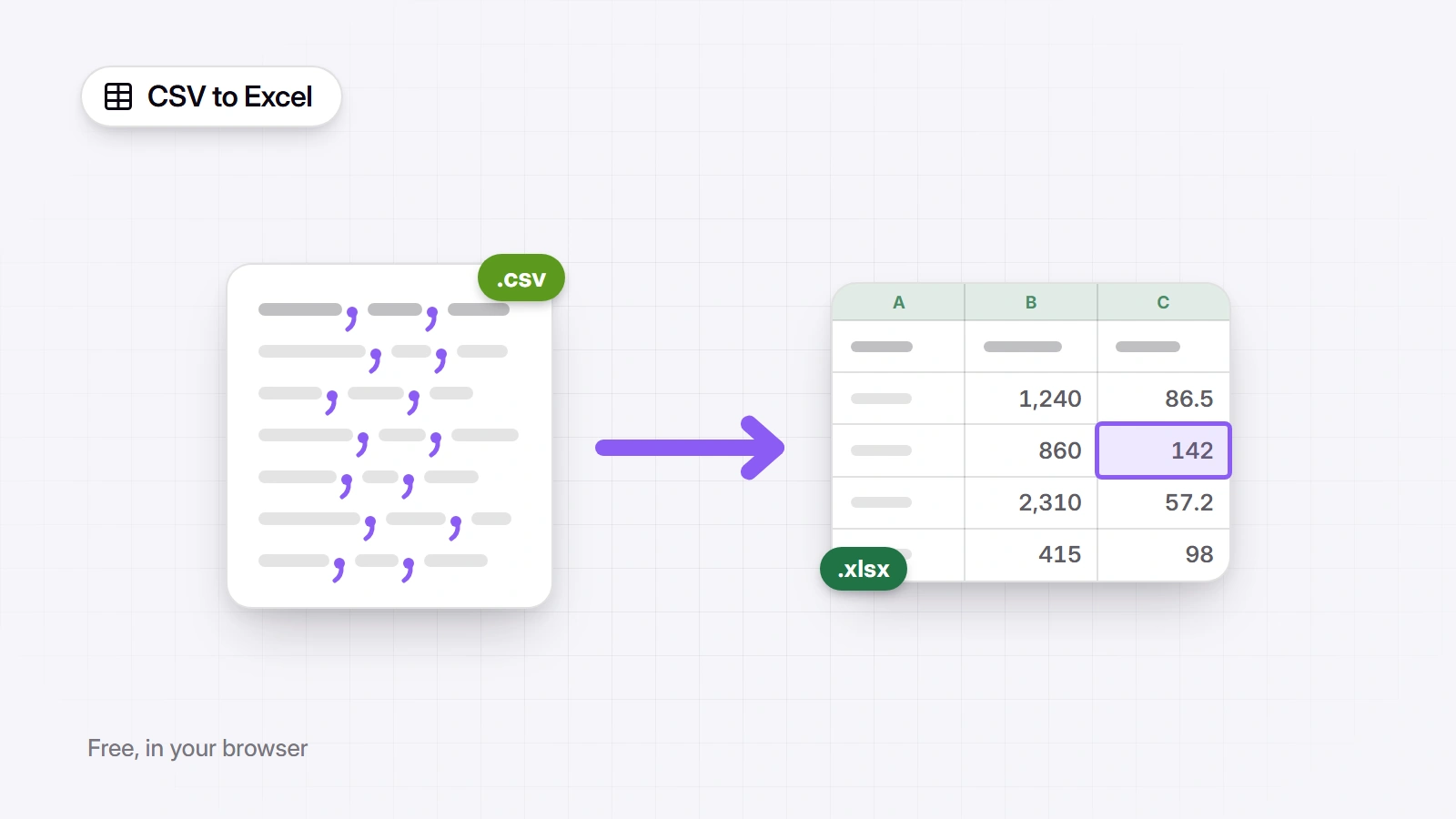
How does it read the CSV?
There is no setting for the separator. A .tsv file is read with tabs. Any other file is read with whichever of the comma, semicolon, tab and pipe appears most often in its first lines, not counting any inside quotation marks. That is why a semicolon file from European software arrives in columns and not in one.
A field in double quotes can hold the separator, a line break or a doubled quote, and it stays one cell. The text is read as UTF-8, with or without a byte-order mark. A file that is not valid UTF-8 is read as Windows-1252, the code page of Excel’s plain CSV in the US and Western Europe, so an older export keeps its accents. A UTF-16 file is refused, with a message that says to save it as CSV UTF-8.
Which values become numbers?
A value becomes a number only when it is plain: digits, an optional minus sign and an optional decimal point, no leading zero before another digit, and at most 15 digits. Everything else keeps the text the file has.
| In the CSV | In the workbook | Why |
|---|---|---|
1250 or -3.5 | A number | Plain digits, so it adds up and sorts as a number. |
12.50 | The number 12.5 | It is a number now, shown without the trailing zero. Give the column a number format in Excel to show two decimals. |
02134 or 007 | Text, as written | A leading zero is part of a code, so it is kept. |
1,250.00 | Text | The thousands comma makes it more than a plain number. |
12% | Text | Percentages are not converted. |
2024-03-15 | Text | Dates are not converted. Year first still sorts in order. |
| An account number of 16 digits or more | Text | Excel holds 15 digits exactly, so a longer number stays text and keeps every digit. |
What does the workbook look like?
The result has one sheet, named after the file and cut to the 31 characters Excel allows in a sheet name. Its first row is the header, in bold and frozen so it stays in view as you scroll, with a filter arrow on every column. Each column is sized to fit its text.
The first row is the header whether or not it holds names. A CSV that starts straight with data turns its first record into the header, so insert a row above it in Excel and type the column names.
A worked example: a member list from European software
members.csv comes from a club’s membership software. It uses semicolons, has accented names and keeps postcodes with a leading zero. Its first line is Name;Postcode;Joined;Fee and a typical row is Zoë Müller;02134;2024-03-15;45.50.
- Drop
members.csvon CSV to Excel. Nothing asks which separator the file uses. - Excel is already chosen. Press Convert to Excel.
- Download
members.xlsxand open it. Four columns sit under a bold header that stays in view when you scroll. - Look at the Postcode column.
02134is still02134, left-aligned as text. The Fee column holds numbers, so selecting it shows a sum in Excel’s status bar. - Sort by Joined. The dates are text, but year first sorts in the right order.
Why not just open the CSV in Excel?
Double-clicking works for a tidy file. Excel then takes the separator from your region’s settings and decides for itself what each value is, so 02134 can become 2134 before you notice. This tool keeps leading zeros and long numbers as text and finds the separator in the file, not in your settings.
The price is that it guesses nothing about dates, percentages or currency. They arrive as written, and you convert them in Excel once you can see them.
Limits and privacy
Signed out, a file can be up to 10 MB. Signed in on the free plan, the limit is 20 MB, and the Files plan and Pro open files up to 256 MB. A CSV is read up to 500,000 cells.
The CSV is read and the workbook is written in your browser. Nothing is uploaded, no AI is involved and you need no account.
Limits
- It makes one sheet. Formulas, number formats, dates and styling beyond the header row are not created.
- Dates, percentages and currency stay text, as the file wrote them.
- A UTF-16 file is refused. Save it as CSV UTF-8 first.
Questions
Why does Excel put my whole CSV in one column?
Excel expects the separator your region uses, which is a semicolon in many European settings. This tool reads the separator from the file itself, so comma and semicolon files both arrive in separate columns with no setting to change.
Will a figure like 1,250.00 add up?
Not as it comes: the thousands comma makes it text. Export the numbers without thousands separators if you can. A plain figure such as 1250.00 becomes a number, shown as 1250 until you give the column a number format.
What if my CSV has no header row?
The first record becomes the header anyway, in bold and frozen. Add a row of column names above it in Excel. The data itself is untouched.
Can I put several CSV files into one workbook?
Not here. Each CSV becomes a workbook of one sheet, also when you drop several in one run. Make a workbook for each CSV, then move the sheets together in Excel.