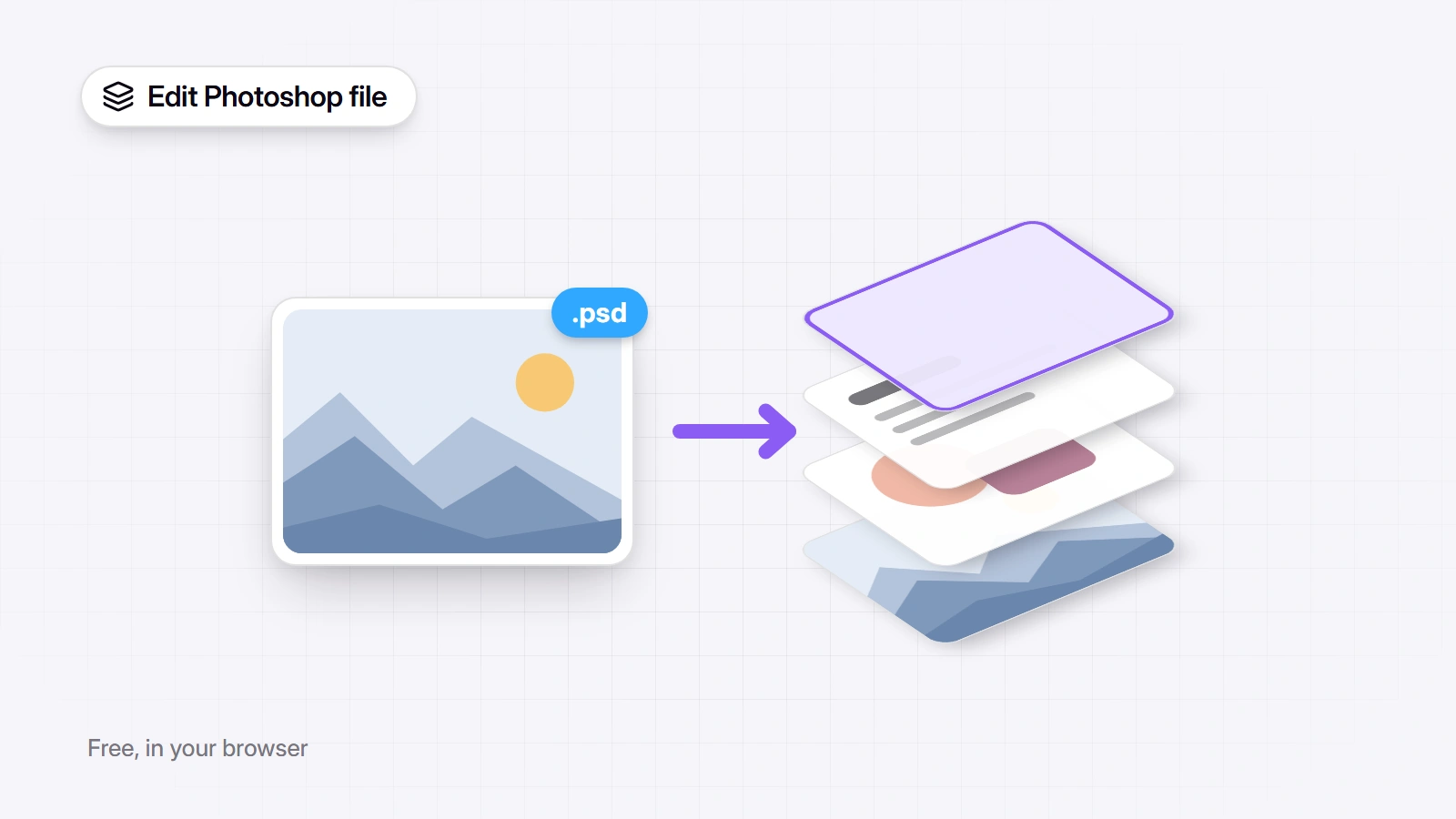
How do I open a PSD file without Photoshop?
Drop the file on the Edit Photoshop file page, or press Choose a file. It opens in your browser. How much of it you can edit depends on the file itself, because Minda Files reads the file's mode, depth and size first.
| Your file | What happens |
|---|---|
| A .psd in 8-bit RGB or grayscale, with at least one layer, up to 100 megabytes | Opens with its layers, ready to edit |
| A .psb, or a CMYK, indexed, duotone or 16-bit file, or a larger .psd | Opens as one flat picture, up to 40 megapixels |
| A Lab, Multichannel or 32-bit file | Refused, with how to save it again in Photoshop |
| A file saved without Maximize Compatibility | Refused, with where to turn it on in Photoshop |
| A picture over 40 megapixels | Refused, with a hint to save a smaller copy |
What can I change in a layer?
The Layers panel lists the file's layers from the top down. Each row shows an eye to hide or show it, a lock, and an icon for its kind: pixels, text, shape, fill, adjustment, group or smart object. Choose a row and the controls below it apply to that layer.
- Name renames the layer, and Blend mode sets how it mixes with the layers beneath. A few modes preview as Normal, and the panel says so. Photoshop draws them right when you open the file.
- Opacity runs from 0 to 100. Text shows on a text layer, and typing in it changes the words.
- Brightness, Contrast, Saturation, Hue and Grayscale are saved as live adjustment layers that Photoshop keeps editable. Blur and Noise show on pixel layers, and they are baked into the layer's pixels when you download.
- Move and scale on the picture puts a box on the chosen layer. Drag it to move the layer and drag a corner to scale it. Reset place and size puts it back.
- Add mask from selection turns the picture's selection into a layer mask, and Delete mask takes it away. On a smart object, Open source saves the object's own file to your downloads.
- Move up, Move down, Duplicate the layer and Delete the layer work in the group the layer sits in. A layer with its lock on cannot be deleted, so turn the lock off first.
- New layer adds a blank one above the chosen layer. Add a picture turns a file into a layer, and New artboard adds an artboard. Export artboards, in the same panel, writes each artboard as its own PNG or JPEG in one zip, or as the pages of one PDF.
How do I paint, write and crop?
The tools column holds Photoshop's tools with their usual letters. Brush (B) paints on the chosen pixel layer in the fill color, and Eraser (E) rubs pixels out. Set the size in the bar, from 1 to 500 pixels. Crop (C), Type (T), the shapes, Pencil (N) and Magic Wand (W) work as they do on any picture, and Properties shows the chosen layer's position, type and fill.
Each mark you draw goes into the PSD as its own layer. Text becomes a type layer when Photoshop has the font, and shapes become shape layers. The rest become pixel layers named by their kind.
Crop, turn and resize act on the whole picture, so the PSD is then written as one layer. Press Reset picture to keep the layers. Picture AI changes only the flat picture, and the download is a flat file with no layers.
Which formats can I download?
Press Download and a menu opens.
- Download as Photoshop file keeps the layers as Layers shows them, with your marks as layers on top. The file you opened is not changed.
- Download as PNG picture, JPEG picture and PDF write the flattened picture. A JPEG puts it on white, so choose PNG to keep a clear background.
- Download as SVG writes the picture as an image with your marks as shapes, text and pictures above it.
A worked example with poster-v3.psd
A designer sent poster-v3.psd. The headline says Spring Sale and an old price badge has to go, and you have no Photoshop.
- Drop
poster-v3.psdon the Edit Photoshop file page. It opens with its layers listed in the Layers panel, top layer first. - Press the eye on the layer named Old price. It hides, and the rest of the poster stays as it was.
- Choose the text layer named Headline. In the Text box, change Spring Sale to Summer Sale.
- Choose the layer named Photo and set Saturation to
-30. The picture goes quieter, and the adjustment is saved as a live one. - Press T, click in the bottom corner and type Ends Friday. The words become their own layer.
- Press Download and choose Download as Photoshop file. Photoshop opens it with its layers, and
poster-v3.psditself is not changed. - For the web, press Download again and choose Download as PNG picture.
Why did it not work?
- “This Photoshop file was saved without "Maximize Compatibility"…” The file holds layers but no flattened picture. In Photoshop turn on Maximize PSD and PSB File Compatibility under Preferences, File Handling, then save it again.
- “Minda does not read Lab colour Photoshop files.” Multichannel files get the same message with that word in place of Lab. In Photoshop use Image, Mode, RGB Color, then save it again or export a PNG or JPEG.
- “Minda does not read 32-bit (HDR) Photoshop files.” Use Image, Mode, 8 Bits/Channel, then save it again.
- “This Photoshop file is … pixels.” The picture is over the 40 megapixel cap. Use Image, Image Size in Photoshop and save a smaller copy.
- “This Photoshop file is damaged or cut short, so Minda cannot read its picture.” The file is incomplete. Copy it again from where it came from.
- The layers panel is missing and the file opens as one picture. It is a .psb, or in CMYK, indexed, duotone or 16-bit, or over 100 megabytes. Save it in 8-bit RGB in Photoshop to get layers.
- A message that starts “This file is” names a size over your limit. The limits below give the sizes.
What are the limits?
File size follows your account: 10 MB signed out, 20 MB signed in on the free plan, and 256 MB on the Files plan and Pro. Layers open only for a .psd up to 100 megabytes.
Text you add stays a type layer only when Photoshop can find its font. Otherwise it is written as pixels, and a note says so.
A smart object's contents are not edited here. Open source saves its own file, and you open that file elsewhere.
Is my file uploaded?
No. The PSD is read and edited in your browser, and it is not sent to a server. Ask AI is the exception: it sends what you ask, and the text of the file it needs, to Minda AI. The Picture AI jobs, such as Remove background on a busy picture, send the flat picture to Minda AI, show their cost first and need you to be signed in.
Limits
- Layers open for a .psd in 8-bit RGB or grayscale. Other files open as one flat picture, or are refused.
- Crop, turn, resize and Picture AI give a flat result with no layers to keep.
- A smart object's contents are not edited here. Open source saves its own file.
- A file saved without Maximize Compatibility is refused.
Questions
Can I open a PSD file without Photoshop?
Yes. Drop it on Edit Photoshop file in Minda Files. A .psd in 8-bit RGB or grayscale opens with its layers, and other files open as one flat picture.
Will Photoshop open the file I download?
Yes. Download as Photoshop file writes a .psd with the layers as Layers shows them. Adjustments stay live in Photoshop, and your marks come as layers on top.
Why does my PSD open as one picture?
The file is a .psb, or in CMYK, indexed, duotone or 16-bit, or over 100 megabytes. Those open flat. Save an 8-bit RGB .psd in Photoshop to get the layers.
Can I change the text in a text layer?
Yes. Choose the text layer and type in the Text box. The layer stays a type layer in the PSD you download when Photoshop can find its font.
Can I get a PNG from a PSD?
Yes. Press Download and choose Download as PNG picture. It writes the flattened picture, and a PNG keeps a clear background where the file has one.