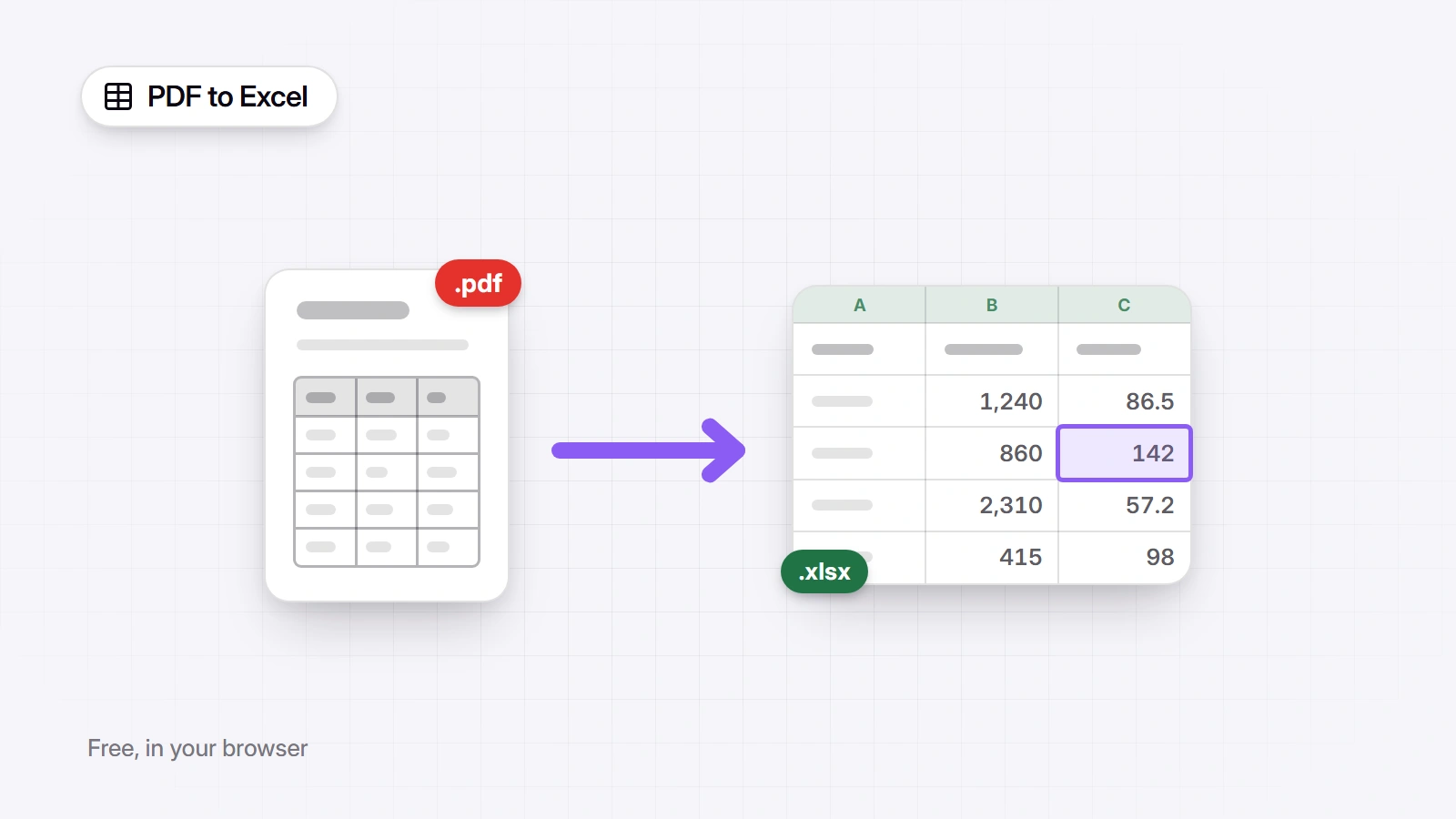
Which PDFs give a clean workbook?
A PDF with real text and a table drawn on it: an invoice, a price list, a timetable, a bank statement. If you can drag the cursor across the figures in a viewer, the tool can read them. A scan is only a picture of a page, so there are no words to find a table in. The tool stops and says so, and OCR PDF makes the PDF searchable first, as its guide shows.
A PDF that is mostly paragraphs has no cells to fill, and PDF to Word suits that better.
What do Make, Sheets and Keep the other text do?
Three settings shape the result. The run button names the first one: Convert to Excel, or Convert to CSV when you pick CSV. A CSV skips number types and merged cells, and PDF to CSV is the page that starts on it.
| Setting | Choices | What it does |
|---|---|---|
| Make | Excel, CSV | Excel writes one .xlsx workbook. CSV writes a .csv file for each table, in a ZIP when there are several. |
| Sheets | Each table, Each page | Each table gives a sheet named Table 1, Table 2 and so on. Each page gives a sheet named Page 3 for every page that has a table, its tables one under another. |
| Keep the other text | Off, On | On adds a sheet named Text with the words outside the tables, a line each, with the page they were on. |
How does it find a table?
A table drawn with ruling lines is the easy case. The tool joins the straight lines where they touch, and a set with two or more rows and columns is a grid whose cells are the spaces between the lines. Each word goes to the cell its middle sits in. Where a line is left out between two cells, those cells are merged, which is how a heading drawn across three columns arrives.
A table with no lines, or only horizontal ones, is found from its words. They are set in lines by their baseline and cut into cells at gaps wider than a word space. Two or more lines with two or more cells make a table, and a line tight under a row with nothing in its first column is that row’s wrapped text.
A table that reaches the lower part of a page and a table in the upper part of the next page, with the same columns in the same places, are one table. A header row the next page repeats is left out. This join happens under Each table only, because Each page keeps every page apart.
- Paragraphs and bullet lists are not tables.
- A lone title with a date is not a table.
- Two columns of prose side by side are not a table.
- A box round the page, a single rule or an underline is not a table.
Which cells become numbers and dates?
A cell becomes a number or a date only when its words read one way. The rest stay as the page shows them. The first row of each table is its header, written in bold, and what is under it is typed.
| The PDF says | The sheet holds |
|---|---|
1,234.50 | The number 1234.5, under its column’s number format |
(25.00) | The number -25 |
12.5% | The number 0.125, shown as a percent in a column of percents |
£1,200.00 | The number 1200 under a pound format |
2024-03-15 or 15 Mar 2024 | A date, shown the way the page wrote it |
007, 5 kg, N/A, 12-14 | Text, as written |
03/04/2024 | Text, unless another date in the PDF shows which comes first |
Why does one cell in a column stay text?
A column is shown under one number format built from its figures: the most decimal places any of them has, thousands grouping if one has it, and a currency sign if one is there. The kind of value most of its cells hold wins, and a figure of another kind stays the words the page shows. Dates written in different styles in one column stay as written too, because one format code cannot show them all.
With no clue in the document, the point is the decimal mark, as in English. A date written with dots, such as 03.04.2024, is read day first, and an all-number date with slashes or dashes stays text until some other date settles the order.
A worked example: an invoice with a two-row heading
Invoice-0412.pdf has one page. A ruled table has a heading Amount (USD) drawn over two columns, Unit price and Total, and the headings Item, Qty and Date each span two rows. Below it come four items, a discount of (25.00) and a total of 1,360.97. A line under the table thanks the customer.
- Drop
Invoice-0412.pdfon PDF to Excel. A line under the run button reads Finds the tables in 1 page and makes an Excel workbook, a sheet for each table. - Leave Make on Excel and Sheets on Each table. Turn on Keep the other text if you want the thank-you line kept.
- Press Convert to Excel. The note with the result reads 1 table found.
- Press Download XLSX and save
Invoice-0412.xlsx. Or press Open in editor to see the sheet on the same page. - Open the workbook and look at the sheet named Table 1.
Why did it not work?
| What you see | Why | What to do |
|---|---|---|
| has no text to read: it looks like a scan, its pages are pictures | Every page is a picture, so there are no words to find tables in. | Run OCR PDF to make a searchable PDF, then convert that PDF. |
| No tables were found | The pages hold words but nothing that lines up in rows and columns, or the table is a picture. | Turn on Keep the other text, or use PDF to Word. A table drawn as a picture needs OCR PDF first. |
| needs its password to open | The PDF is locked with an open password. | Take it off with Unlock PDF, then convert. |
| A table over two pages is two sheets | The next page’s table must start near its top with the same columns, and Each page never joins. | Choose Each table. If the columns still differ, copy the rows across in Excel. |
| A figure stays left-aligned text | The cell holds more than a figure, or most of its column is another kind of value. | Fix that cell in Excel. |
| The Excel workbook could not be made | The Excel writer failed on this document. | Choose CSV in Make. |
Limits and privacy
Signed out, a file can be up to 10 MB. Signed in on the free plan, the limit is 20 MB, and the Files plan and Pro open files up to 256 MB. A PDF can hold up to 2,000 pages. PDF to Excel takes up to 50 PDFs in one run and makes a workbook for each, with the same settings.
Nothing is uploaded. Your browser reads the words and the ruling lines of each page and writes the workbook on your own computer. The conversion uses no AI and needs no account. Only Ask AI, the chat beside an open file, sends anything to Minda AI, and only when you use it.
Limits
- It does not read a table drawn as a picture, and a scan needs OCR PDF first.
- It keeps the words and values, not the fonts, colors, borders or shading of the original.
- It does not rebuild formulas: a total arrives as a plain number.
- It makes one workbook for each PDF: the tables of several PDFs never go into one workbook.
Questions
Why did a figure stay as text instead of a number?
The cell held more than a figure, such as 5 kg or N/A, or it differs from most of its column. A column keeps the kind of value most of its cells hold, and the rest stay as the page writes them. Fix that cell in Excel.
Does the sheet keep the formulas of the original table?
No. A PDF holds results, not formulas, so a total arrives as a plain number. Select the rows above it in Excel and compare their sum with the printed total.
Can I put all the tables of a PDF on one sheet?
No. Each table gets a sheet, or each page gets one with its tables stacked. If you want one list, copy the rows together in Excel.
What happens to a table that runs over a page break?
It becomes one sheet when the next page’s table has the same columns and starts near the top. A header row repeated there is left out. This needs Each table, since Each page keeps every page apart.