When is Excel to PDF the right tool?
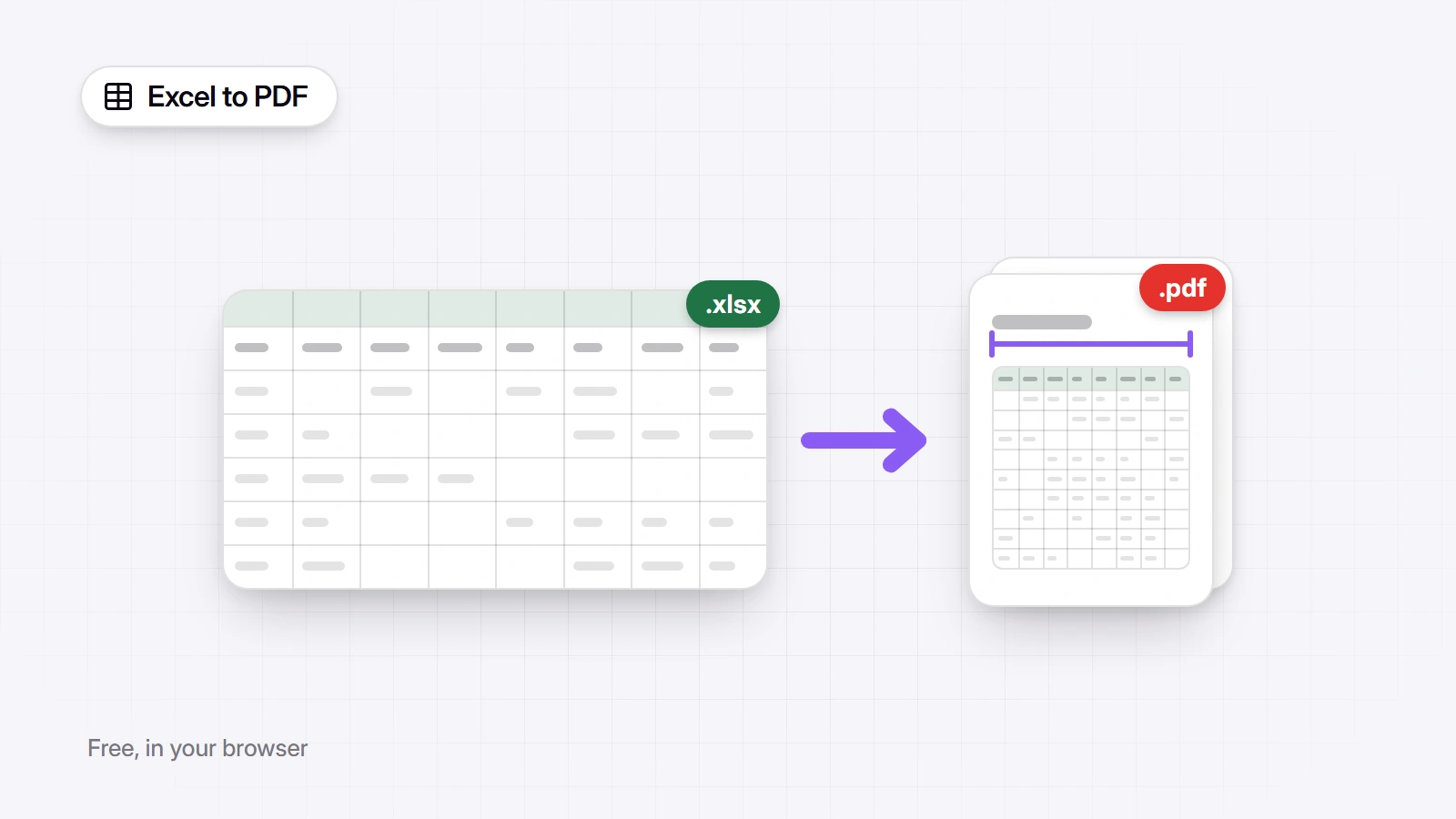
A workbook you hand to someone who should read it and not edit it, a price list, a report or a table exported as CSV, works well as a PDF. The tool gives each sheet pages that fit the paper, so no column runs off the edge.
If the numbers still need changing, open the file in Edit Word, Excel, PowerPoint first. The PDF shows what the file holds when you convert it, and it does not recalculate anything.
What does each option do?
There are two settings for the page, and a third that only appears when you drop more than one file. The paper starts on your region’s paper, which is Letter in the US, and that button comes first.
| Option | What you get |
|---|---|
| Paper: A4 | An A4 page with a half-inch margin. |
| Paper: Letter | A Letter page with a half-inch margin. |
| Orientation: Auto | The default. A sheet wider than a portrait page goes onto a landscape page. A narrower sheet stays on a portrait page. |
| Orientation: Portrait | Every page stands upright, however wide the sheet is. |
| Orientation: Landscape | Every page lies on its side, which gives a wide sheet more room. |
| One PDF | All the files in one PDF named documents.pdf, in the order listed. Off, each file gets its own PDF, and the result offers Download all as a ZIP. |
How does it fit a sheet on the page?
- One sheet, one start. Each sheet begins on a new page, in the order of the workbook’s tabs.
- Width. A sheet wider than the page is made smaller until all its columns fit across it. It is never made bigger, so a narrow sheet keeps its size.
- Rows. A row is never split across two pages. A page ends before a row that would not fit.
- What is printed. The values the file last saved, with their number formats, bold, colors, fills, merged cells, charts and pictures. Formulas are not worked out again. Column letters and row numbers are left out.
- Size of a sheet. A sheet past the viewer’s size limit is cut, and a note says so.
- How a page is made. Each page is drawn as a sharp picture, 192 pixels to the inch, saved as a JPEG. The sheet’s words sit under it as invisible text, so you can search, select and copy them. Web and e-mail links stay clickable.
A worked example
regional-sales.xlsx has three sheets, North, South and Totals. The Totals sheet has fourteen columns, far wider than a portrait page. You want to send it on Letter paper.
- Drop
regional-sales.xlsxon Excel to PDF, or press Choose files. - Choose Letter, and leave the orientation on Auto.
- Press Convert to PDF. Each of the three sheets starts on a new page, so the PDF has three pages at least. Auto turns the Totals pages onto their side. If fourteen columns are still wider than the page, the sheet is made smaller until they fit across.
- Press Download PDF. The file is named
regional-sales.pdf.
Why did it not work?
| What you see | Why | What to do |
|---|---|---|
| is not a file Excel to PDF takes | The type is not .xlsx, .xltx, .xls, .ods, .csv or .tsv. | Drop a file of one of those types, or save a copy as .xlsx or .csv first. |
| could not be read | The file is damaged, locked with a password, or not what its name says. | Open it in its own app, save a copy, and convert that copy. |
| The document is more than 300 pages long once laid out | A workbook is laid out on 300 pages at most. | Split the workbook into smaller parts and convert each. Join the PDFs with Merge PDF if you need one. |
| Excel to PDF isn’t available on this screen | The screen has no reader. It is not Minda Files or Minda Files for Chrome. | Open Minda Files in your browser. |
| The type on a wide sheet is small | A sheet wider than the page is made smaller until its columns fit. | Choose Landscape, so the page is wider and the sheet is shrunk less. |
| A cell shows an old value | Formulas are not worked out again. The PDF has the value the file last saved. | Open the file in its own app, save it, and convert the saved copy. |
| A note says part of a sheet was cut | The sheet is past the viewer’s size limit. | Move part of it to another sheet or file, and convert again. |
Limits
One run takes up to 50 files. Signed out, each file can be up to 10 MB. Signed in on the free plan, the limit is 20 MB, and the Files plan and Pro open files up to 256 MB. A browser page holds at most 256 MB for one file and for all of a run’s files together. A workbook is laid out on at most 300 pages.
Is my file uploaded?
No. Your browser reads the spreadsheet, lays out the sheets, draws each page and writes the PDF on your own computer. Nothing goes to a server. The tool uses no AI, needs no account and spends no credits.
The one exception is Ask AI, the chat beside an open file: when you use it, what you ask and the text it needs go to Minda AI.
Limits
- It prints the values a file last saved. Formulas are not worked out again.
- Column letters and row numbers are not printed, and a sheet past the viewer’s size limit is cut, with a note.
- It makes a wide sheet smaller to fit its columns across the page and never makes a narrow one bigger.
- The PDF is bigger than one an Excel export would make, because each page is a picture with the words under it.
Questions
Is a row ever split across two pages?
No. A row is never split. When the next row would not fit, the page ends and the row starts the next page.
Are my formulas calculated again?
No. The PDF shows the values the file last saved, with their number formats. Save the file in its own app after a change, and the PDF will match.
Why are the column letters and row numbers missing?
Excel to PDF does not print them. The page shows what is in your cells. Put a heading in the first row of the sheet if the reader needs one.
Which paper does Excel to PDF start on?
Your region’s paper: Letter in the US, A4 in most other places. The button for it comes first, and you can switch to the other with one press.