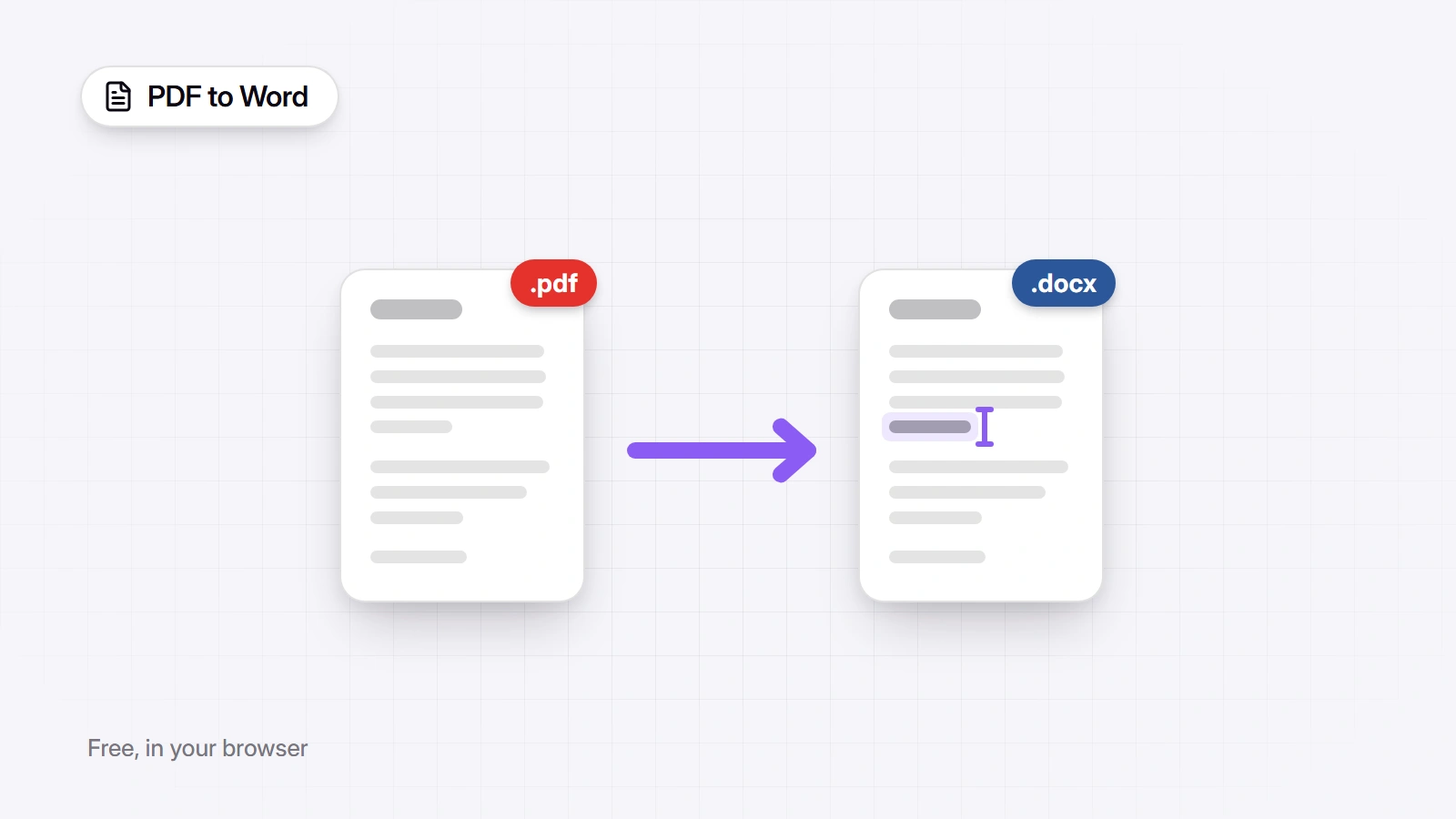
When is PDF to Word the right tool?
It works on a PDF with real text, the kind where you can drag the cursor across a sentence. A report exported from a word processor or a web page saved as PDF both qualify. A scan is only a picture of a page, so the tool finds nothing to read and stops with a message. For scans, use OCR PDF and choose Word there, as the OCR PDF guide shows.
Mac users and anyone starting from a scan will find the short route in how to convert PDF to Word. Once the file is made, you can download it or open it in the Minda Files editor on the same page.
What does each option do?
PDF to Word has a single choice, labeled Make. It sets the kind of file you get back. Everything else, from the headings to the paper size, is decided from the PDF itself.
| Make | You get | It suits |
|---|---|---|
| Word | A .docx file with its headings, lists and pictures | Editing in Word or in the Minda Files editor |
| ODT | An .odt (OpenDocument text) file with the same headings, lists and pictures | LibreOffice, OpenOffice and Google Docs |
| RTF | An .rtf (Rich Text Format) file with the same headings, lists and pictures | WordPad, Pages and older word processors |
| Markdown | A .md file where headings carry # marks and lists keep their bullets or numbers | Notes apps and wikis |
| Text | A .txt file of the words, with no heading marks | Moving the words somewhere else as they are |
How does it read headings, lists, pictures and page numbers?
The converter works from the size of the type. It finds the size that carries the most characters and treats that as the body text. Everything else is judged against it.
- Headings. Type at least 1.12 times the body size makes a third-level heading, at least 1.35 times a second-level one, and at least 1.8 times a title. A block longer than 160 characters stays a paragraph, and bold alone does not make a heading.
- Lists. A line that starts with a bullet mark, a dash, or a number such as
1.or(2)becomes a list item. A bullet drawn apart from its words is joined back to them. - Pictures. In Word, ODT and RTF each picture of the PDF is cut from its page at its size. It goes into the text above the first line below its top, as far from the left edge as on the page. A chart drawn with lines and shapes is not a picture and is not kept.
- Running heads and page numbers. Words repeated in the top or bottom tenth of three or more pages are dropped, and so is a bare number such as
7orPage 3 of 9. - Paper. The Word page is Letter or A4 when the first page of the PDF is one of those sizes. Otherwise it uses the paper your region uses, which is Letter in the US.
A worked example
Take Q3-sales-report.pdf, a twelve-page report exported from a word processor. It has a title, section headings, a few bullet lists, a table of regional sales and a page number at the foot of every page.
- Drop
Q3-sales-report.pdfon PDF to Word. The file card shows its name, its page count and its size. - Leave Make on Word. A line under the run button reads Makes a Word document of the text, with its headings, lists and pictures.
- Press Convert to Word. The button fills as the pages are read, and a line under it counts them.
- The card changes to Your file is ready and lists
Q3-sales-report.docx. Press Download DOCX, or Open in editor to change it on the same page.
Why did it not work?
| What you see | Why | What to do |
|---|---|---|
| has no text to read: it looks like a scan, its pages are pictures | Every page is a picture, so there are no words to take. | Run OCR PDF and choose Word. |
| needs its password to open | The PDF is locked with an open password. | Take it off with Unlock PDF, then convert. |
| is not a PDF Minda Files can read | The file would not open as a PDF. | Open it in another program, save a copy as PDF, and try again. |
| Headings arrive as plain paragraphs | Their type is under 1.12 times the body size, or they differ from the body only in bold. | Apply heading styles yourself in Word. |
| A table is now a run of paragraphs | Table layout is not kept, only the words in the cells. | Rebuild the table in Word. |
| A chart is missing | It is drawn with lines and shapes, not stored as a picture. | Make a picture of that page with PDF to JPG and insert it. |
| The Word file could not be made | The Word writer failed on this document. | Choose Markdown or Text instead. |
Limits
Signed out, a file can be up to 10 MB. Signed in on the free plan, the limit is 20 MB, and the Files plan and Pro open files up to 256 MB. A PDF can hold up to 2,000 pages. PDF to Word takes up to 50 PDFs in one run and makes a file for each, with the same settings.
Is my file uploaded?
No. Your browser reads the text and pictures of the PDF and writes the file you chose on your own computer. Minda Files sends the page and its code to you, but your PDF never travels back. The conversion uses no AI and needs no account.
Only Ask AI, the chat beside an open file, sends anything to Minda AI, and only when you use it: what you ask, and the text of the file it needs.
Limits
- It does not keep columns, the layout of tables or charts drawn with lines. Markdown and Text keep the words only.
- It does not read scans: a PDF made of pictures needs OCR PDF first.
- It does not open a PDF that needs a password: take the password off with Unlock PDF first.
- It makes one file for each PDF, never one document from several.
Questions
Which should I pick: Word, ODT, RTF, Markdown or Text?
Word is the usual choice: a .docx you can edit in a word processor or in the Minda Files editor. ODT suits LibreOffice and Google Docs, and RTF older programs. Markdown suits notes apps and wikis, and Text gives the words alone. All five come from the same reading of the PDF.
Why did my headings turn into plain paragraphs?
Because their type was not large enough against the body text. A heading needs to be at least 1.12 times the body size, and bold alone does not count. Apply the heading styles in Word, or check the sizes in the original file.
Can I convert several PDFs at once?
Yes, up to 50 in one run. Drop them together, pick the settings once and convert: each PDF becomes a file of its own, one after another, and Download all as ZIP saves them together.
Do I need an account?
No. Every tool is free with no account. Signed out, a file can be up to 10 MB, and signing in on the free plan raises that to 20 MB.