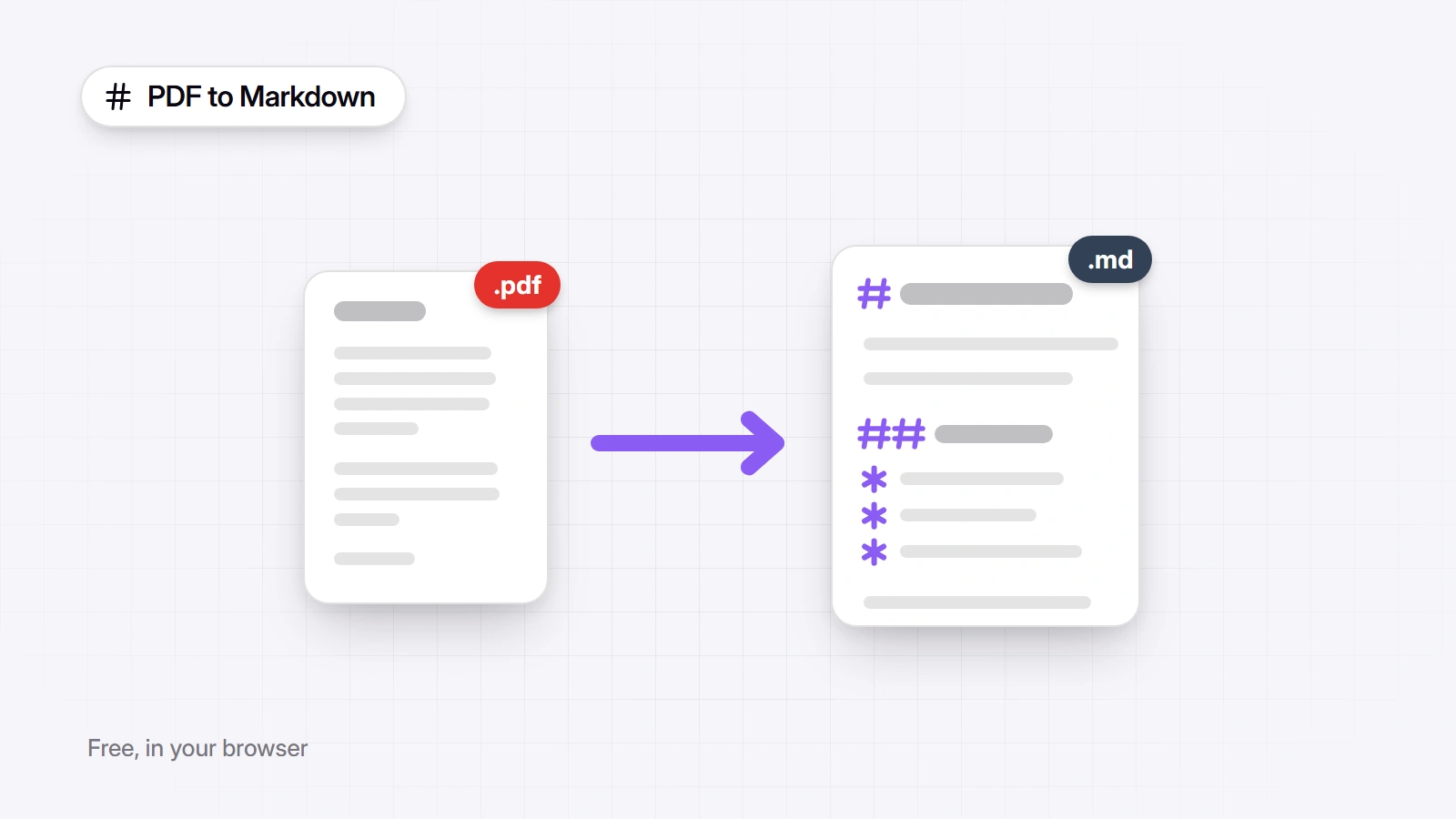
When is Markdown the right output?
Markdown is plain text with a few marks: a # for a heading, a dash for a list item. Notes apps, wikis and a repository’s README all read it, and pasted into a chat prompt it keeps a document’s structure in a few characters. The file is small too, since it holds words and nothing else.
If the next stop is a word processor, PDF to Word writes a .docx instead. A PDF full of tables belongs in PDF to Excel, which keeps the rows and columns that Markdown output would turn into lines of text.
How are headings and lists marked?
The tool finds the type size that carries the most characters and calls it the body. Everything else is measured against it.
| In the PDF | In the .md file |
|---|---|
| Type 1.8 times the body size or more | A heading with one # |
| Type 1.35 times the body size or more | A heading with two ## |
| Type 1.12 times the body size or more | A heading with three ### |
| A line that starts with a bullet mark or a dash | A list item that starts with a dash |
| A line that starts with 1. or (2) | A numbered item, written 1. or 2. |
| Anything else | A paragraph, set apart by a blank line |
Why are there backslashes in the file?
Markdown gives some characters a job. An underscore starts italics, an asterisk starts bold, square brackets make links and a pipe splits a table cell. When the PDF has one of them in ordinary words, the tool puts a backslash in front so a Markdown reader shows the character as written. The same goes for a #, a >, a plus or a dash, or a number with a full stop, at the start of a line.
| The PDF says | The .md file holds |
|---|---|
max_retries | max\_retries |
C:\temp | C:\\temp |
5 * 3 | 5 \* 3 |
[draft] | \[draft\] |
A worked example
Deploy-notes.pdf is a seven-page runbook with a title, three section headings, a checklist in bullets, numbered steps and the words Deploy runbook at the top of every page.
- Drop
Deploy-notes.pdfon PDF to Markdown. Markdown is already chosen, and the run button reads Convert to Markdown. - Press Convert to Markdown. The button fills as the pages are read.
- When the card says Your file is ready, download
Deploy-notes.md. - Open it in a text editor. In this PDF the title is set large enough for one
#and the section headings for##. The checklist starts with dashes, the steps with1.,2.and so on, and the running head and page numbers are gone.
Why did it not work?
| What you see | Why | What to do |
|---|---|---|
| has no text to read: it looks like a scan, its pages are pictures | Every page is a picture, so there are no words to take. | Run OCR PDF and choose Markdown. |
| needs its password to open | The PDF is locked with an open password. | Take it off with Unlock PDF, then convert. |
| A heading is an ordinary line | Its type is under 1.12 times the body size, or only bold sets it apart. | Add the # marks yourself in the .md file. |
| A table is a run of separate lines | Table layout is not kept, only the words in the cells. | Use PDF to Excel for the table. |
| A paragraph is split in two | Pages are read one at a time, so a paragraph that runs over a page break ends on one page and starts again on the next. | Join the two lines in your editor. |
Limits
Signed out, a file can be up to 10 MB. Signed in on the free plan, the limit is 20 MB, and the Files plan and Pro open files up to 256 MB. A PDF can hold up to 2,000 pages. PDF to Markdown takes up to 50 PDFs in one run and makes an .md file for each.
Is my file uploaded?
No. Your browser reads the text of the PDF and writes the .md file on your own computer. The PDF never travels back to Minda Files, the conversion uses no AI, and you need no account.
Only Ask AI, the chat beside an open file, sends anything to Minda AI, and only when you use it.
Limits
- It does not keep pictures, columns, bold, italics, links or the layout of tables, only the words with their headings and lists.
- It does not read scans: a PDF made of pictures needs OCR PDF first.
- It does not mark where a page ended, so the pages run on with no break between them.
- It makes one .md file for each PDF, never one file from several.
Questions
Why does my Markdown file show backslashes before underscores?
They are escapes, put there so a Markdown reader shows the underscore instead of starting italics. A viewer hides them. For clean words with no marks at all, PDF to Text writes a plain .txt file.
Can I paste the Markdown into a chat with an AI model?
Yes. The file is plain UTF-8 text, so it pastes anywhere text goes. The # marks and dashes show where sections and lists begin.
Does the file show where each page ended?
No. The pages run on one after another with no marker between them, and the running heads and page numbers are left out.
What if my PDF uses one type size for everything?
Then nothing is larger than the body text, so every line is a paragraph or a list item and the file has no # marks. Add them by hand where you want headings.