What does each option do?
The Header and footer page opens the page numbers tool with Reads set to No number, so the line is your words alone. The line beside the button shows what a page will say before you run.
| Option | What it does | Starts as |
|---|---|---|
| Where | One of six places: the left, the middle or the right of the top edge or the bottom edge | Top centre |
| Reads | No number, words only. Choose 1, 2, 3, 1 of 12 or Page 1 to put the page number in the line too | No number |
| Header or footer | The words, up to 120 characters. With a number, they go in Before the number and After the number instead, up to 40 characters each | Empty |
A worked example
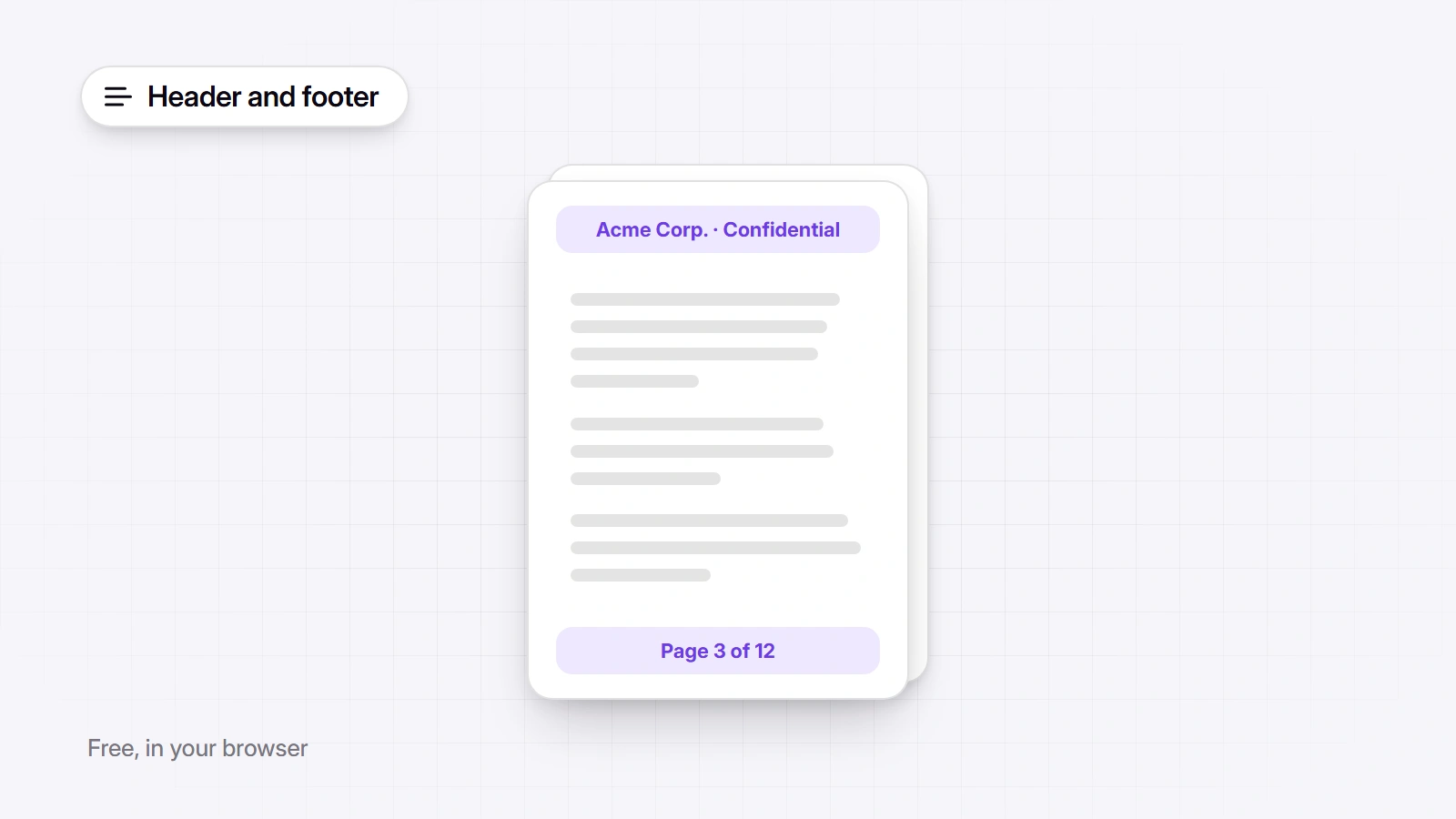
contract.pdf has 12 pages and needs “Acme Corp. · Confidential” at the top of each one and its page number at the bottom.
- Drop contract.pdf on the Header and footer page.
- Type
Acme Corp. · Confidentialin Header or footer and leave Where on Top centre. - The line beside the button says every page gets that line. Press Add header or footer and download contract (header-footer).pdf.
- Drop that new file on the Page numbers page, leave Where on Bottom centre and Reads on
1 of 12, and press Add page numbers. - Download contract (header-footer) (numbered).pdf. It has the header on every page and “1 of 12” to “12 of 12” at the bottom.
How do I add a header and a footer?
Each run puts one line in one of the six places. Add the header, download the PDF, drop the result back on the page and add the footer in a place at the bottom. The second run goes on top of the first and leaves it as it is.
How do I put the page number in the line?
Choose a number style in Reads, then write your words in Before the number and After the number.
- Confidential · 3: choose
1, 2, 3and typeConfidential ·and a space in Before the number. - Page 3 of 12 · Acme Corp.: choose
Page 1or1 of 12, and type a space and· Acme Corp.in After the number. - A number line has less room. With a number, each box takes up to 40 characters. With No number, the one line takes up to 120.
How does the line sit on the page?
The line sits 28 points, about 0.4 inch, in from the edge you chose. It is laid over the page, so if something is printed in that spot, the line goes on top of it. Pick another place for those pages.
The line is drawn as a small picture. It is not text you can select or search, and the page underneath is not changed.
Why did it not work?
- The line is on top of the printed header. Move it with Where, or leave the page as it is.
- The button is grey and the line says to write the words. Header or footer is empty. Type the words first.
- The words are too long. With No number the line takes up to 120 characters. Shorten it.
- The cover has the line too. Every page gets it, and there is no setting to skip pages. Split the cover off with Split PDF, add the line to the rest, and join the two files again.
- The line says the file needs its password to open. Take it off with Unlock PDF, then add the line to the unlocked copy.
What are the size and page limits?
Add header and footer takes up to 50 PDFs in one run and puts the same line on each, up to 2,000 pages a PDF. The file size you can open depends on your account: 10 MB signed out, 20 MB signed in on the free plan, 256 MB on the Files plan and Pro.
Is my file uploaded?
No. Your browser draws the line and writes it into the new PDF on your computer, so the file never goes to a server. Only Ask AI sends anything, and only if you use it: your question and the file text it needs go to Minda AI.
Limits
- The same line goes on every page. There is no setting to skip the cover or to use a different line on odd and even pages.
- One line a run, in one place. A header and a footer take two runs.
- The size and color of the words are fixed. They are black and follow the page size.
- The line is a picture over the page. It adds words and does not remove a header already printed.
Questions
How do I add a header to a PDF for free?
Drop the PDF on the Header and footer page, type your words, pick a place at the top such as Top centre and press Add header or footer. It runs in your browser and needs no account.
How do I add a footer with a page number?
Pick a place at the bottom, choose 1, 1 of 12 or Page 1 in Reads and type your words in Before the number. Then press Add page numbers. The footer reads, for example, Confidential · 3.
Can I add both a header and a footer?
Yes, one line at a time. Add the header, download the PDF, drop it back on the page and add the footer in a place at the bottom.
How long can a header or footer be?
Up to 120 characters with No number, and 40 characters before and 40 after the number when the page number is in the line. A line wider than the page is set smaller to fit.