What does Crop PDF change in a PDF?
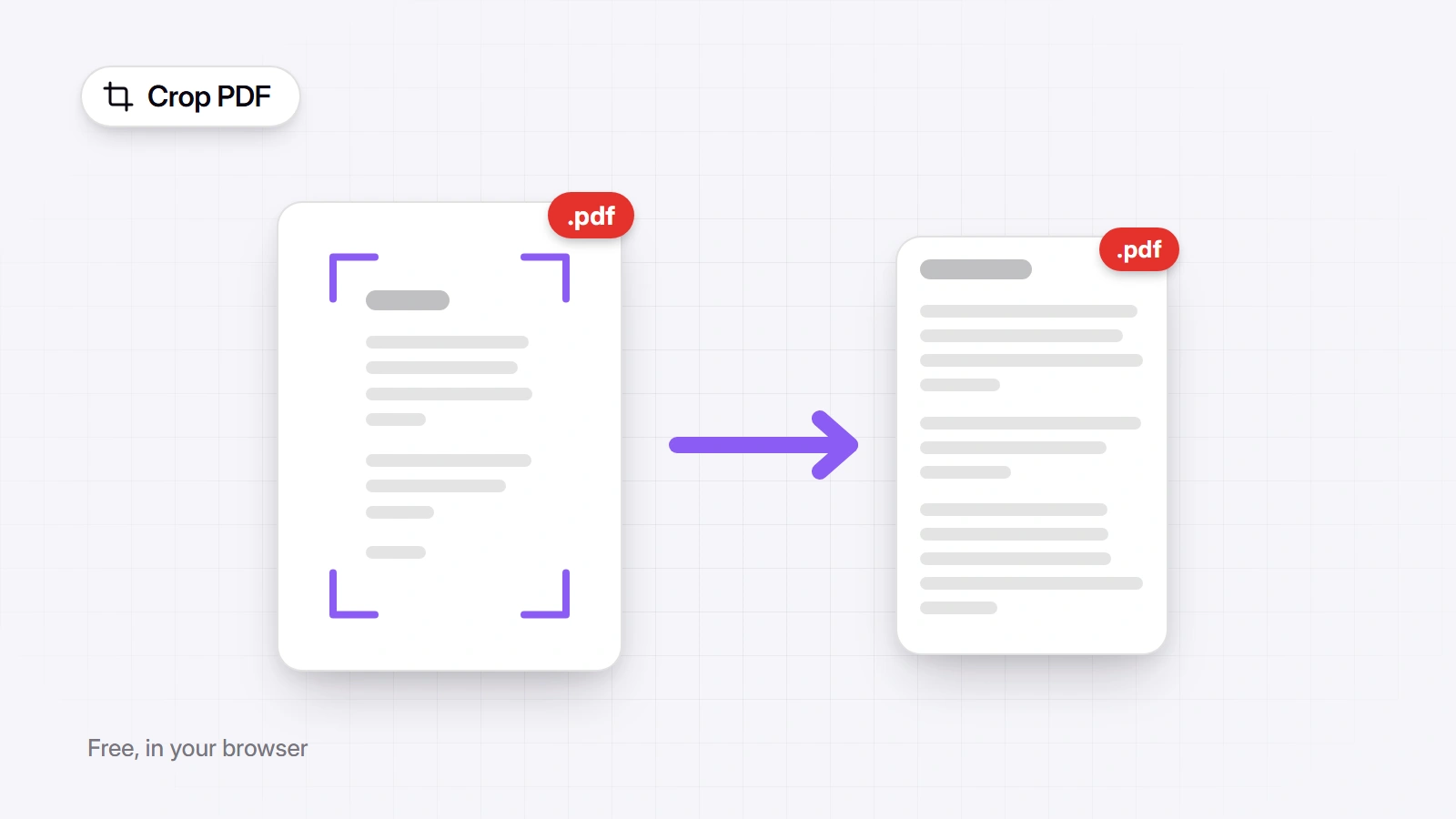
Every page of a PDF carries a box that tells a reader which part of the page to show. Crop PDF makes that box smaller, so the white border around the words and pictures goes from the screen and from the printout.
The page is not drawn again. Its words stay words that you can search and copy, and its pictures keep every pixel. That is why a crop is quick, and why the file hardly changes in size.
What does each option do?
- Auto: on when the page opens. Each page is measured on its own and cut to the edge of its text, lines and pictures, with a little room left around them.
- Margins: the same amount comes off each side of every page you pick. Type the top, right, bottom and left margins.
- Unit: millimeters or inches, for Margins. Switching the unit keeps the same distance and shows it in the new unit.
- Pages to crop: empty for every page, or the pages you name, such as 1-3, 5. The other pages stay as they are.
- Trim the page size too: off at first. Off, only the area each page shows changes. On, the page itself is made that size, for printers and programs that read the page size and not the shown area.
How does Auto find the edge of a page?
Auto draws a small copy of each page on white and looks for the outermost mark: a letter, a line, a picture or a page number. It then cuts the page about 2 mm outside that mark, so nothing printed touches the new edge.
A blank page is left as it is, and so is a page printed right to its edges, such as a photo that fills the page. The note under the result counts both.
What about pages that are turned?
Margins are measured on the page as you see it. The top margin comes off the top edge on your screen, even when the PDF stores the page on its side and turns it to show it.
A landscape page in a portrait document is cropped the same way. You never have to work out which edge the file calls its top.
A worked example with handout.pdf
Take handout.pdf, a set of slides printed small in the middle of letter pages, with a wide white border on every side and a blank page at the end.
- Open Crop PDF and drop
handout.pdfon it. The file card shows its pages and size. - Leave Crop on Auto and Pages to crop empty.
- Press Crop PDF. The page says Your file is ready.
- Read the note. It says how many pages were cropped to the edge of what is printed on them, and that the blank page was left as it is.
- Press Download and open
handout (cropped).pdf. Each slide now fills the screen. - To give every page the same border instead, run it again with Margins, such as 15 mm off each side.
Is what I cut off gone from the file?
No. A crop hides what is outside the new box, and the words and pictures there stay in the file. Anyone with a PDF editor can make the page bigger again and read them.
To take words out for good, such as a name or an account number in the margin, use Redact PDF first and crop after it.
Why did it not work?
| What you see | Why | What to do |
|---|---|---|
| Nothing to crop: the pages are blank. | Auto found no mark on any page you picked. | Check Pages to crop, or choose Margins. |
| Nothing to crop: what is printed reaches the edges of every page. | The pages are printed to their edges, or have a grey background. | Choose Margins and type how much to take off. |
| The margins leave too little of a page. | The margins add up to more than the page is wide or tall. | Make the margins smaller. A crop keeps at least 6 mm of a page each way. |
| A page you typed is outside the file. | Pages to crop names a page the PDF does not have. | Type pages the PDF has, or leave the field empty. |
| This PDF needs its password to open. | The PDF is locked with a password. | Take the password off with Unlock PDF, then crop the copy. |
What are the limits?
Crop PDF takes one PDF or several at once, each cropped on its own with the same options, up to 2,000 pages each. File size depends on your account: 10 MB signed out, 20 MB signed in on the free plan, and 256 MB on the Files plan and Pro.
It runs in your browser and nothing is uploaded. No account is needed.
Limits
- What is cut off is hidden, not deleted. Use Redact PDF to remove words for good.
- Auto counts a grey background or the border of a scan as printed, so it trims little from such a page.
- A crop keeps at least 6 mm of a page each way.
Questions
How do I crop the white margins off a PDF?
Drop the PDF on Crop PDF, keep Auto and press Crop PDF. Each page is trimmed to the edge of what is printed on it, and you download the cropped copy.
Can I crop only some pages of a PDF?
Yes. Type the pages, such as 1-3, 5, in Pages to crop. The other pages stay as they are.
Does cropping a PDF delete what is cut off?
No. A crop changes the area each page shows, so what is outside it is hidden and a PDF editor can show it again. Use Redact PDF to remove words for good.
Is the text still searchable after a crop?
Yes. Crop PDF does not draw the pages again, so the words stay text you can search and copy.