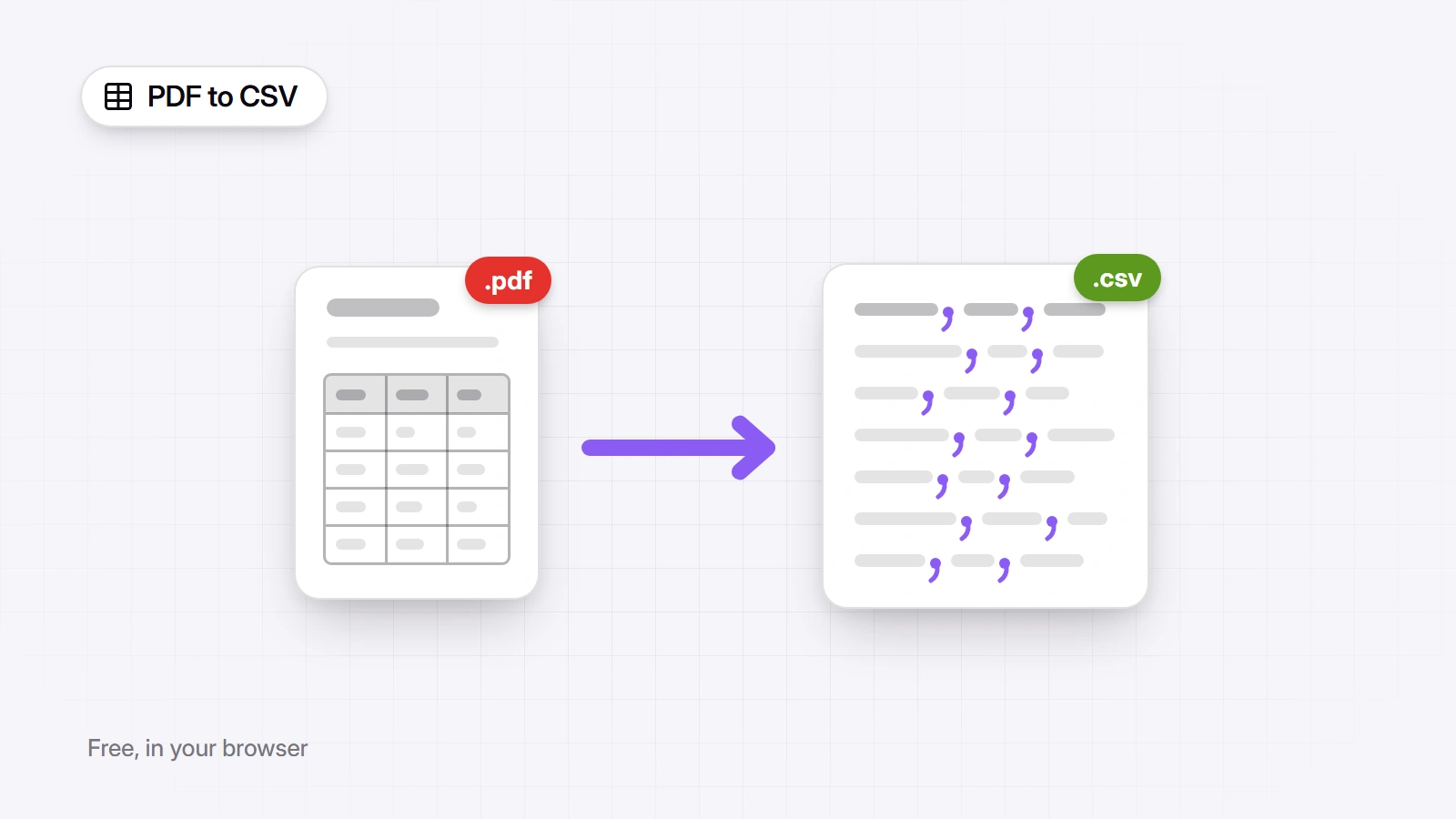
When is CSV better than an Excel workbook?
When the next stop is not Excel. A database import, a script, an accounting package and Google Sheets all read CSV, and it is plain text with no sheet structure to trip a loader. The price is that a CSV has no number types, no merged cells and no formats.
A PDF figure arrives as the words the page shows. 1,234.50 is still text with a comma in it, and (25.00) keeps its brackets. If you want values a spreadsheet can add up, PDF to Excel with Excel picked stores them as numbers and dates instead.
What does a CSV file hold?
The cells of one table, a row to a line, separated by commas. A cell that holds a comma, a quote or a line break goes inside quotes, and a quote inside it is doubled.
- Rows end with a carriage return and a line feed, as Windows programs expect.
- Every row is as wide as the widest row of its table, so short rows are padded with empty cells.
- A heading drawn over several columns puts its words in the first of them and leaves the others empty.
| The PDF cell says | The CSV file holds |
|---|---|
Desk lamp | Desk lamp |
Paper, A4 | "Paper, A4" |
1,234.50 | "1,234.50" |
(25.00) | (25.00) |
6" pipe | "6"" pipe" |
15 Mar 2024 | 15 Mar 2024 |
| An empty cell | Nothing between two commas |
How many files do I get, and what are they called?
Make stays on CSV, and the Sheets choice decides how the tables are split. A table that runs over a page break is one file under Each table.
| Setting | You get | File names |
|---|---|---|
| Each table, one table found | One CSV file | name.csv |
| Each table, several found | A ZIP, name.zip, with a CSV file for each table | The PDF’s name, a hyphen with a space either side, then table 1.csv, table 2.csv and so on |
| Each page | A file for each page that has a table, its tables one under another with a blank line between | The PDF’s name, a hyphen with a space either side, then page 2.csv |
| Keep the other text on | One more file with the columns Page and Text, so one table plus text is already a ZIP | The PDF’s name, a hyphen with a space either side, then text.csv |
A worked example: a supplier’s price list
Price-list.pdf is a supplier’s price list. Its product table starts on the first page, runs to the foot and carries on at the top of the second page under a repeated header row. A small table of shipping rates sits below it. One product is Café filters and another is Mug, blue.
- Drop
Price-list.pdfon PDF to CSV. Make is already on CSV, and Sheets starts on Each table. - Press Convert to CSV. The note with the result reads 2 CSV files in a ZIP. 2 tables found (1 page-break join).
- Press Download ZIP and save
Price-list.zip. - Open the ZIP. The file for table 1 holds the product rows of both pages with the header row once, and the file for table 2 holds the shipping rates.
Why do accents survive when Excel opens the file?
Every file starts with a byte-order mark, three bytes that tell Excel the text is UTF-8. Without it Excel usually reads a double-clicked CSV in an older code page, and café turns into café. With it, accents and other scripts show right with no import wizard.
The mark is invisible in Excel and not everywhere else. A script or a database loader that does not expect it can see stray characters before the first header. Read the file as utf-8-sig in Python, or cut its first three bytes.
Why did it not work?
| What you see | Why | What to do |
|---|---|---|
| has no text to read: it looks like a scan, its pages are pictures | Every page is a picture, so there are no words to find tables in. | Run OCR PDF to make a searchable PDF, then convert that PDF. |
| No tables were found | The pages hold words but nothing that lines up in rows and columns, or the table is a picture. | Turn on Keep the other text for the words, or use PDF to Word. |
| needs its password to open | The PDF is locked with an open password. | Take it off with Unlock PDF, then convert. |
| Each row is one long cell in Excel | Excel set to a region that separates cells with semicolons does not split on commas. | Import the file with Data, From Text/CSV and choose the comma, or pick Excel in Make. |
| Stray characters before the first header | The byte-order mark, which a program that expects plain UTF-8 shows as text. | Read the file as UTF-8 with a BOM, or cut its first three bytes. |
Limits and privacy
Signed out, a file can be up to 10 MB. Signed in on the free plan, the limit is 20 MB, and the Files plan and Pro open files up to 256 MB. A PDF can hold up to 2,000 pages. PDF to CSV takes up to 50 PDFs in one run, each converted on its own with the same settings.
Nothing is uploaded. Your browser reads the words and the ruling lines of each page and writes the files on your own computer. The conversion uses no AI and needs no account.
Limits
- It writes the words as the page shows them, with no number or date types and no merged cells.
- It writes comma-separated files only, with no choice of semicolon or tab.
- It does not read a table drawn as a picture, and a scan needs OCR PDF first.
- Each PDF of a run is converted on its own: the tables of several PDFs never go into one file.
Questions
Why are some numbers in my CSV wrapped in quotes?
Because they hold a comma. A figure such as 1,234.50 would split into two cells without the quotes, so they keep it as one. A CSV reader removes them when it loads the file.
Why does my script see odd characters before the first header?
Each file starts with a byte-order mark so that Excel reads it as UTF-8. In Python, open the file with the utf-8-sig encoding. Other tools have a similar setting, or you can cut the first three bytes.
Can I choose semicolons or tabs instead of commas?
No, the files use commas. If Excel in your region wants semicolons, import the file with Data, From Text/CSV and choose the comma, or pick Excel in Make for a workbook.
Can I get one CSV for a PDF with several tables?
Not directly. Several tables give a ZIP with a file for each, and Each page gives a file for each page. To get one list, paste the rows together in a spreadsheet.