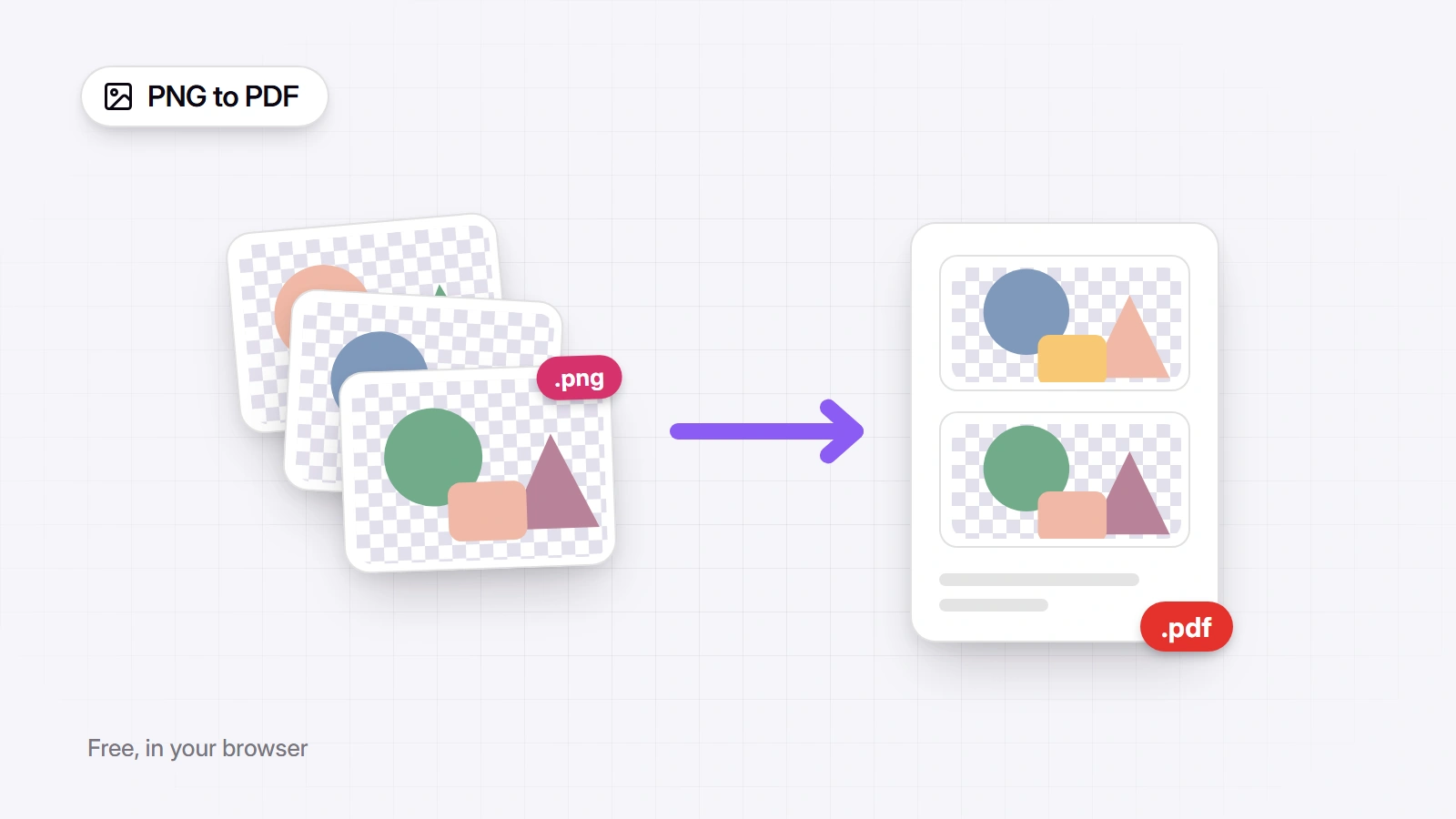
What happens to a PNG inside the PDF?
Each page is drawn on white and kept as a high-quality JPEG, whatever kind of picture went in. Two things follow. Transparent areas turn white, as they would on paper. And a PNG with hairline detail is not stored as a lossless copy, which matters more for a diagram with one-pixel lines than for a photo.
JPG, WebP, GIF and BMP files go through the same way, so one run can mix them. This is the same tool as JPG to PDF, and its guide goes through the list of pictures, its order and its controls row by row.
How does a screenshot sit on the page?
The tool treats every picture as 150 pixels to the inch and ignores any resolution saved inside the PNG. That sets its natural size. On Letter or A4 the picture is centered inside a half-inch margin, shrunk if it does not fit and never enlarged, and the page is drawn at 200 pixels to the inch. Picture size makes the page as big as the picture and keeps all of its pixels.
Take a phone screenshot of 1170 by 2532 pixels. At 150 pixels to the inch it is 7.8 by 16.9 inches, far taller than any paper page.
| Page size | The screenshot on its page | Pixels it keeps |
|---|---|---|
| Letter | About 4.6 by 10 inches, centered | About 924 by 2000 |
| A4 | About 4.9 by 10.7 inches, centered | About 988 by 2139 |
| Picture size | 7.8 by 16.9 inches, the whole page | 1170 by 2532, all of them |
A worked example
You captured six screenshots of a checkout flow for a bug report and saved them as checkout-1.png to checkout-6.png. Four are desktop captures and two are phone screenshots. You dropped all six, and the fifth landed above the fourth.
- Drop the six on PNG to PDF. A line under the run button says it will make one PDF of 6 pages, in this order.
- Drag
checkout-4.pngabovecheckout-5.png, or press Move up on the fifth row. - Set Page size to Picture size, so no screenshot is shrunk and the small type keeps all its pixels.
- Press Convert to PDF. The result card says six pages.
- Press Download PDF. The file is
images.pdf, the name a run of several pictures takes.
Why did it not work?
| What you see | Why | What to do |
|---|---|---|
| A logo sits on a white box | Transparent areas are drawn white. | Nothing to fix on a white page. A colored background has to be part of the PNG itself. |
| The text in the PDF looks soft | A Letter or A4 page is drawn at 200 pixels to the inch, fewer than a sharp screenshot holds. | Choose Picture size. |
| A tall screenshot is a narrow strip | It is shrunk until its height fits inside the margin. | Choose Picture size, or crop the screenshot first. |
| could not be read as a picture | The file would not open as a picture in your browser. | Take the screenshot again, or save a copy as PNG and drop that. |
Limits
One run takes up to 50 pictures. Signed out, each file can be up to 10 MB. Signed in on the free plan, the limit is 20 MB, and the Files plan and Pro open files up to 256 MB. A browser page holds at most 256 MB for one file and for all of a run’s files together. In Picture size, a picture past 8,192 px on a side, or 50 million pixels in all, is drawn smaller.
Is my file uploaded?
No. Your browser opens each PNG, draws the pages and writes the PDF on your own computer. Nothing goes to a server, no AI is involved, and you need no account.
The chat beside an open file, Ask AI, is the one exception: when you use it, what you ask and the text it needs go to Minda AI.
Limits
- It does not keep a PNG as a lossless copy: each page is saved as a JPEG inside the PDF.
- It does not keep transparency: see-through areas turn white.
- It never enlarges a picture on Letter or A4, so a small PNG stays small on its page.
- The words in a screenshot are not searchable until OCR PDF has read them.
Questions
Does PNG to PDF keep a transparent background?
No. Transparent areas turn white, because each page is drawn on white before it goes into the PDF. A logo on a transparent PNG ends up on a white page.
In what order do the screenshots go into the PDF?
In the order of the list, which is the order you dropped them. Drag a row, or press Move up and Move down, to change it before you convert.
Can I mix PNG and JPG files in one PDF?
Yes. PNG, JPG, WebP, GIF and BMP pictures can share a run, and each becomes a page.
Can I search the text of a screenshot after it is in the PDF?
Not until OCR PDF has read it. The page is a picture, so run the PDF through OCR PDF and choose a searchable PDF.