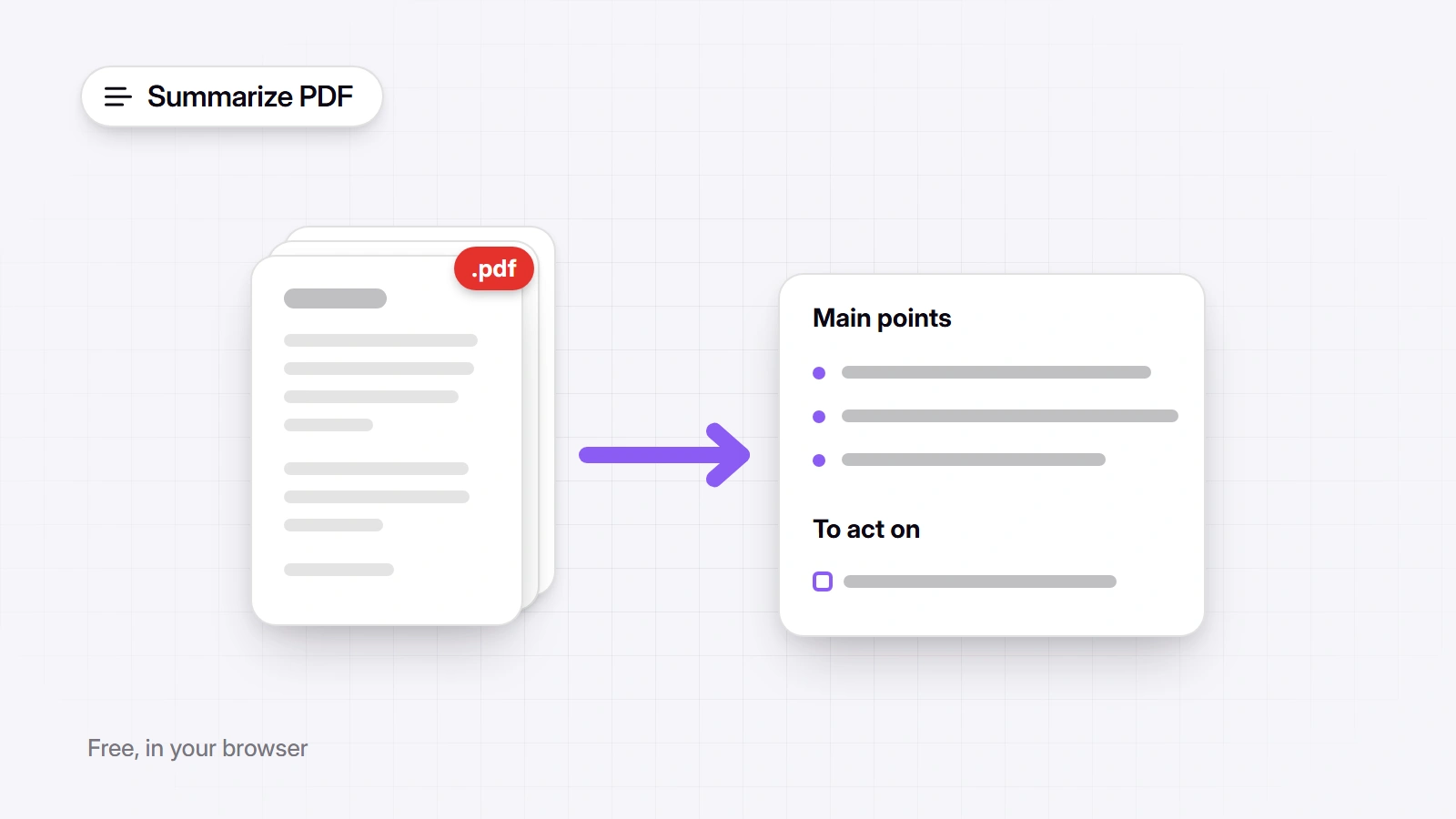
What does the summary contain?
The Summarize PDF page opens your PDF with Ask AI beside it, in a new chat, and sends this request for you: Summarize this file: the main points, then anything to act on. The answer gives the main points first, then what you may need to do about them.
A worked example
board-minutes.pdf is the record of a long meeting and you need what was decided.
- Drop board-minutes.pdf on the Summarize PDF page.
- It opens with Ask AI beside it, and the request is sent at once. Wait for the summary to finish.
- Read the main points, then the part on what to act on.
- Ask a follow-up in the same chat, such as
Who owns each action?
How do I change the summary?
Ask in the same chat after the first summary. Each of these works as a follow-up:
- Shorter:
Make it five bullet pointsorMake it one paragraph. - Another language:
Summarize it in French. - One part only:
Summarize only the budget section. - Longer:
Say more about the second point.
How much of a long PDF does the summary cover?
Signed out, you get a few free replies, and each one reads about the first 15,000 characters, a few pages of text. The summary says when it covers only the start of the file. Sign in, which is free, to summarize more of a long PDF.
What if my PDF is a scan?
Ask AI reads text, and a scan is a picture of pages with none. Run OCR PDF on it first, then open the searchable PDF it makes here.
Why did it not work?
- No summary appeared. The chat may be hidden. Press Ask AI in the header to show it. On a phone, the chat opens in place of the page.
- The summary covers the start only. You are signed out, and a free reply reads about the first 15,000 characters. Sign in to summarize the rest.
- It says there is no text to read. The PDF is a scan. Run OCR PDF first.
- The line says the file needs its password to open. Take it off with Unlock PDF, then drop the unlocked copy.
- The free replies are used up. Sign in, which is free, to ask more.
- Each file starts its own chat. Dropping a second file starts a new chat and sends the request again, so the first summary is not mixed with the second.
What is the size limit?
The file size you can open depends on your account: 10 MB signed out, 20 MB signed in on the free plan, 256 MB on the Files plan and Pro.
Is my file uploaded?
The PDF file is not uploaded. As soon as the file opens, the page sends the request and the text of the PDF that Ask AI needs to Minda AI, to write the summary.
The chat lives in the page. Close the tab and it is gone, and there is no history to come back to.
Limits
- Ask AI reads text. A scan has none until OCR PDF has run.
- Signed out, each free reply reads about the first 15,000 characters of the file.
- The request is sent as soon as the file opens. To ask something else first, use the Chat with PDF page.
- A PDF that needs a password to open is refused until you take the password off.
Questions
How do I summarize a PDF for free?
Drop the PDF on the Summarize PDF page and Ask AI opens beside it and sends the request for you. Signed out, you get a few free replies, each reading the start of the file. Signing in is free.
Can I choose how long the summary is?
Yes. After the first summary, ask in the same chat for a shorter one, five bullet points or a single paragraph.
Does summarizing change my PDF?
No. Ask AI reads the PDF and writes its answer in the chat. The file stays as it was until you ask for a change and download it.
Is my PDF sent to a server to be summarized?
The PDF file is not uploaded. The text of the PDF that Ask AI needs goes to Minda AI, with the request, as soon as the file opens.