What does each option do?
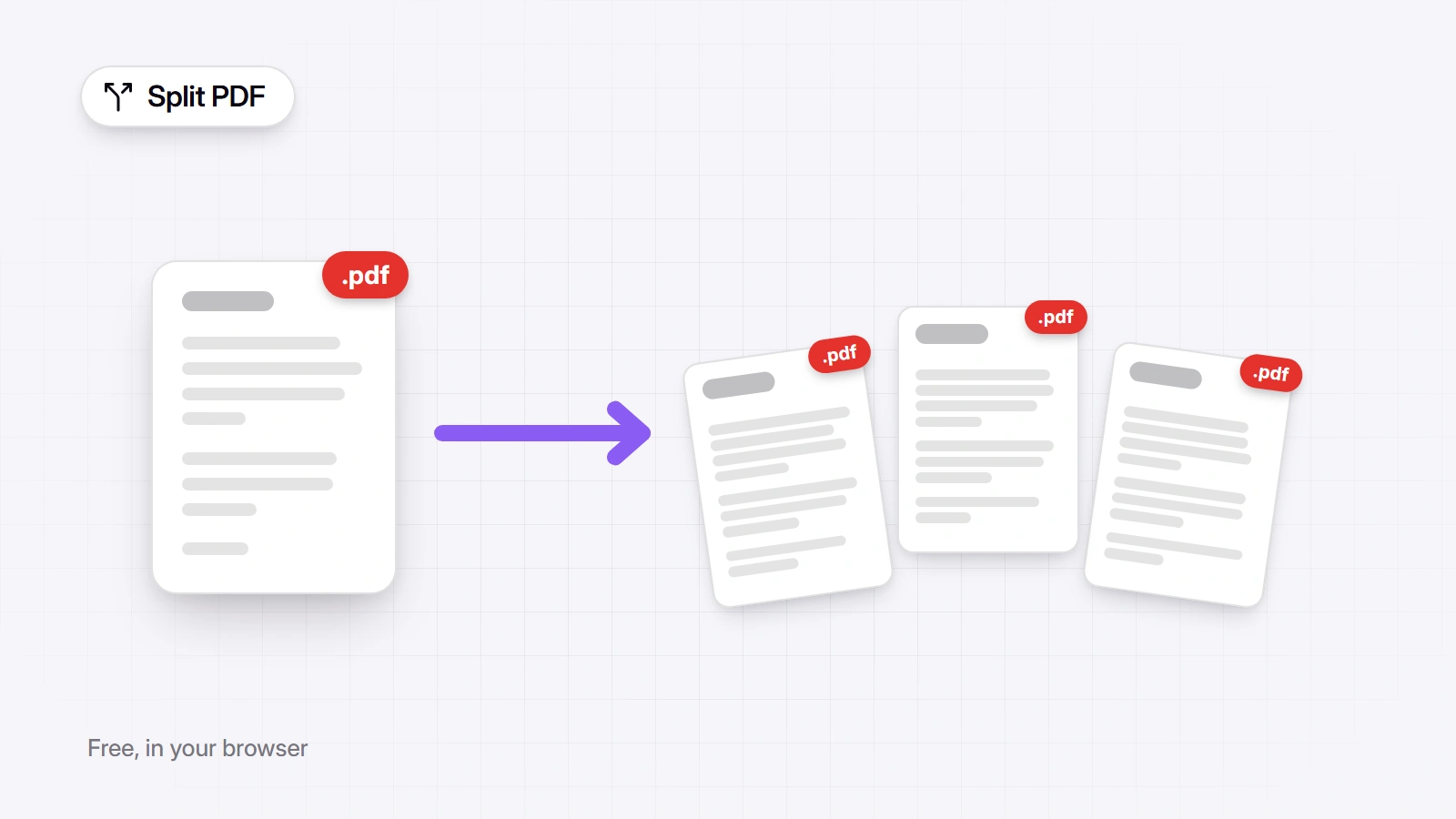
Split by chooses how the PDF is cut, and each choice has its own field under it. The tool starts on Ranges with the page range set to 1, so change that before you run it. The line beside the button names the files a run will make, so you can check the plan first.
| Split by | You type | You get |
|---|---|---|
| Ranges | Page ranges, such as 1-3, 5, 8- | One file for each range |
| Every N pages | Pages in each file, a whole number | One file for each block of that many pages, the last one shorter if pages run out |
| Pick pages | Pages to take out, such as 2, 5-7 | One file holding just those pages |
How do page ranges work?
Pages count from 1. A range is two page numbers joined by a hyphen, a single number is one page, and parts are separated by commas. Leave one end of a range empty and it means the first page or the last page.
1-3, 5, 8-makes three files: pages 1 to 3, page 5, and page 8 to the end.-3is the first three pages and8-runs from page 8 to the last page.- Ranges may overlap.
1-5, 3-8makes two files that share pages 3 to 5. - A range cannot run backwards.
5-3is refused until you write3-5. - In Pick pages, a page named twice lands in the file once, and pages come in the order you typed them.
A worked example
lease-2026.pdf has 14 pages. Pages 1 to 3 are the lease terms, page 5 is the rent schedule and pages 8 to 14 are the house rules. You want each part as its own file.
- Drop lease-2026.pdf on the page. The file row shows 14 pages once it is read.
- Leave Split by on Ranges and type
1-3, 5, 8-in Page ranges. - Read the line beside the button: “Makes 3 files: pages 1-3, page 5, pages 8-14.”
- Press Split PDF. The result card says “Made 3 files from 14 pages.”
- Press Download all as ZIP. It holds lease-2026 (pages 1-3).pdf, lease-2026 (page 5).pdf and lease-2026 (pages 8-14).pdf.
How do I extract pages from a PDF?
Choose Pick pages, type the pages you want and press Split PDF. You get one new PDF holding only those pages. For a single page, type its number.
The new file is written again from those pages alone, so the rest of the original is not tucked inside it. Your original is not changed. To drop pages instead of keeping them, Remove pages from PDF does the reverse.
Why did it not work?
- “The file has 14 pages: ‘20’ is outside it.” Type pages from 1 up to the count on the file row.
- “‘5-3’ runs backwards: write the lower page first.” Swap the two numbers.
- “‘0’ names page 0: pages count from 1.” Start at 1.
- “‘abc’ is not a page or a range of pages (like 1-3).” The field takes digits, hyphens and commas only.
- “Which pages? No page ranges were given.” The field is empty in Ranges or Pick pages. Type at least one page.
- “That is too much for this page…” Cutting a big PDF into many pieces writes the file once for each piece. Make fewer, bigger files, or split in two steps.
- Too many files. A split that would make more than 500 PDFs is refused. Raise Pages in each file, or cut the file in two rounds.
- The file needs its password to open. Take it off with Unlock PDF and split the unlocked copy.
What are the size and page limits?
Split PDF works on one PDF at a time, and the PDF may have up to 2,000 pages. Every split makes at most 500 PDFs, and the browser refuses a split that would make it write too much at once. Your account sets the file size: 10 MB signed out, 20 MB signed in on the free plan, 256 MB on the Files plan and Pro.
Is my file uploaded?
No. Your browser reads the PDF, writes each piece and builds the ZIP, so the pages never leave your computer. The only part of the page that sends anything is Ask AI, the chat beside the tools, and only if you use it. It passes your question and the file text it needs to Minda AI.
Limits
- It cuts by page numbers only. It does not split at bookmarks or look for blank pages.
- It does not change the pages. To reorder or turn them, use Organize PDF pages.
- It works on one PDF at a time, and a PDF that needs a password to open must be unlocked first.
Questions
How do I split a PDF into single pages?
Choose Every N pages and set Pages in each file to 1. Each page becomes its own PDF, and the files download together as a ZIP.
Can I extract one page from a PDF?
Yes. Choose Pick pages, type that page’s number and press Split PDF. You get a new PDF holding only that page, and the original stays as it was.
In what order do extracted pages appear?
In the order you type them. Typing 7, 2 gives a file whose first page is old page 7. A page typed twice appears once.
What happens if I type a page the PDF does not have?
The line beside the button names the problem, for example that the file has 14 pages and 20 is outside it. Split PDF stays off until you correct the pages.