When is JPG to PDF the right tool?
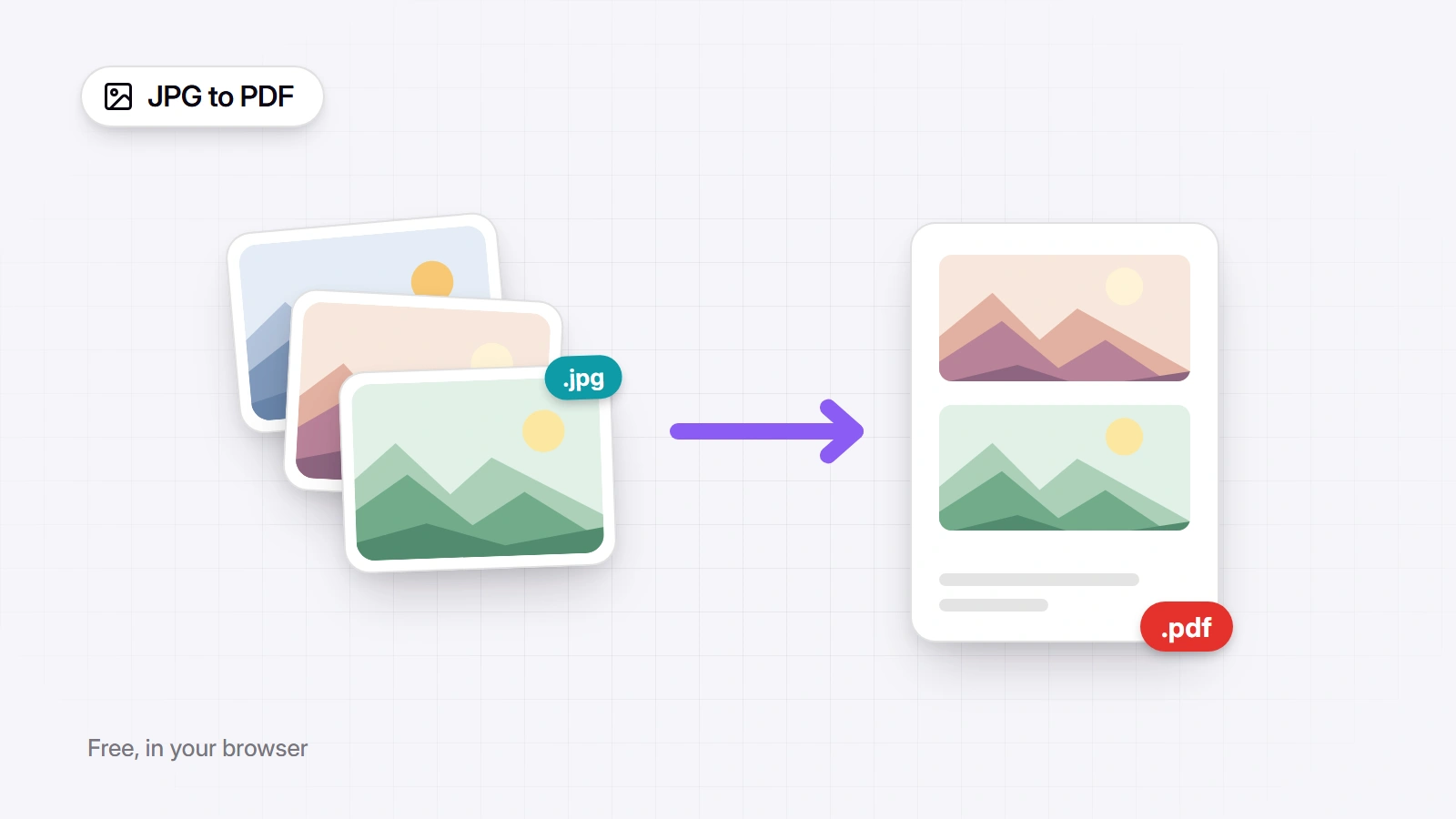
Pictures that have to travel as one file, such as phone photos of receipts or a signature saved as PNG, belong in a PDF. This tool keeps them in the order you choose, a page each.
Wanting the words inside those pictures as a Word file is a two-step job. JPG to Word shows it, with JPG to PDF first and OCR PDF second. A PDF you already have, which you only want to turn into pictures, goes the other way through PDF to JPG.
What does each option do?
There are two things to set. The first is the order. Files are listed in the order you dropped them, and you can drag a row, or press Move up and Move down, to change it. Remove takes a picture off the list and leaves the file on your computer alone.
The second is Page size. The tool starts on your region’s paper, which is Letter in the US, and that button comes first. A4 and Picture size follow.
| Page size | What each page is |
|---|---|
| Letter | A Letter page, 8.5 by 11 inches. The picture sits inside a half-inch margin. |
| A4 | An A4 page. The picture sits inside a half-inch margin. |
| Picture size | A page exactly as big as the picture, with no margin. |
How is each picture placed on the page?
The tool treats every picture as 150 pixels to the inch. That sets its natural size. On Letter or A4 the picture is centered, shrunk if it is bigger than the room inside the margin, and never enlarged. A picture wider than it is tall turns the page on its side.
Take a 3000 by 2000 pixel photo. At 150 pixels to the inch it is 20 by 13.3 inches. A Letter page turned on its side leaves 10 by 7.5 inches inside the margin, so the photo is halved to about 10 by 6.7 inches. A 600 by 400 pixel signature is 4 by 2.7 inches and stays that size, in the middle of a full page.
Every page is drawn on white and saved as a JPEG. A transparent PNG gets a white page behind it, and a photo that carries a camera rotation note comes out upright.
A worked example
You photographed four receipts for an expense report and saved them as receipt-1.jpg to receipt-4.jpg. You dropped them in a mixed order, so receipt-3.jpg sits above receipt-2.jpg.
- Drop all four on JPG to PDF. A line under the run button says it will make one PDF of your four pages, in this order.
- Drag
receipt-3.jpgbelowreceipt-2.jpg, or press Move down on the third row. - Leave Page size on Letter.
- Press Convert to PDF. The result card gives the page count, four.
- Press Download PDF. The file is named
images.pdf, because a run of several pictures takes that name. A run of one picture keeps the picture’s own name.
Why did it not work?
| What you see | Why | What to do |
|---|---|---|
| is not a file JPG to PDF takes | It is not one of .png, .jpg, .jpeg, .webp, .gif or .bmp. A HEIC or TIFF photo is not on the list. | Save a copy as JPG or PNG and drop that. |
| could not be read as a picture | The file would not open as a picture in your browser. | Use a PNG, JPG, WebP, GIF or BMP picture that opens in a browser. |
| A run takes up to 50 files | More pictures were dropped than one run holds. | Run them in groups, then join the PDFs with Merge PDF. |
| A small picture sits small in the middle of the page | Letter and A4 never enlarge a picture. | Choose Picture size, so the page is as big as the picture. |
| The pages are in the wrong order | The PDF follows the list as it stood. | Press Change options on the result, reorder the rows, and run again. |
Limits
One run takes up to 50 pictures. Signed out, each file can be up to 10 MB. Signed in on the free plan, the limit is 20 MB, and the Files plan and Pro open files up to 256 MB. A browser page holds at most 256 MB for one file and for all of a run’s files together. In Picture size, a picture past 8,192 px on a side, or 50 million pixels in all, is drawn smaller.
Is my file uploaded?
No. Your browser opens each picture, draws the pages and writes the PDF on your own computer. Nothing goes to a server, and the tool uses no AI and needs no account.
The one exception is Ask AI, the chat beside an open file: when you use it, what you ask and the text it needs go to Minda AI.
Limits
- It makes a PDF of pictures, not of text. The words in a photo are not searchable until you run OCR PDF on the result.
- It never enlarges a picture on Letter or A4, so a small picture stays small on its page.
- It takes PNG, JPG, WebP, GIF and BMP only. HEIC, TIFF and other types are not on the list.
Questions
How do I convert PNG to PDF?
Drop the PNG on JPG to PDF, pick the page size and press Convert to PDF. JPG, PNG, WebP, GIF and BMP pictures all work, and a transparent PNG gets a white page behind it.
Can I turn several pictures into one PDF?
Yes. Drop them together and each becomes a page, in the order listed, up to 50 at a time.
Can I add a picture to a PDF I already have?
Turn the picture into a PDF here, then join the two with Merge PDF. Merge PDF lets you choose which comes first.
Does the PDF keep my picture quality?
Not byte for byte. Each page is drawn and saved as a JPEG, so a PNG with fine detail is not kept as a lossless copy. Picture size keeps the most pixels.