What does each option do?
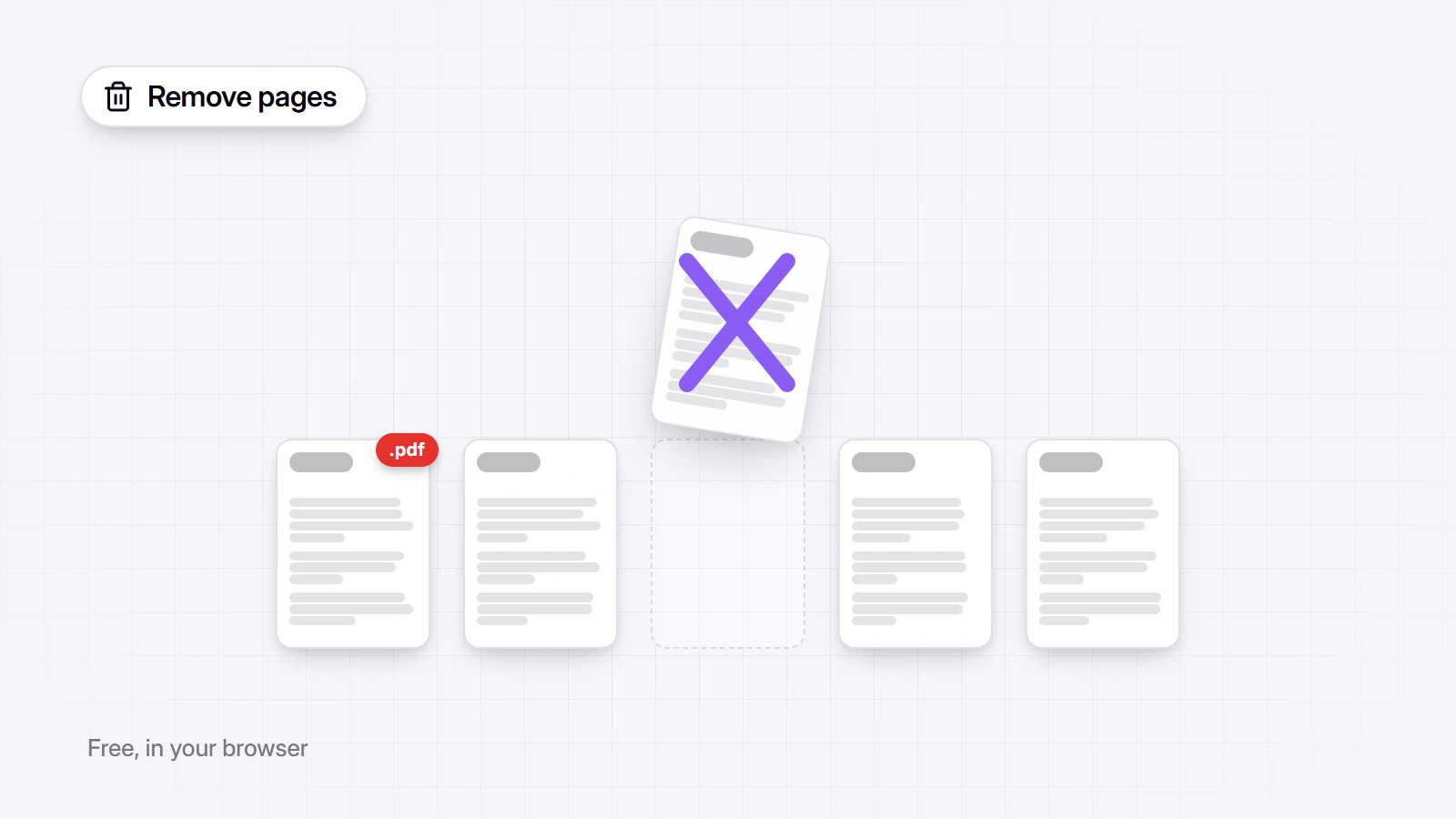
Remove pages is Organize pages with nothing changed yet, and it gives you two ways to delete. You can take pages out on the board, or you can type the pages that should stay.
- The X under a page takes it out. The page moves to the end of the board, dimmed, and your file stays as it is. Put back returns the page to its place in the PDF.
- Pages in their new order lists the pages to keep. A page you leave out is removed, and an empty field keeps every page.
- The line beside the button counts the result before you run, for example “Keeps 11 of 14 pages.”
- The last page left on the board cannot be taken out, because a PDF keeps at least one page.
Should I list the pages to remove or the pages to keep?
The field lists the pages to keep. That is the usual stumbling block. Type 5-8 to delete pages 5 to 8 and you get a PDF holding only those four pages. To delete them, type everything else.
| To remove from a 14-page PDF | Type in Pages in their new order |
|---|---|
| The first page | 2- |
| Page 2 | 1, 3- |
| Pages 5 to 8 | 1-4, 9- |
| Pages 2, 11 and 12 | 1, 3-10, 13- |
| The last page | 1-13 |
A worked example
lease-2026.pdf has 14 pages. Page 2 is blank, and pages 11 and 12 are a draft addendum that was replaced. You want a clean copy without them.
- Drop lease-2026.pdf on Remove pages. The board shows 14 page pictures, and the line beside the button asks you to drag, turn or take out pages.
- Press the X under page 2. It moves to the end of the board, dimmed.
- Press the X under pages 11 and 12. Pages in their new order now holds
1,3-10,13-14. - The line beside the button reads “Keeps 11 of 14 pages.” Press Organize pages.
- Download lease-2026 (organized).pdf. It has 11 pages in their original order.
What happens to the removed pages?
The new PDF is written again from the pages you keep, so the pages you took out are not hidden inside it. Your original is untouched. Until you press Organize pages, a page you took out can come back with Put back.
If a page must stay but part of its text must not, Redact PDF blacks out words and leaves the page in place.
Why did it not work?
- The new PDF holds only the pages I typed. The field lists pages to keep, not pages to remove. Type the pages that should stay.
- The last page will not go. The X is off when one page is left, because a PDF keeps at least one page.
- “The file has 14 pages: ‘15’ is outside it.” Use page numbers from 1 up to the count on the file row.
- “Page 3 is in the new order twice.” List each page once.
- “Nothing changes: the pages stay as they are.” The pages you typed are all the pages, in order.
- The board shows a note instead of pictures. A PDF of more than 200 pages is organized by typing the pages to keep.
- The file needs its password to open. Take it off with Unlock PDF and remove pages from the unlocked copy.
What are the size and page limits?
Remove pages takes one PDF at a time, up to 2,000 pages. The board shows page pictures for a PDF of up to 200 pages, and for a longer one you type the pages to keep. The file size you can open depends on your account: 10 MB signed out, 20 MB signed in on the free plan, 256 MB on the Files plan and Pro.
Is my file uploaded?
No. Your browser draws the page pictures and writes the new PDF, so the file stays on your computer. Ask AI is the one feature that sends anything to a server, and only when you use it. It sends what you ask and the text of the file it needs to Minda AI.
Limits
- It keeps the pages you name and drops the rest. It does not remove part of a page.
- It cannot remove every page, because a PDF keeps at least one.
- It works on one PDF at a time, and a PDF that needs a password to open must be unlocked first.
Questions
How do I delete a single page from a PDF?
Press the X under that page on the board, then press Organize pages and download the new PDF. Typing every other page in Pages in their new order gives the same result.
Can I get a removed page back?
Yes, until you press Organize pages: Put back returns the page to its place. After that, open your original, which is unchanged, and remove fewer pages.
Does removing pages change my original PDF?
No. The result is a new PDF named after yours with “(organized)” added, and your original stays as it was.
Can I remove pages from a long PDF?
Yes, up to 2,000 pages. The board shows page pictures for a PDF of up to 200 pages, so for a longer one you type the pages to keep, for example 1-40, 90-.