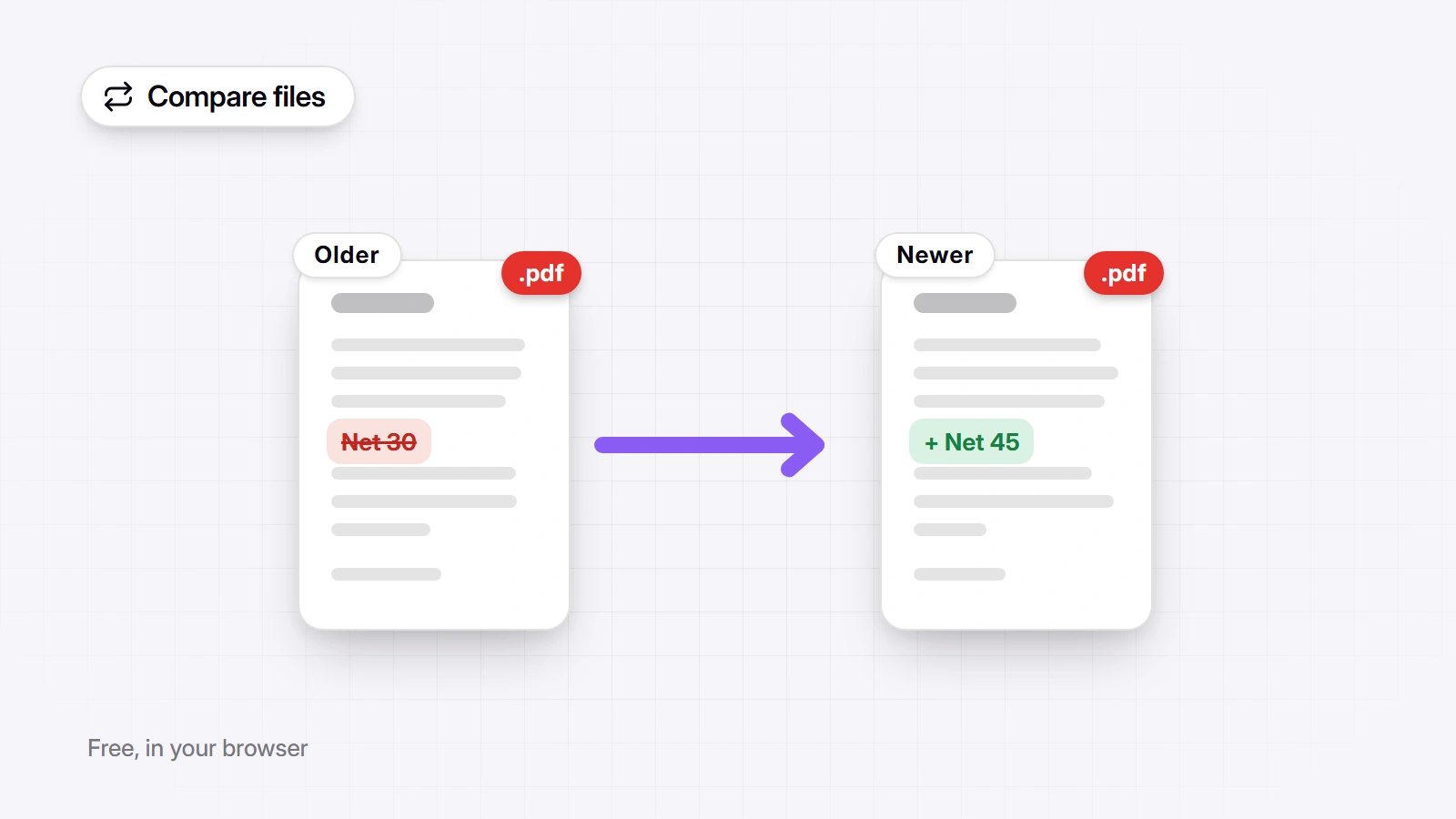
What does Compare files look at?
Compare files reads the words of both PDFs in reading order and lines them up across page breaks. A page put in the middle, or a paragraph that now runs on to the next page, is one change. It is not a change on every page after it.
It compares words and punctuation. Pictures, layout, fonts and colors are not compared, so a heading made bold or a logo swapped does not show as a change.
What do I get?
Each run shows its result on the page and makes one or two files to download.
| Result | What it holds |
|---|---|
| The numbers | Pages changed, words added, words removed and passages moved |
| The list of changes | Each change under the newer PDF page it is on, with a few words around it, 50 changes to a page of the list |
| The report | One web page, named after the newer PDF with (changes).html, that opens in any browser and lists the changes the same way |
| The marked PDF | A copy of the newer PDF with the words put in highlighted in green and a red mark where words were taken out |
A worked example
contract-old.pdf has 3 pages. contract-new.pdf has 4: a few words changed, a sentence taken out and a new Support section on its own page before the last one.
- Drop contract-old.pdf on the Compare files page, then contract-new.pdf. The first row says Older and the second Newer.
- Leave Mark the changes on the newer PDF on. Press Compare PDFs.
- The numbers read 4 pages changed, 30 words added, 15 words removed and 0 passages moved.
- The list shows 6 changes. On page 1, three rounds become two and Net 30 becomes Net 45. On page 2, the delivery date moves and the portfolio sentence is gone.
- On page 3 the whole Support section is one change. On page 4, the next section is renumbered from 6 to 7.
- Download the report and contract-new (changes marked).pdf.
Which options are there?
- Mark the changes on the newer PDF is on at first. Turn it off to make only the report.
- Ignore case is off at first. Turn it on and Total and TOTAL count as the same word, so a change of capitals alone is not listed.
- The swap button beside the files turns them round, when the newer one went in first.
What is a moved passage?
When at least 4 words are taken out in one place and the same words are put in at another, Compare files lists them as moved. Each end of the move says where the other is, and its words are not counted as added or removed.
Why did it not work?
- It says the PDF has no text to compare. It is a scan, a picture of the words. Run OCR PDF on it first and compare the searchable PDF it makes.
- It asks for two files. Compare files takes exactly two PDFs, the older one first.
- The line says the file needs its password to open. Take it off with Unlock PDF, then compare the unlocked copy.
- A word broken across two lines shows as changed. A word cut with a hyphen at the end of a line is read as two pieces. If the other version has it whole, the pieces show as a change.
- Text set sideways is not listed. Only text that runs across the page is compared.
What are the size and page limits?
Each PDF can have up to 2,000 pages. The page lists the first 2,000 changes, and the report lists up to 20,000. The marked PDF marks the first 5,000. The file size you can open depends on your account: 10 MB signed out, 20 MB signed in on the free plan, 256 MB on the Files plan and Pro.
Is my file uploaded?
No. Your browser reads both PDFs, compares them and writes the report and the marked PDF on your computer, so neither file goes to a server. Only Ask AI sends anything, and only if you use it: your question and the file text it needs go to Minda AI.
Limits
- Only the words are compared. Pictures, layout, fonts and colors are not.
- A scanned PDF needs OCR PDF first, since it holds pictures of words.
- Text set sideways or upside down is not compared.
- A word broken with a hyphen at the end of a line is read as two pieces.
Questions
How do I see what changed between two PDF versions?
Open Compare files, drop the older PDF and then the newer one, and press Compare PDFs. The page lists every change under the page it is on, and the report keeps the list.
Does Compare files compare formatting?
No. It compares the words and the punctuation. A change of font, color, size or layout with the same words is not listed.
What if the two files are the same?
The numbers all read 0 and the page says the two PDFs have the same words. You still get the report, which says so.
Can I compare more than two PDFs?
No. Compare files takes two at a time. Compare the first with the second, then the second with the third.