When is Text to PDF the right tool?
A server log for a support ticket, a config file to print, a JSON or XML answer to attach to a report, or plain notes. These are all files where the exact lines matter, and a PDF keeps them as they are.
Text to PDF adds nothing. It does not make headings or tables. If your file uses Markdown marks and you want them drawn, use Markdown to PDF. A saved web page goes to HTML to PDF.
What does each option do?
There is one setting for the page, and a second that only appears when you drop more than one file.
| Option | What you get |
|---|---|
| A4 | An A4 page with three-quarter-inch margins. |
| Letter | A Letter page with three-quarter-inch margins. |
| One PDF | All the files in one PDF named documents.pdf, in the order listed. Off, each file gets its own PDF, and the result offers Download all as a ZIP. |
How are the lines laid out?
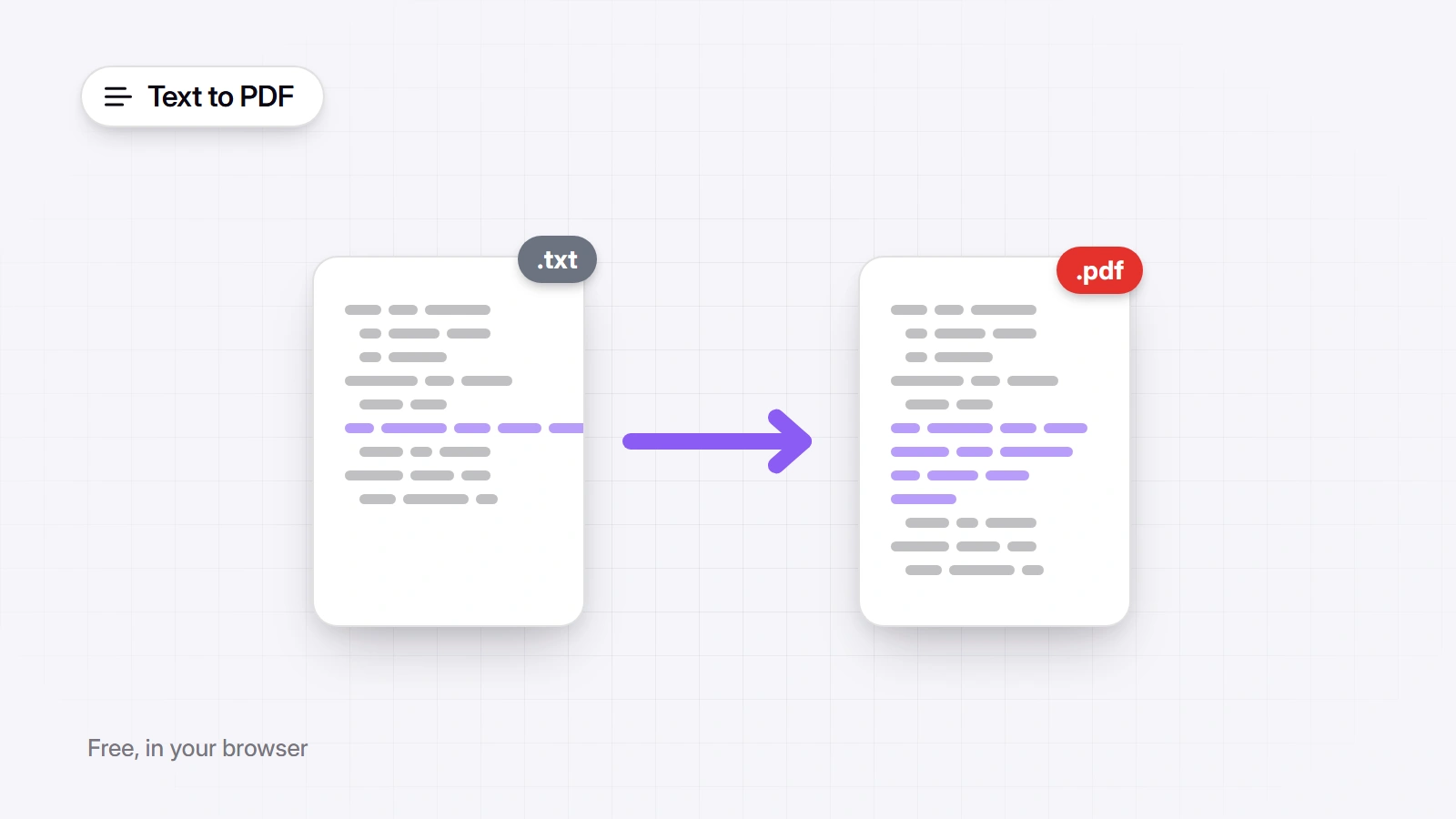
- Every line as written. Each line of the file is a line of the PDF, in a fixed-width font. Tabs and spaces are kept, so columns and indents stay where they were.
- Long lines wrap. A line that is longer than the page is wide continues on the next line, at the page’s edge. Nothing is cut off, and nothing is rewritten, so a one-line minified JSON file comes out as one long wrapped paragraph.
- Encoding. The text’s encoding is read from the file: UTF-8, UTF-16 or the one the file declares.
- How a page is made. Each page is drawn as a sharp picture, 192 pixels to the inch, saved as a JPEG. The file’s words sit under it as invisible text, so you can search, select and copy them. Web and e-mail links stay clickable.
A worked example
deploy.log is the log of one deployment, a few hundred lines. Some lines are indented, and one line is an error message longer than the page is wide. You want a PDF to attach to a ticket.
- Drop
deploy.logon Text to PDF, or press Choose files. - Choose A4.
- Press Convert to PDF.
- Press Download PDF. The file is named
deploy.pdf.
Why did it not work?
| What you see | Why | What to do |
|---|---|---|
| is not a file Text to PDF takes | The type is not .txt, .text, .log, .json, .xml, .yaml or .yml. | Drop a file of one of those types, or rename a text file to end in .txt. |
| This file is not text: it has binary content that cannot be printed | The file holds bytes that are not text, such as a program, a picture or an archive with a text name. | Drop the text file you meant. A picture goes to JPG to PDF. |
| could not be read | The file is damaged, locked with a password, or not what its name says. | Open it in its own app, save a copy, and convert that copy. |
| The document is more than 300 pages long once laid out | A document is laid out on 300 pages at most, and a long log can run past that. | Split the file into smaller parts and convert each. Join the PDFs with Merge PDF if you need one. |
| Text to PDF isn’t available on this screen | The screen has no reader. It is not Minda Files or Minda Files for Chrome. | Open Minda Files in your browser. |
Limits
One run takes up to 50 files. Signed out, each file can be up to 10 MB. Signed in on the free plan, the limit is 20 MB, and the Files plan and Pro open files up to 256 MB. A browser page holds at most 256 MB for one file and for all of a run’s files together. A document is laid out on at most 300 pages.
Is my file uploaded?
No. Your browser reads the file, sets its lines, draws each page and writes the PDF on your own computer. Nothing goes to a server, so a log with names or addresses stays on the computer. The tool uses no AI, needs no account and spends no credits.
The one exception is Ask AI, the chat beside an open file: when you use it, what you ask and the text it needs go to Minda AI.
Limits
- It prints the lines as written. It adds no headings, line numbers or tables, and it does not tidy a file.
- The font is fixed-width, and the paper is A4 or Letter with three-quarter-inch margins.
- A file with binary content is refused.
Questions
Which text encodings does it read?
UTF-8, UTF-16, or the encoding the file declares. Minda Files reads it from the file, so there is no setting to choose.
Will a minified JSON file come out readable?
It comes out as it is written. A file that is one long line is wrapped at the page’s edge, not reformatted, so run it through a formatter first if you want indents.
Are tabs and spaces kept?
Yes. Tabs and spaces are kept, and the font is fixed-width, so columns and indents line up as they do in an editor.
Can I add line numbers or a header?
No. The choices are the paper and One PDF, so every line is printed as written. Add page numbers to the result with Page numbers.