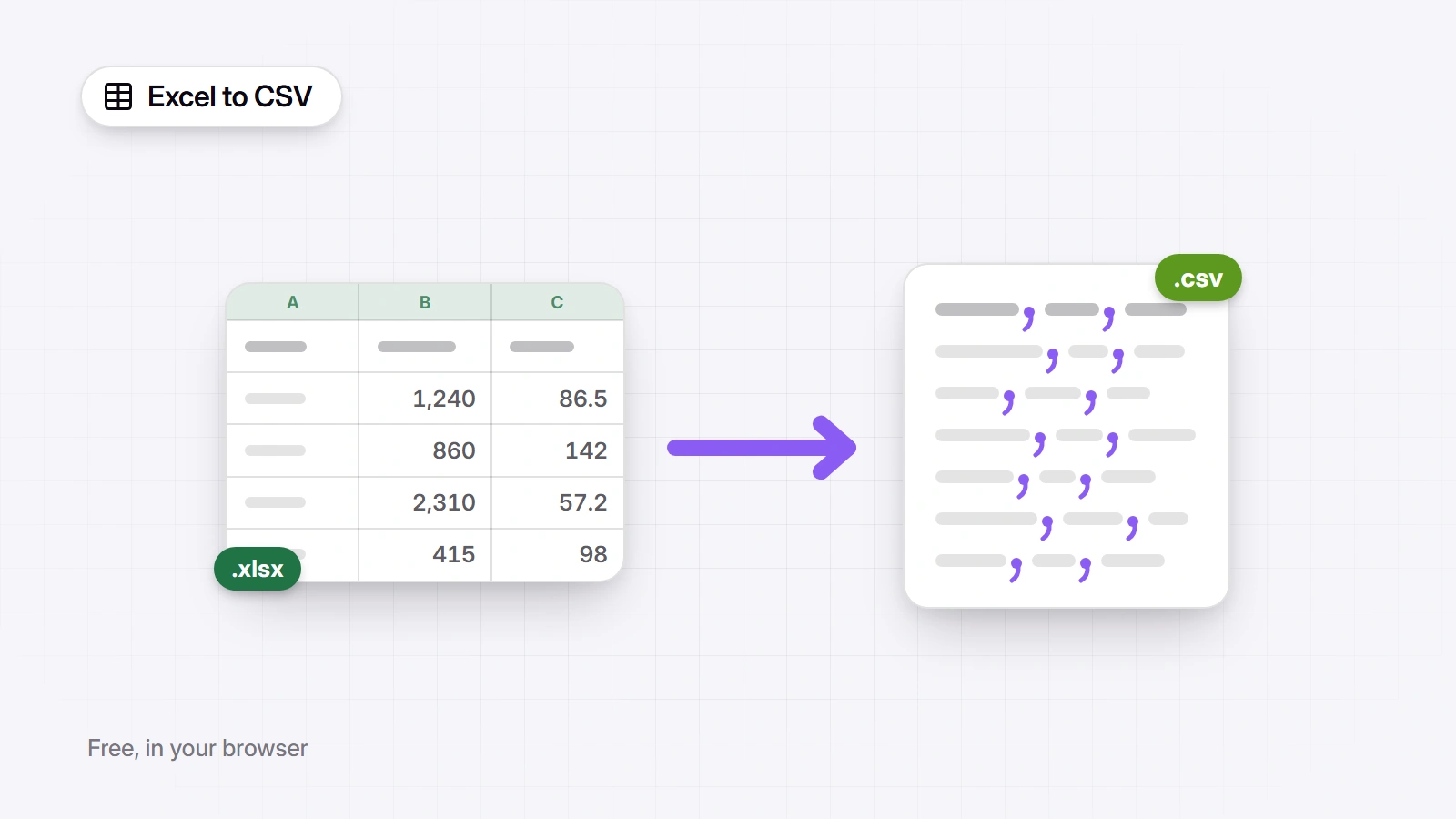
What does the CSV hold, and what stays behind?
A CSV is plain text with one line for each row and one field for each cell. It has no place for a formula, a font or a chart, so the file gets what each cell shows on screen and nothing under it.
That is usually what you want from a sheet you are about to import somewhere else, and it explains most surprises. A table locked inside a PDF has its own route: PDF to CSV reads it into CSV files directly.
| In the workbook | In the CSV |
|---|---|
A formula such as =B2*C2 | Its result, as the cell shows it |
A number stored as 0.125 and shown as 12.5% | The text 12.5% |
A number stored as 3.14159 and shown as 3.14 | The text 3.14, with the other digits gone |
A date shown as 15 Mar 2024 | The words 15 Mar 2024, not a date value |
| A merged block of cells | The text in its first cell, then empty fields |
| A hidden row or column | Written like any other, since a CSV cannot hide anything |
| Fonts, fills, borders and column widths | Nothing |
| Charts and pictures | Nothing |
How is each cell written?
Fields are separated by commas, and each row ends with a carriage return and a line feed, the line ending Windows uses and every spreadsheet reads. A cell that holds a comma, a double quote or a line break is wrapped in double quotes, with any quote inside it doubled. All other cells are written as they are, and an empty cell is an empty field.
The file is UTF-8 and begins with a byte-order mark, a short invisible signature. Excel looks for it to read accents, Cyrillic or Chinese correctly when you double-click a CSV. A few programs treat it as part of the first header’s name. If an import rejects that header, open the file in a text editor and save it as UTF-8 without the mark.
What happens to a workbook with several sheets?
A CSV holds one table, so each sheet gets a file of its own. Every sheet with a tab is written, named after the sheet, and a workbook with several of them comes back in a ZIP. A hidden sheet is left out.
The tool writes every visible sheet in one run. When you want one sheet only, or a tab-separated or JSON copy, use Download in Edit Word, Excel and PowerPoint. Its CSV is the sheet on screen.
A worked example: a subscriber list for a newsletter service
Subscribers.xlsx has a Members sheet and a hidden Lookups sheet that holds the codes for a drop-down. The newsletter service asks for a CSV of the members.
- Drop
Subscribers.xlsxon Excel to CSV. - CSV is already chosen. Press Convert to CSV.
- Download the file. Only Members has a tab, so you get one CSV and no ZIP.
- Open it in a text editor. The first lines read
Name,Email,Joined,Open rateand"Ng, Priya",[email protected],15 Mar 2024,42%. The comma in the name is why it sits in quotes. - The service wants dates as
2024-03-15. Change the Joined column to that format in Excel, because the CSV copies what the cell shows, then convert again.
Why does the CSV look wrong when I open it?
| What you see | Why | What to do |
|---|---|---|
| A postcode lost its leading zero | The CSV still holds 01234, but Excel reads it as a number when you double-click the file. | Open it with Data, From Text/CSV and set that column to Text. |
| Every row sits in column A | Excel expects semicolons when the computer’s region writes decimals with a comma. This file uses commas. | Import it the same way and choose Comma as the delimiter. |
| Accents turn into odd symbols | The program reads the file in an older code page, not UTF-8. | Choose UTF-8 in its import options. |
A long ID shows as 1.23E+15 | Excel shows big numbers in scientific notation and keeps only 15 digits. | Import the column as Text. |
Limits and privacy
Signed out, a file can be up to 10 MB. Signed in on the free plan, the limit is 20 MB, and the Files plan and Pro open files up to 256 MB. A sheet is read up to 500,000 cells.
The workbook is read and the CSV is written in your browser. Nothing is uploaded, no AI is involved and you need no account.
Limits
- A CSV holds what each cell shows, so formulas, number formats, fonts, fills, charts and pictures stay in the workbook.
- It writes commas between fields, with no choice of semicolon or tab.
- It takes one workbook for each run and changes no cell: a title row or a stray note in the sheet goes into the CSV too.
Questions
Why did a number lose digits in the CSV?
Because a CSV holds what the cell displays. A value of 3.14159 displayed as 3.14 is written as 3.14. Show more digits in Excel, or set the column to General, then convert again.
Does the first row have to be a header?
No. The CSV starts with the sheet’s first row, whatever it holds, and nothing is added or removed. A sheet that opens with a title row gives a CSV whose first line is that title, so delete the extra rows in Excel first.
Can I choose semicolons or tabs instead of commas?
Not here: Excel to CSV writes commas. The editor’s Download can write the sheet on screen as TSV, which uses tabs, and a whole workbook as JSON.
What do I get if I convert the CSV to Excel again?
A new workbook with one sheet, a bold header row and plain numbers stored as numbers. Formulas, fills and the other sheets do not come back, so keep the original. CSV to Excel does that conversion.