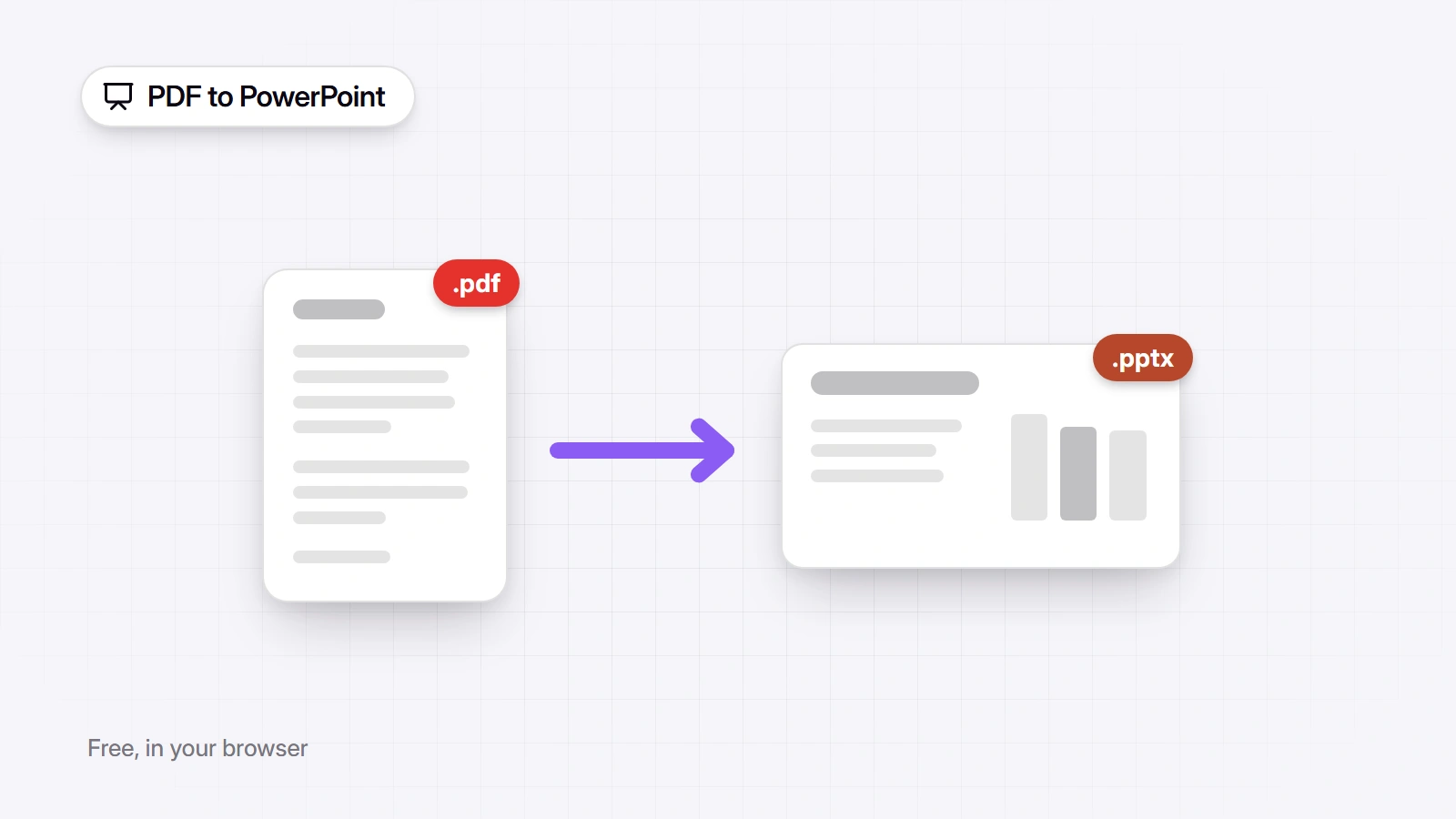
What does PDF to PowerPoint turn a PDF into?
Each page becomes one slide. The deck takes the size of your pages, so a widescreen deck exported as PDF comes back widescreen. When pages differ in size, the most common size wins and the odd pages are fitted inside it.
The tool also takes a single picture, such as a screenshot of a slide saved as PNG, JPG, WebP, GIF or BMP. That makes a deck of one slide. Decks from NotebookLM have a guide of their own, NotebookLM to PowerPoint, because their pages are pictures.
What does each option do?
There are two choices. Slides is always shown. Read picture pages with Minda AI appears only while Slides is set to Editable text.
| Option | What it does | Where your data goes |
|---|---|---|
| Slides: Editable text | Each page’s words become text boxes where they stood, over the page drawn without them. A box takes the PDF’s font, size, color, bold and italic. | Stays in your browser |
| Slides: Pictures | Each slide is its page as one picture. It looks exactly like the page, and its words are not text boxes. | Stays in your browser |
| Read picture pages with Minda AI (off at first) | For a page with no text inside it, such as a scan. Minda AI reads its words and they become text boxes too. | Each picture page goes to Minda AI. Needs a free account and Minda AI credits. |
What does Read picture pages with Minda AI do?
Some PDFs hold no text at all. A scanned report and a deck exported as pictures both have pages that are single images, so Editable text alone returns them as pictures.
Turn the option on and your browser sends a picture of each such page to Minda AI. You must be signed in, and it uses your Minda AI credits. The picture is a JPEG with its long side at most 1,600 px. Minda AI answers with the blocks of words it sees, each with a box, bold and italic, and the typeface it guesses. Minda Files covers the old words on the slide and sets them back as text boxes.
- Minda AI reads at most 40 picture pages in one run. Later pages stay pictures and the result says how many. Cut the PDF with Split PDF and convert the rest.
- Words that belong to a photo or a logo stay in the picture, because Minda AI is asked to skip them.
- The words come from a model, so check them against the page. The result note says how many pages Minda AI read.
- Signed out, the picture pages stay pictures and the result tells you to sign in.
A worked example
Pitch-deck.pdf is ten pages exported from a slide tool. Every page holds real text, and one of them carries a chart.
- Drop
Pitch-deck.pdfon PDF to PowerPoint. - Leave Slides on Editable text. Leave Read picture pages off: every page has text, so there is nothing for Minda AI to read.
- Press Convert to PowerPoint. A line under the button counts the pages as the slides are drawn.
- Press Download PPTX when the card says Your file is ready. The file is
Pitch-deck.pptx. - Open it in PowerPoint, Google Slides, Keynote or Canva, or press Open in editor to change it on the same page.
Why did it not work?
| What you see | Why | What to do |
|---|---|---|
| are pictures with no text to take | Those pages hold no text, as a scan or a picture deck does. | Turn on Read picture pages with Minda AI and run again. |
| The picture pages stayed pictures, followed by a reason | Minda AI could not read them. The reason is its own, such as being signed out. | Sign in, check your Minda AI credits, and run again. |
| Some pages stayed pictures and the note names Minda AI’s limit per run | The deck has more picture pages than the 40 that one run reads. | Split the PDF and convert each part. |
| The slides’ pictures would be over 256 MB together | The pictures of all the slides are more than a browser page holds. | Split the PDF and convert each part. |
| is not a file PDF to PowerPoint takes | It is not a PDF or a PNG, JPG, WebP, GIF or BMP picture. | Save a copy as one of those. |
Limits
Signed out, a file can be up to 10 MB. Signed in on the free plan, the limit is 20 MB, and the Files plan and Pro open files up to 256 MB. A PDF can hold up to 2,000 pages. The tool takes up to 50 files in one run and makes a deck for each, or one file with Read picture pages with Minda AI on. The slide pictures of one run together stay under 256 MB.
Is my file uploaded?
The PDF is not. Your browser reads it and writes the .pptx on your computer. With Read picture pages off, nothing leaves the page.
With it on, a picture of each page that holds no text goes to Minda AI so it can read the words. Pages with text never go. A picture file such as a PNG goes the same way when the option is on. That option needs a free account and uses Minda AI credits.
Limits
- Pictures, shapes, charts and tables stay part of each slide’s picture, so they are not objects you can edit.
- Each slide holds the page’s picture and its text boxes, nothing more.
- Minda AI reads at most 40 picture pages per run, and its reading can be wrong, so check it.
Questions
Can I turn a screenshot of a slide into an editable slide?
Yes. Drop the PNG, JPG, WebP, GIF or BMP file and turn on Read picture pages with Minda AI. Signed in, Minda AI reads the words into text boxes where they stood. Without the option, the slide is the picture as it is.
Which programs open the PPTX file?
PowerPoint, Google Slides, Keynote and Canva open it, and so does the editor on the same page. Press Open in editor beside the result.
Why are my charts and tables still pictures?
Because only words become text boxes. Pictures, shapes, charts and tables stay part of the slide’s picture. Retype a table in PowerPoint if you need to edit its cells.
Do I need an account?
Not for a PDF with text, and not for the Pictures choice. Reading picture pages with Minda AI needs a free account and uses Minda AI credits.