What happens when I drop a PDF?
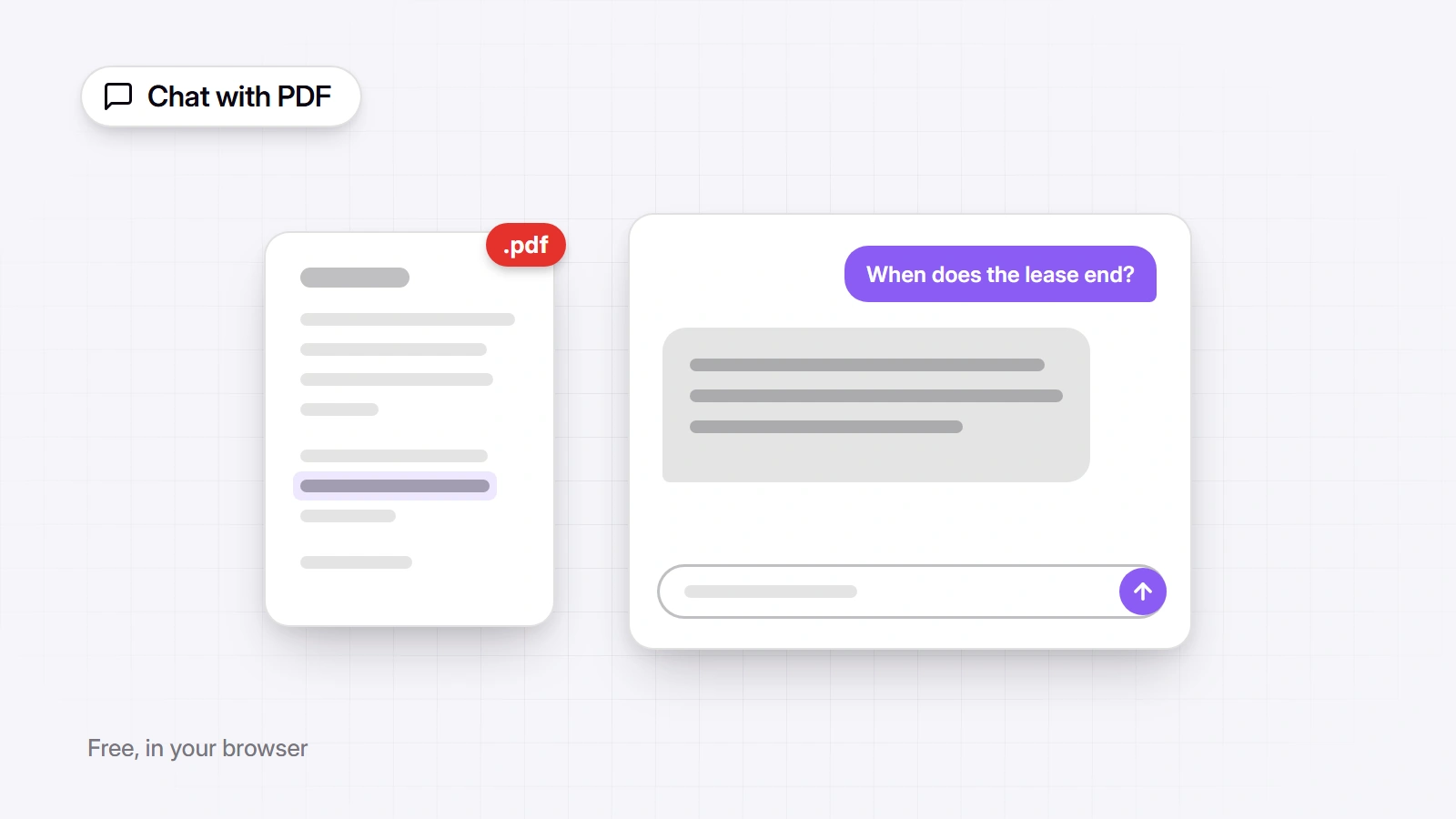
The Chat with PDF page opens your PDF in the editor, with Ask AI beside it in a new chat. The box is ready for you to type. The chat shows the file and a few questions to start from.
What you can ask:
- A fact: when something is due, who signs, or what a clause says.
- The short version: the main points, or five bullet points.
- Another language: a part of the file written in a language you read.
- A change to the file: it is one Undo step, and a copy downloads only when you allow it.
A worked example
lease.pdf is a 12-page lease and you need to know how it can end.
- Drop lease.pdf on the Chat with PDF page. It opens with Ask AI beside it.
- Type
When does the lease end, and how much notice do I give?and send it. - Read the answer. Ask a follow-up in the same chat, such as
What happens if I leave early? - Press New chat when you want to ask about something else.
How much of the PDF does Ask AI read?
Ask AI reads the text of the file it needs to answer. Signed out, you get a few free replies, and each one reads about the first 15,000 characters, a few pages of text. The answer says when it covers only the start. Sign in, which is free, to ask about all of a long file.
What if my PDF is a scan?
Ask AI reads text, and a scan is a picture of pages with none. Run OCR PDF on it first, then open the searchable PDF it makes here.
Why did it not work?
- The chat is hidden. Press Ask AI in the header to show it. On a phone, the chat opens in place of the page.
- The answer is about the start of the file only. You are signed out, and a free reply reads about the first 15,000 characters. Sign in to ask about the rest.
- It says there is no text to read. The PDF is a scan. Run OCR PDF first.
- The line says the file needs its password to open. Take it off with Unlock PDF, then drop the unlocked copy.
- The free replies are used up. Sign in, which is free, to ask more.
What is the size limit?
The file size you can open depends on your account: 10 MB signed out, 20 MB signed in on the free plan, 256 MB on the Files plan and Pro.
Is my file uploaded?
The PDF file is not uploaded. When you send a message, Ask AI sends your question and the text of the PDF it needs to Minda AI to answer. Nothing is sent before you send it.
The chat lives in the page. Close the tab and it is gone, and there is no history to come back to.
Limits
- Ask AI reads text. A scan has none until OCR PDF has run.
- Signed out, each free reply reads about the first 15,000 characters of the file.
- The chat is kept only while the page is open, with no history to return to.
- A PDF that needs a password to open is refused until you take the password off.
Questions
How do I chat with a PDF for free?
Drop the PDF on the Chat with PDF page and type your question. Signed out, you get a few free replies, each reading the start of the file. Signing in is free.
Is my PDF uploaded when I chat with it?
The file itself is not uploaded. When you send a message, Ask AI sends your question and the text of the PDF it needs to Minda AI. Nothing is sent before you send it.
Can I chat with a scanned PDF?
Not until it has text. Run OCR PDF on it, open the searchable PDF it makes, then ask your questions.
Does the chat change my PDF?
Not unless you ask for a change. Questions only read the file. A change is one Undo step, and a copy downloads only when you allow it.