What opens, and what does it turn into?
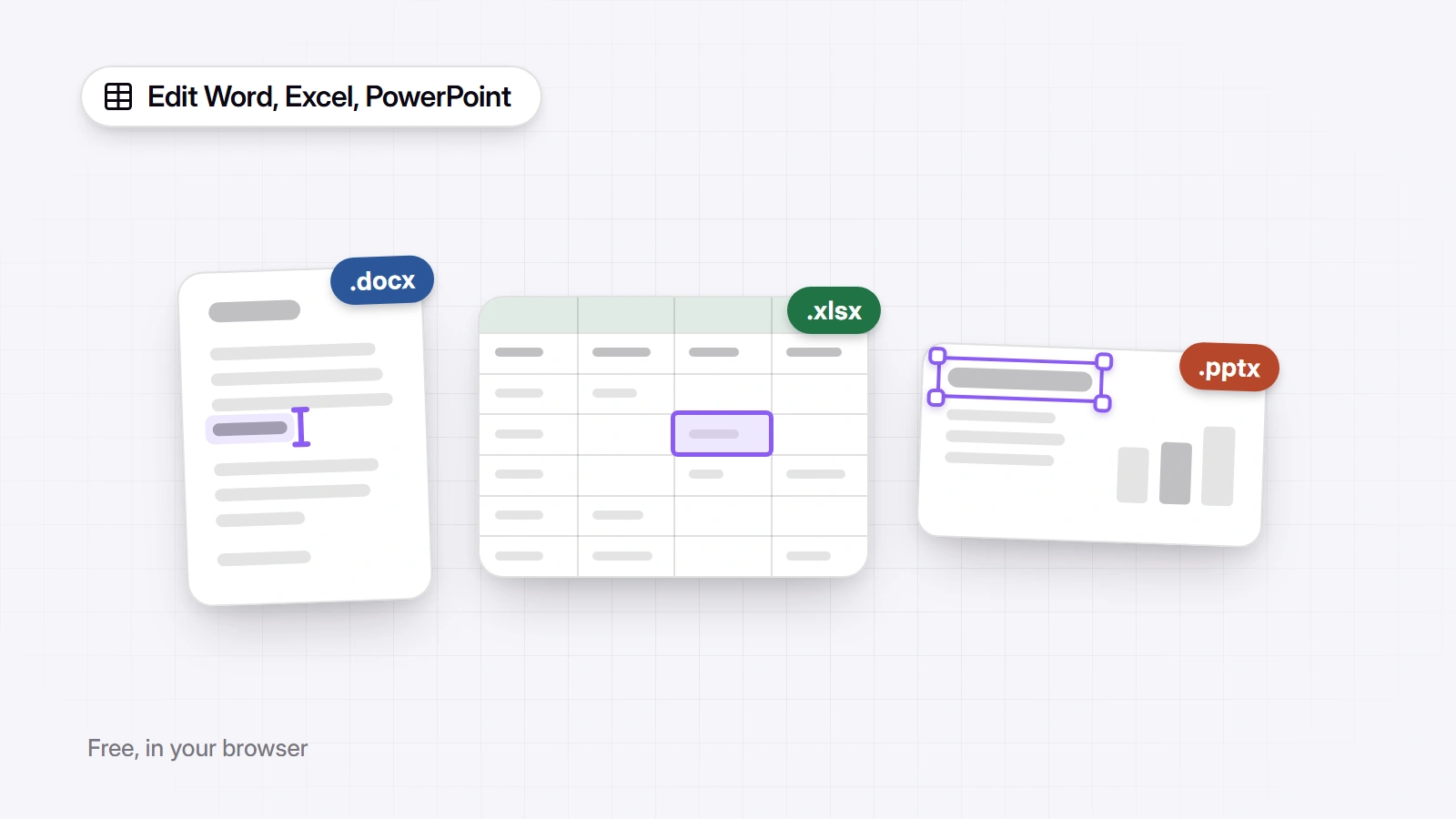
Drop a file on the page or press Choose a file. The editor that opens matches the file. New Word, New Excel and New PowerPoint on the first page start a blank one instead.
- Word opens .docx files and the .dotx template as a page you type on.
- Excel opens .xlsx files and the .xltx template as a grid with sheet tabs. A CSV or TSV file opens in the same grid.
- PowerPoint opens .pptx files, the .ppsx show and the .potx template as slides.
- Web pages and code open as HTML, SVG, Markdown, text, JSON, XML, YAML or a log. Each has a code view, and some have a second view such as a tree or a preview.
- Old files are .doc, .xls and .ppt, the formats of Office 97 to 2003. They are copied into a new .docx, .xlsx or .pptx first, and the old file is never written.
What does each editor offer?
Every editor has the same buttons at the top right: Ask AI, Share and Download. Download (Ctrl+S) saves your changes as a copy, and the arrow beside it, named More ways to download, lists other formats. Ask AI takes a request in plain words, changes the file on screen and leaves Ctrl+Z to take it back.
- Word has a ribbon with Home, Insert, Layout and View. Ctrl+K adds a link, a headings pane lists your headings, and a word count sits at the foot. Click in the top or bottom margin of a page to write a header or footer.
- Excel has Home, Insert, Page Layout, Formulas, Data, Review and View. AutoSum is on the Formulas tab. Shift+F3 opens Insert function, which searches every function by name. Select a block of cells and the foot of the window shows their Sum, Average and Count.
- PowerPoint has Home, Insert and Shape Format. A rail on the left lists your slides, notes sit under the slide, and Ctrl+F opens find and replace.
- Web pages and code show a Page or Code view, and the scripts in a page never run. JSON has Tree, Table, Code and Raw views and a Format button. XML has Tree, Table and Code, and Markdown has Preview and Code. A parse error jumps to the spot and offers Ask AI.
Which formats can I download?
The big Download button writes the same kind of file you opened. The arrow adds the rest of the 17 formats, and the list depends on what you opened. The menu rows read Download as, followed by the format.
| You opened | The arrow also offers |
|---|---|
| A Word file (.docx) | Word template, OpenDocument text, Rich Text Format, web page, Markdown, plain text |
| An Excel workbook (.xlsx) | Excel template, OpenDocument spreadsheet, CSV, tab-separated text, JSON, Markdown, web page |
| A CSV or TSV file | Excel workbook, the other of CSV and TSV, JSON, Markdown, web page |
| A PowerPoint file (.pptx) | PowerPoint show, PowerPoint template, OpenDocument presentation, web page, Markdown, plain text |
| A web page or code file | Nothing: Download only |
A worked example with team-budget.xlsx
Your team keeps a monthly budget in team-budget.xlsx. The rent in row 4 is out of date, and the total in B10 should add up the costs above it.
- Drop
team-budget.xlsxon the Edit Word, Excel and PowerPoint page. The workbook opens as a grid, with its sheet tabs along the foot. - Click cell B4, type
2400and press Enter. The cell takes the new rent, and Ctrl+Z would put the old one back. - Drag from B2 down to B9. The foot of the window shows the Sum, Average and Count of those cells, so you can check the numbers before you add them.
- Click B10. Open the Formulas tab and press AutoSum. It adds the numbers above the cell. Press Enter to keep the formula.
- Press Download. The edited workbook goes to your downloads, and
team-budget.xlsxitself is not changed. - Press the arrow beside Download and choose Download as CSV. You get the sheet on screen as comma-separated text, each cell as it shows.
Why did it not work?
- “This Word document is password-protected: open it in Word with its password.” Old files with a password are refused, and Excel and PowerPoint files get a matching message. Take the password off in Office, then drop the file again.
- “Excel 5.0 and 95 workbooks can't be shown. Save the file as .xlsx in Excel, or download it.” Word 6 and 95 files get a matching message. Save them in a newer format in Office first.
- A message that says a 97 to 2003 file “could not be read” means the file is damaged.
- “A macro workbook (.xlsm) is not edited here.” Save a copy as .xlsx in Excel first, because the editor would drop the macros.
- A cell will not take your typing and a note says “This cell names a column of the table.” A table's header cells are locked. Rename the column in Excel.
- “Minda does not read this file as code or data.” The file is not text, or it is a type the editor does not know.
- A message that starts “This file is” names a size over your limit. The limits below give the sizes.
What are the limits?
File size follows your account: 10 MB signed out, 20 MB signed in on the free plan, and 256 MB on the Files plan and Pro.
An old .doc keeps its text and tables but not its look. An old .xls keeps its cells and number formats but not its fonts or fills, and an old .ppt keeps the text of each slide but not the design.
A CSV or TSV file holds values only. Formulas, looks, merged cells and other sheets are not saved in it, so download it as an Excel workbook to keep them. A sheet with more than 500,000 cells shows only the first 500,000, and a note says so. Downloading keeps the rest.
Slides show charts, tables and groups as they are, and the editor does not change them. The Download menu has no PDF row for Office files. A PDF opens in Edit PDF instead.
Is my file uploaded?
No. The editors run in your browser, and your file is not sent to a server. Ask AI is the exception: it sends what you ask, and the text of the file it needs, to Minda AI.
Share hands the file to your device's own share sheet, and only when you press it.
Limits
- An old .doc, .xls or .ppt becomes a new file that keeps its text, cells or slides but not its look.
- A CSV or TSV file keeps values only, with no formulas or looks.
- Charts, tables and groups on slides show as they are and cannot be changed.
- Office files do not download as PDF from this editor.
Questions
Can I open an old .doc, .xls or .ppt file?
Yes, from Office 97 to 2003. The editor copies it into a new .docx, .xlsx or .pptx and opens that. The old file is never written, and a password or damage stops it with a message.
Can I start a blank file?
Yes. New Word, New Excel and New PowerPoint on the first page each start a blank file in the editor.
Can I download a Word file as PDF?
Not from this editor. The Download arrow lists Word, OpenDocument, Rich Text Format, web page, Markdown and plain text formats, and a PDF is not among them.
Will my formulas survive a CSV download?
No. A CSV holds each cell as it shows, so a formula becomes its result. Download as an Excel workbook to keep the formulas.
Does the file I opened change?
No. Download writes a copy with your changes, and the original stays as it was.