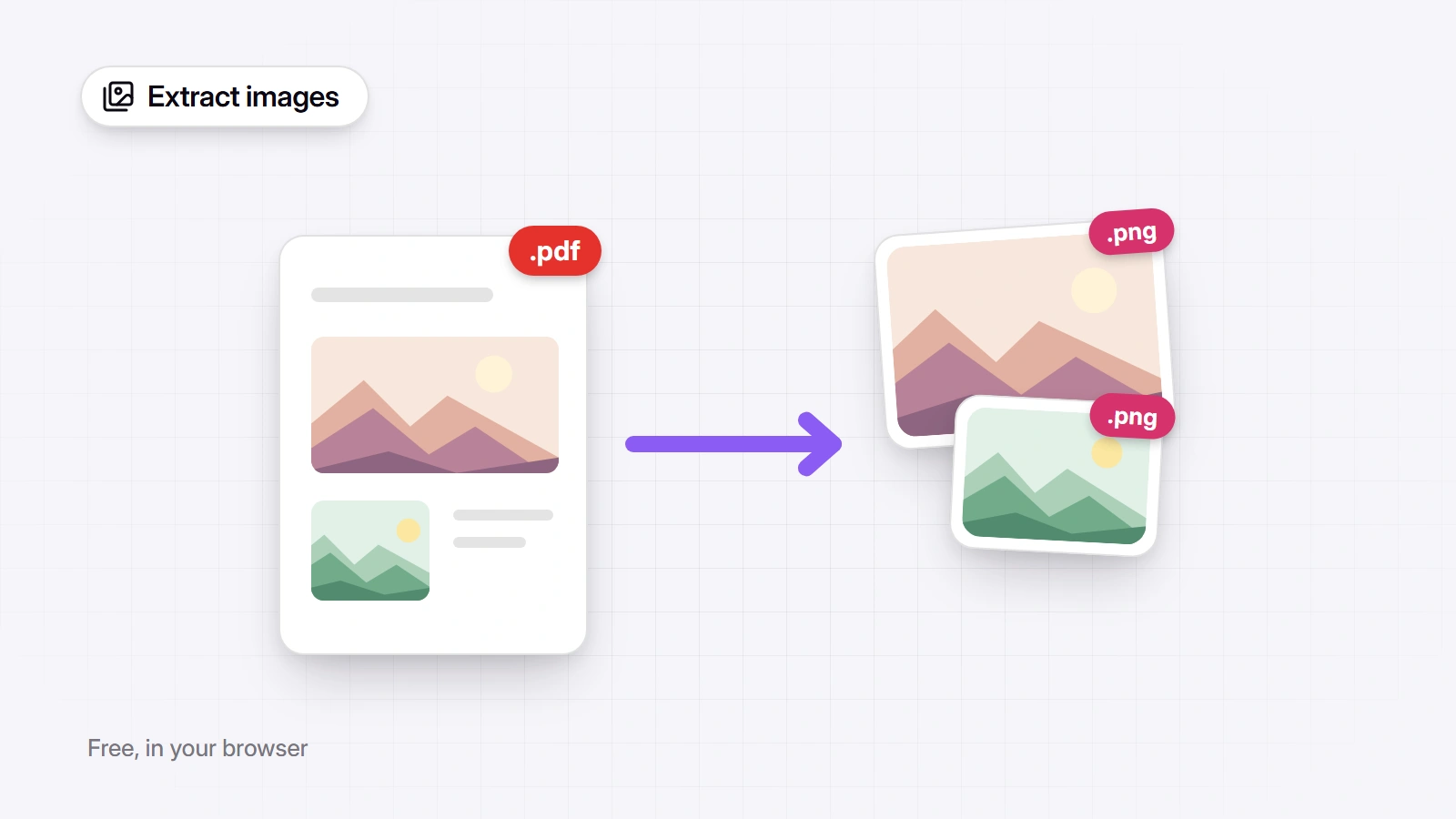
What does Extract images take out of a PDF?
A PDF keeps each photo, logo or scanned page as a picture object, stored at its own width and height in pixels. The page then shows that picture at some size, often smaller or larger than it is stored.
Extract images reads each picture object and saves it as a file, pixel for pixel as the PDF stores it. It is not a screenshot of the page, so the words and lines drawn over a picture do not come with it.
What does each option do?
- Picture format: PNG keeps every pixel and any see-through parts, and makes bigger files. JPG makes smaller files, and lays a see-through picture on white.
- Keep full-page pictures: on when the page opens. A picture that fills a page, such as each page of a scan, is saved too. Turn it off to save only the smaller pictures.
How are the pictures named?
Each file says the page it comes from and its place on that page, in the order the page draws them. The second picture on page 3 of report.pdf is report p3 picture 2.png.
One picture comes as a file of its own. Several come in one ZIP named after the PDF, such as report pictures.zip. A logo shown on every page is saved once, the first time it appears, and the note under the result says how many repeats were left out.
A worked example with brochure.pdf
Take brochure.pdf, a 4-page leaflet with photos, a logo on every page and a scanned order form at the end.
- Open Extract images and drop
brochure.pdfon it. The file card shows its 4 pages and size. - Leave Picture format on PNG and Keep full-page pictures on.
- Press Extract images. The page says Your file is ready.
- Read the note, such as 7 pictures from 4 pages in a ZIP, each at the size the PDF stores it, and that the logo shown again was saved once.
- Press Download ZIP and open
brochure pictures.zip. The scanned form isbrochure p4 picture 1.png. - For smaller files to send by mail, run it again with JPG.
What does not count as a picture?
| On the page | Saved? |
|---|---|
| A photo, a logo or a scanned page | Yes, at the size the PDF stores it |
| A chart or drawing made of lines and shapes | No, it is not a picture object |
| Text, even in a fancy font | No |
| A one-colour stencil, such as some icons | No |
| A picture inside a form field or a comment | No, only pictures drawn on the page |
Why did it not work?
| What you see | Why | What to do |
|---|---|---|
| The PDF has no pictures to extract. | Its pages are text and drawings made of lines. | Use PDF to JPG to save the whole pages as pictures. |
| The PDF has no pictures smaller than its pages. | Keep full-page pictures is off and every picture fills a page. | Turn on Keep full-page pictures to save the pages of a scan. |
| The pictures would be over 256 MB together. | The PDF holds more picture data than a browser page holds. | Choose JPG, or split the PDF and run each part. |
| This PDF needs its password to open. | The PDF is locked with a password. | Take the password off with Unlock PDF, then run it on the copy. |
What are the limits?
Extract images takes one PDF or several at once, each read on its own, up to 2,000 pages each. File size depends on your account: 10 MB signed out, 20 MB signed in on the free plan, and 256 MB on the Files plan and Pro.
The pictures of one run can be up to 256 MB together. A picture wider or taller than a browser page can hold is left out, and the note says how many.
Is my file uploaded?
No. Extract images reads the PDF in your browser and makes the pictures there. Nothing is sent to a server, and no account is needed.
Limits
- Charts and drawings made of lines are not pictures, so they are not saved. PDF to JPG saves whole pages.
- A picture comes out as the PDF stores it. A crop or a turn the page gives it is not applied.
- One-colour stencils and pictures inside form fields or comments are left out.
Questions
How do I save the images from a PDF?
Drop the PDF on Extract images, pick PNG or JPG and press Extract images. You download the picture, or a ZIP of them all, named by page.
Are the images extracted at full quality?
Yes. Each picture comes out at the pixels the PDF stores it in. PNG keeps every pixel, and JPG makes smaller files.
Can I get the pages of a scanned PDF as pictures?
Yes. The pages of a scan are full-page pictures, and Extract images keeps them unless you turn off Keep full-page pictures.
Why is a chart missing from the pictures?
A chart drawn with lines and shapes is not a picture object in the PDF. Save its page with PDF to JPG instead.