What does Clean PDF do to the file?
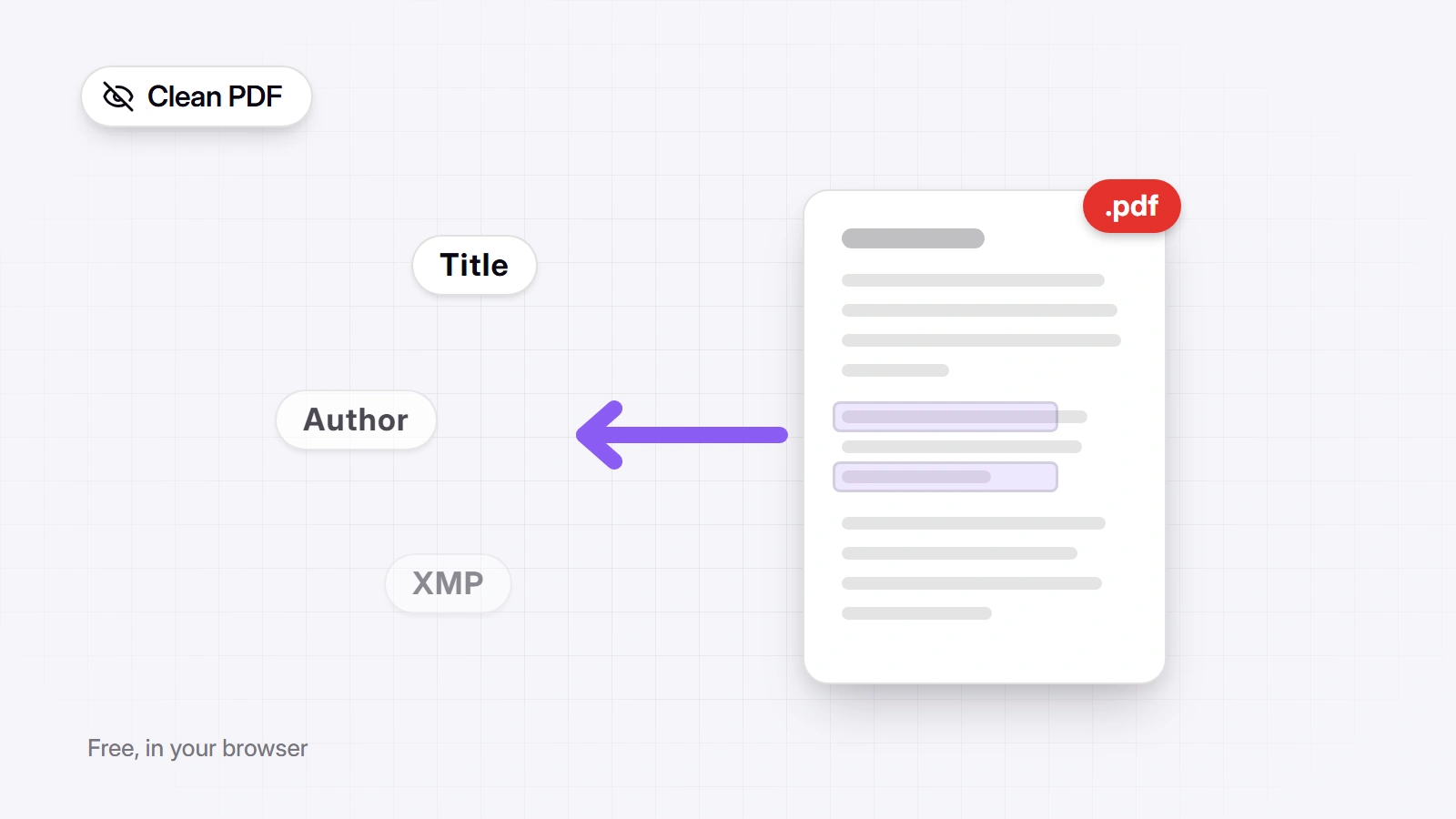
A PDF carries more than its pages. Its properties name a title, an author, the program that made it and the dates it was made and changed. Many files also hold the same facts again as XMP metadata, which search tools and photo apps read.
A PDF form keeps what was typed as fields, and comments sit on top of the page where anyone can change or delete them. Clean PDF writes the file again without the metadata, and draws each field and comment into the page as it looks. The copy is written whole, so older saved versions of the properties inside the file go too.
What does each option do?
Clean PDF has two switches, both on when the page opens. One of them always stays on, since a run with both off would change nothing.
- Remove metadata: takes out the title, author, subject, keywords, the creator and producer programs, the dates it was made and changed, and the XMP metadata.
- Flatten form fields and comments: draws each field and comment into the page as it shows, then takes the field or comment away, so its value can no longer be changed.
What does Clean PDF leave as it is?
| Part of the PDF | After Clean PDF |
|---|---|
| The words, pictures and drawings on each page | Kept as they are |
| Text hidden under a picture or in white | Kept, since it is part of the page |
| A field or comment with no look of its own | Left as it is, and named in the result |
| Links and bookmarks | Kept |
| A digital signature | Kept in the file but no longer valid |
A worked example with offer-letter.pdf
Take offer-letter.pdf, a filled form with a reviewer’s comment, that goes to a candidate who should see the values but not the draft history.
- Open Clean PDF and drop
offer-letter.pdfon it. The file card shows its page count and size. - Leave Remove metadata and Flatten form fields and comments on.
- Read the line under the button: Makes a copy that removes the metadata and draws the form fields and comments into the page.
- Press Clean PDF. The page says Your file is ready.
- Read the note. It lists what went, such as the title, author and producer, and how many fields and comments were flattened.
- If a field had no look of its own, the note names it. Open the file in Edit & sign, type the value again and clean the copy once more.
- Press Download PDF. The file is named
offer-letter (cleaned).pdf.
Why did it not work?
| What you see | Why | What to do |
|---|---|---|
| Nothing to clean: both the metadata and flatten are off. | Both switches were turned off, for example by Ask AI. | Turn on Remove metadata, Flatten, or both. |
| This PDF needs its password to open. | The PDF is locked with a password. | Take the password off with Unlock PDF, then clean the copy it makes. |
| A field is left as it is with no appearance to draw. | The field holds a value but no picture of it, so there is nothing to draw. | Open the PDF in Edit & sign, fill the field again and clean that copy. |
| A message that the PDF may be damaged. | Part of the file cannot be read. | Open it, print it to a new PDF and clean that copy. |
What happens to a signed PDF?
A digital signature covers the exact bytes of the file. Clean PDF writes the file again, so a signature in it no longer verifies, and the note says so when the PDF was signed.
Clean the PDF before it is signed, or send the signed file as it is. The drawn signature on the page stays visible either way.
What are the limits?
Clean PDF takes one PDF or several at once, each cleaned on its own with the same switches, up to 2,000 pages each. File size depends on your account: 10 MB signed out, 20 MB signed in on the free plan, and 256 MB on the Files plan and Pro.
It reads PDFs that open with no password. A Word, Excel or PowerPoint file or a picture is not a PDF, so it does not go through this tool.
Is my file uploaded?
No. Clean PDF works on the file in your browser. The PDF is not sent to a server, and no account is needed.
Limits
- It does not remove hidden text or anything drawn on the page. Redact PDF does that.
- A field or comment with no look of its own is left as it is, and the result names it.
- A digital signature in the file no longer verifies once it is cleaned.
- It cleans PDFs that open with no password. Take a password off with Unlock PDF first.
Questions
How do I remove the author from a PDF?
Drop the PDF on Clean PDF, keep Remove metadata on and press Clean PDF. The copy has no author, title, programs or dates in its properties, and no XMP metadata.
What does flattening a PDF do?
It draws each form field and comment into the page as it looks, then removes the field or comment. The values stay visible but can no longer be changed or deleted one by one.
Does Clean PDF remove hidden text?
No. It removes the metadata and the form and comment layers. Words on the page stay, hidden or not. Use Redact PDF to take words out for good.
Can I keep the form fillable and still remove the metadata?
Yes. Turn Flatten off and leave Remove metadata on. The fields stay fillable and the properties are emptied.