What does each option do?
Organize pages has three ways to say one thing: the board of page pictures, the Pages in their new order field and the Pages to turn list. They stay linked. Moving a page on the board rewrites the field, and typing in the field redraws the board.
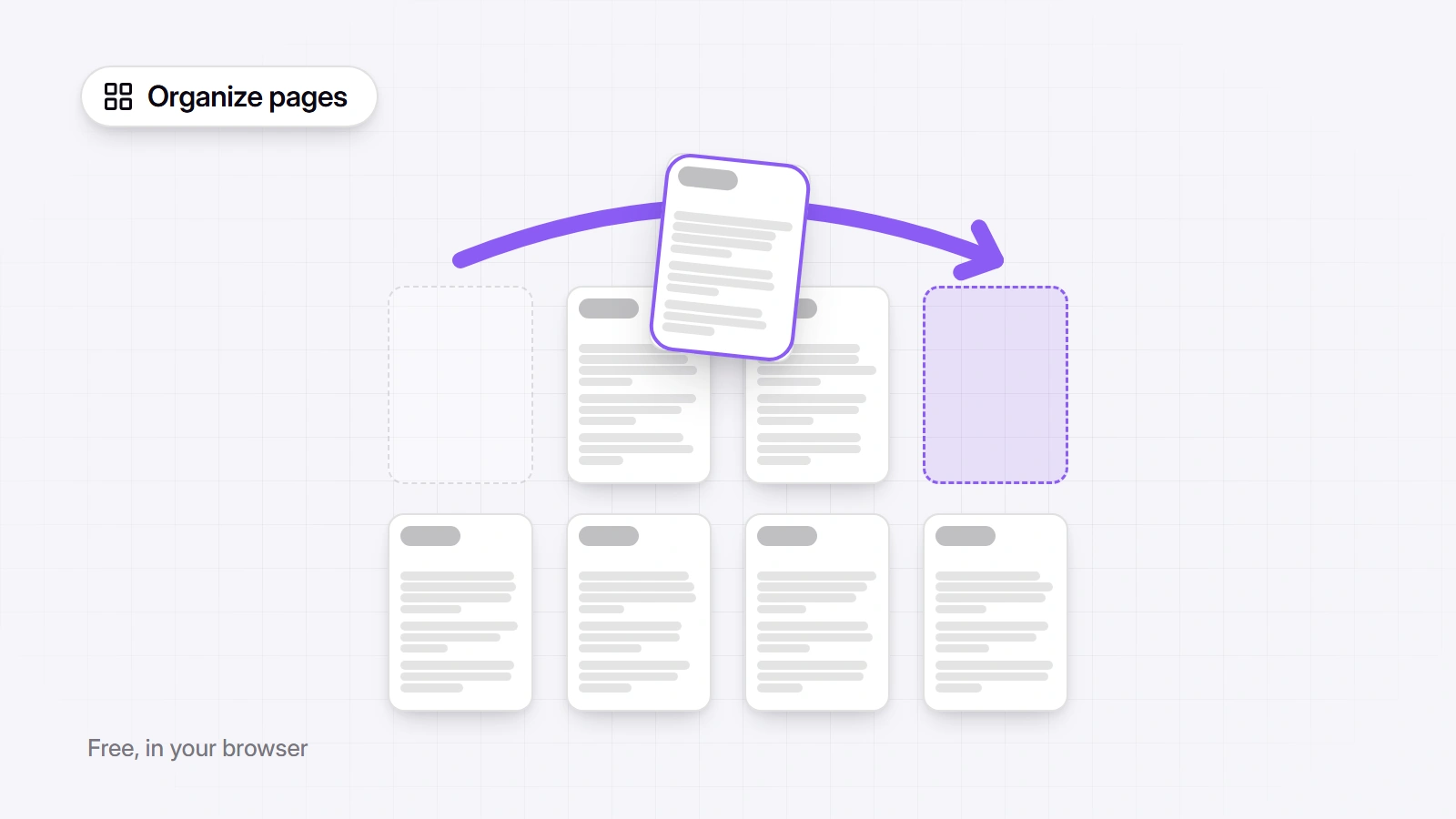
- The board shows every page as a small picture with its number. Drag one onto another to move it. The arrow button turns a page clockwise, a quarter more with each press.
- The X under a page takes it out. The page moves to the end of the board, dimmed, with a Put back button that returns it to its old place.
- Pages in their new order lists the pages that stay, in the order you want. A page left out is deleted, and an empty field keeps every page where it is.
- Pages to turn holds one row for each group of pages. Press Add a turn, type the pages, such as
2, 4-5, and choose A quarter, clockwise, Upside down or A quarter, anticlockwise. - The board shows page pictures for a PDF of up to 200 pages. A longer PDF shows a note, and you work with the two fields.
- The last page left on the board cannot be taken out, because a PDF keeps at least one page.
How do the typed order and the turns fit together?
The order field names the pages that stay, in their new places, so 3, 1-2 puts page 3 first. The turns always name pages by their number in the original PDF, wherever those pages end up.
Turns on the same page add up. If two rows both name page 4 and each turns a quarter clockwise, the page ends up upside down.
- A page can be listed once.
1, 1is refused with “Page 1 is in the new order twice,” so you cannot copy a page here. - A range cannot run backwards.
5-3is refused, so reverse a stretch by listing the pages one at a time or by dragging them. - A page you turn must also stay. Turning page 6 while leaving it out of the order gives “Page 6 is to be turned but it is not in the new order.”
A worked example
handbook-draft.pdf has 12 pages. Page 12 is a signature block that belongs right after the cover, page 7 is blank and page 4 was scanned sideways.
- Drop handbook-draft.pdf on the page. The board fills with 12 page pictures, and the line beside the button asks you to drag, turn or take out pages.
- Drag page 12 onto page 2. It takes that place, and Pages in their new order now reads
1,12,2-11. - Press the X under page 7. It moves to the end of the board, and the field becomes
1,12,2-6,8-11. - Press the turn arrow under page 4 once. Pages to turn gets one row: page 4, A quarter, clockwise.
- The line beside the button reads “Keeps 11 of 12 pages, in a new order, turns 1 page.” Press Organize pages.
- Download handbook-draft (organized).pdf.
What does the new PDF keep?
The new PDF is written again from the pages you keep, so a page you took out is not hidden inside it. A page you turn is turned by its rotation setting, which leaves its text and pictures as they were. Your original file is not touched.
Why did it not work?
- “Drag, turn or take out pages, or type their new order.” Nothing has changed yet, so the button waits. Move, turn or remove a page.
- “Nothing changes: the pages stay as they are.” The order you typed is the one the PDF already has, and no page is turned.
- “The file has 12 pages: ‘13’ is outside it.” Use page numbers from 1 up to the count on the file row.
- “Page 3 is in the new order twice.” List each page once.
- “No pages were named to turn.” An added turn row has an empty pages field. Fill it in or remove the row with its X.
- The board says the order or the turns have a problem. The same problem shows beside the button. Fix the field and the board redraws.
- The page came out turned the wrong way. Turns go clockwise. Choose A quarter, anticlockwise for the other direction.
- The file needs its password to open. Take it off with Unlock PDF and organize the unlocked copy.
What are the size and page limits?
One run takes one PDF of up to 2,000 pages and up to 100 turns. The file size you can open depends on your account: 10 MB signed out, 20 MB signed in on the free plan, 256 MB on the Files plan and Pro.
Is my file uploaded?
No. The page pictures on the board are drawn by your browser from the file on your computer, and the new PDF is written there too. Nothing is sent to a server. Ask AI is the one exception, and only if you use it. It sends your question and the file text it needs to Minda AI.
Limits
- It cannot copy a page or put the same page in twice.
- It works on one PDF. To bring pages from two PDFs together, merge them first.
- It does not change what is on a page, only where the page sits and how it is turned.
Questions
How do I move a page to the front of a PDF?
Drag its picture onto the first page on the board, or type the order, for example 5, 1-4, 6-. Then press Organize pages and download the new PDF.
Can I reverse the order of a PDF?
Yes, but not with a backwards range. Drag the pages on the board or list them one by one, such as 4, 3, 2, 1. A range written as 4-1 is refused.
Do the numbers on the board change when I move a page?
No. The board always shows each page’s number in the original PDF, so a page you dragged keeps its old number. The field Pages in their new order lists the pages in their new order.
Does organizing change my original file?
No. The result is a new PDF named after yours with “(organized)” added, and your file stays as it was.