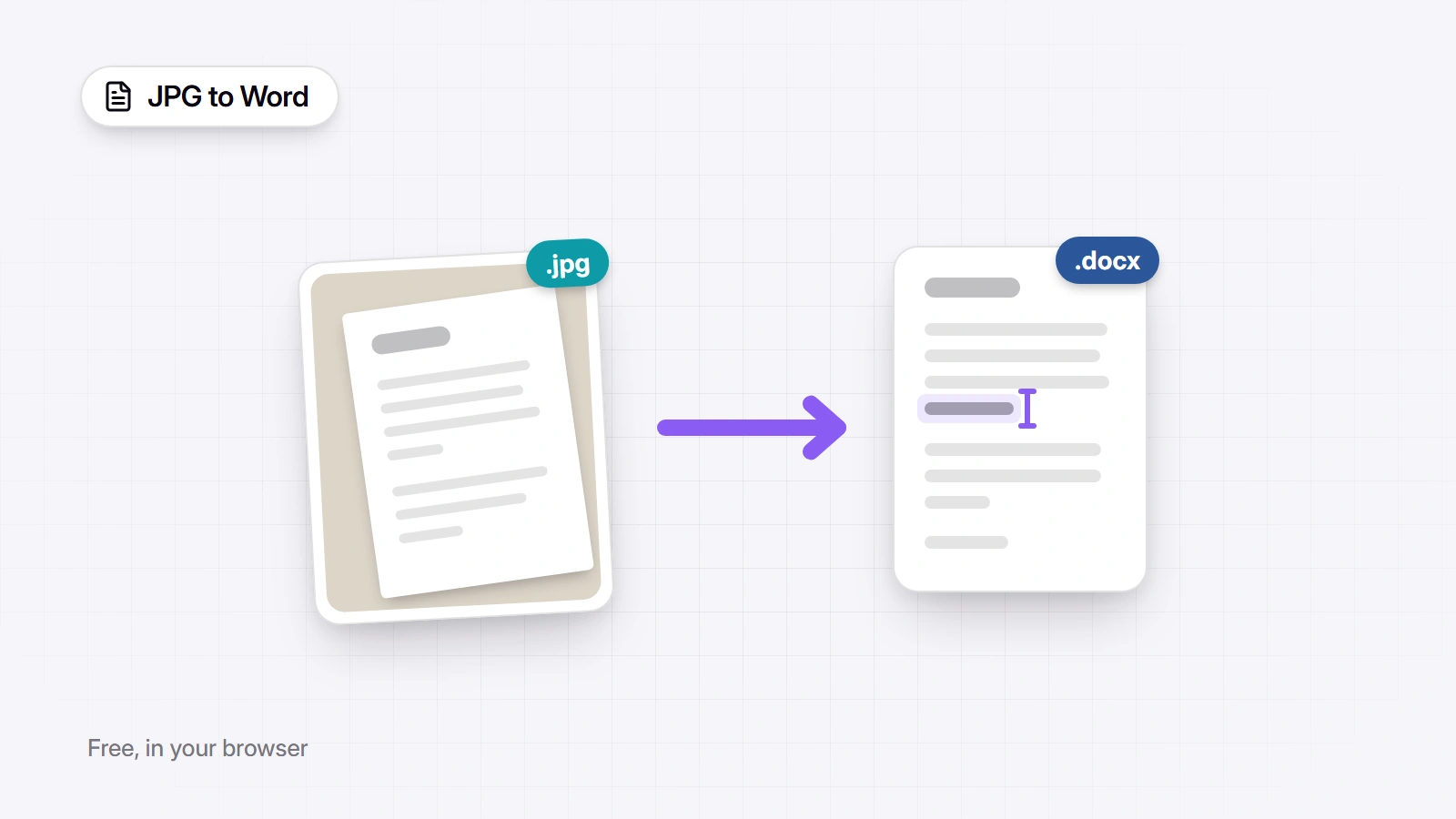
Can you convert a JPG to Word?
Yes, in two steps rather than one. A JPG is a picture of a page, so the words in it are pixels, and Word needs characters. JPG to PDF puts the picture on a PDF page. OCR PDF then reads the words off that page and writes a Word document.
OCR PDF takes PDFs only, which is why the picture has to become a PDF first. The same two steps work for a PNG, a WebP, a GIF or a BMP, and for a screenshot saved as one of those.
How do I turn a JPG into Word, step by step?
- Open JPG to PDF and drop the picture. For a document that runs over several pictures, drop them all and drag them into reading order.
- Under Page size, choose Picture size.
- Press Convert to PDF. It makes one PDF with a page for each picture.
- Press Continue with, then choose OCR PDF. Its page opens with the new PDF already on it. You can also download it and drop it there yourself.
- Under Make, choose Word, and under Language, the language the words are written in.
- Press Convert to Word, then download the DOCX and read it against the picture.
Which page size and language should I choose?
For a photo of a page, choose Picture size. The page then keeps the picture's own pixels, unless the picture is enormous. Letter and A4 set each picture on a paper page with a margin and shrink a large one to fit, and small print loses detail when it is shrunk. A small picture is never blown up on paper, so it just sits small on the page.
OCR PDF reads one language per run. English is first on the list, and 20 languages are available, among them Spanish, French, German, Japanese, Korean, Chinese in both scripts, Arabic and Hindi. Pick the language of most of the words on the picture.
What does the Word file contain?
The words, in reading order, as headings and paragraphs. OCR PDF reads a picture as blocks of words. A block becomes a heading when its lines are clearly taller than the body text, or when it is a short bold line on its own.
The layout of tables and the pictures inside your JPG are not kept in the Word file. With several pictures, the words of each page follow one another in a single document. The OCR PDF guide lists every option, including the searchable PDF that keeps the page looking as it did.
Why did it find no words, or the wrong ones?
When nothing is found, OCR PDF says so and asks you to check that the pages show printed or typed words, upright and sharp, in the language you chose. Each of those is something you can fix before the next run.
- Upright: turn a sideways photo with Edit a picture before you make the PDF.
- Sharp: a blurred or tiny picture gives the reader too little to work from, so retake it closer and in better light.
- The right language: choose it under Language before you press Convert to Word.
What are the limits, and is the picture uploaded?
JPG to PDF takes up to 50 pictures in a run. Each file must open within your plan's size: 10 MB signed out, 20 MB signed in on the free plan, and 256 MB on the Files plan and Pro. OCR PDF takes up to 2,000 pages in a run.
Nothing is uploaded. The PDF is made in your browser, and OCR PDF reads it there with no AI and no account. The first read of a language downloads that language's data once, and the download comes from Minda Files.
Limits
- OCR PDF takes PDFs only, so a picture needs the JPG to PDF step first.
- The Word file keeps the words, headings and paragraphs, not the layout of tables or the pictures in the JPG.
- The words are only as exact as the picture is sharp and upright, in the one language you choose.
- JPG to PDF takes up to 50 pictures per run. Files open up to 10 MB signed out, 20 MB signed in on the free plan, and 256 MB on the Files plan and Pro.
Questions
Can I convert a screenshot or a PNG to Word the same way?
Yes. JPG to PDF takes PNG, JPG, WebP, GIF and BMP pictures. Turn the screenshot into a PDF, then read it with OCR PDF and choose Word.
Can I turn several JPGs into one Word document?
Yes. Drop them together on JPG to PDF, put them in order and convert. OCR PDF then writes the words of every page into one Word document, one page after another.
Why does OCR PDF not take a JPG directly?
OCR PDF opens a PDF and reads the pages that are pictures. JPG to PDF turns your picture into such a page, so the extra step takes one more press.
Do I need an account to convert JPG to Word?
No. Both tools are free with no account, and the picture is read in your browser. Signed out, files open up to 10 MB, and signing in, free, raises that to 20 MB.