How do I combine PDF files into one?
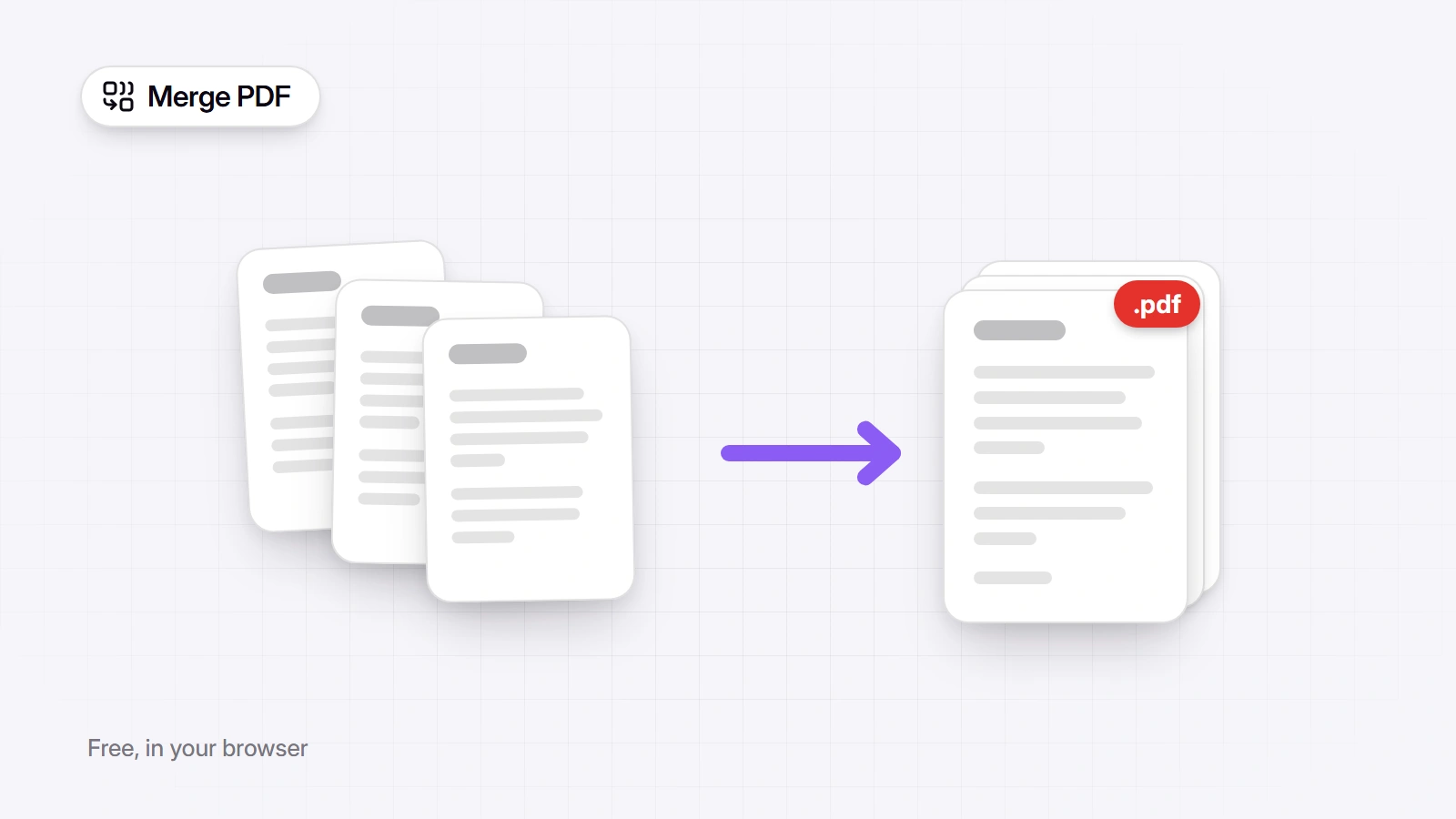
Merge PDF joins the pages of every file you give it into one PDF, in the order the files sit on the page. The joining happens in your browser, on your own computer.
- Open Merge PDF and drop your PDFs on the page, or press Choose files. You can pick several at once.
- Look at the card that appears. It lists each file with its page count and size, and a line beside the button says what the merge will do, such as joining 3 PDFs into one, in this order.
- Drag the files into order, or press the up and down arrows beside a name.
- Press Merge PDFs, then press Download PDF to save merged.pdf.
How do I merge just two PDF files?
Drop both and press Merge PDFs. Two is the smallest merge: with one file on the page the button stays off, and a line asks you to add another PDF. The file at the top of the list comes first in merged.pdf, and all its pages run before the second file begins. To put the second one in front, press the down arrow beside the first.
Sometimes you want only some pages of a file. Take them out with Split PDF first: choose Pick pages, type the page numbers and download the new PDF. Then merge that small file with the other one.
How do I put the files in the right order?
The order on the page is the order in the result, and you can change it until the merge starts. Drag a row to a new place, or use the arrows beside the name. Both are switched off while a merge runs.
If you spot a wrong order afterwards, drop merged.pdf on Organize pages, drag a page to where it belongs, and download the corrected file. The Merge PDF guide walks through each control on the page.
What does the combined PDF keep?
Most of what makes a PDF useful survives the join. The result's note repeats the list below after the page count of the new file.
- Kept: pages, links, bookmarks, form fields, layers and attachments.
- Not kept: tags for screen readers and page labels.
- Does not verify any more: a digital signature inside one of the files.
What if a file is locked, a picture or a Word document?
A PDF that asks for a password to open is named before anything is joined, and its row says it needs its password. Take the password off with Unlock PDF, then merge the unlocked copy. A PDF that opens but forbids copying or changes merges as usual.
Merge PDF takes PDFs only. Turn pictures into a PDF with JPG to PDF, which makes a page of each, then merge that file with the rest. For Word, Excel and PowerPoint files, Minda Files lists a tool as Soon, so for now save them as PDF from the program you made them in.
Does it work on a Mac or a Windows PC?
Yes, and the steps are the same. Merge PDF runs in the browser, so a Mac and a Windows PC follow one set of instructions, and nothing is installed on either. Drag the PDFs in from Finder or File Explorer, or press Choose files and pick them in the dialog.
What are the limits, and are my PDFs uploaded?
One run takes up to 50 files and 2,000 pages between them. Go past the page limit and the message suggests merging fewer files, or merging them in two steps. Each file must open within your plan's size: 10 MB signed out, 20 MB signed in on the free plan, and 256 MB on the Files plan and Pro.
Merge PDF only joins pages. If the result is too big to email, run it through Compress PDF, which shrinks the pictures inside.
Nothing is uploaded. The merge happens in your browser, and merged.pdf is written on your computer. Only Ask AI sends anything to a server, and only the text it needs to answer you.
Limits
- One run takes up to 50 files and 2,000 pages in all, and Merge PDF accepts PDFs only.
- A PDF that asks for a password to open must go through Unlock PDF before it can be merged.
- Tags for screen readers and page labels are not kept, and a digital signature in a file no longer verifies.
- Files open up to 10 MB signed out, 20 MB signed in on the free plan, and 256 MB on the Files plan and Pro.
Questions
Can I combine PDF files for free?
Yes. Merge PDF is free and needs no account. Signed out, files open up to 10 MB, and signing in, free, raises that to 20 MB.
How many PDFs can I merge at once?
From two up to 50 files, with 2,000 pages between them, in one run.
Can I merge a PDF that has a password?
One that only forbids copying or changes merges as usual. One that asks for a password to open is named before anything is joined: take the password off with Unlock PDF first, then merge it.
Does merging change my original files?
No. Minda Files writes a new file called merged.pdf and leaves the PDFs you dropped as they are on your computer.
Can I rearrange the pages after merging?
Yes. Drop merged.pdf on Organize pages, drag the pages into a new order, turn them or take them out, then download the new PDF.